Inspiring
August 19, 2024
Question

Can't get out of Channel view

  • August 19, 2024
  • 4 replies
  • 442 views

Hello everyone.


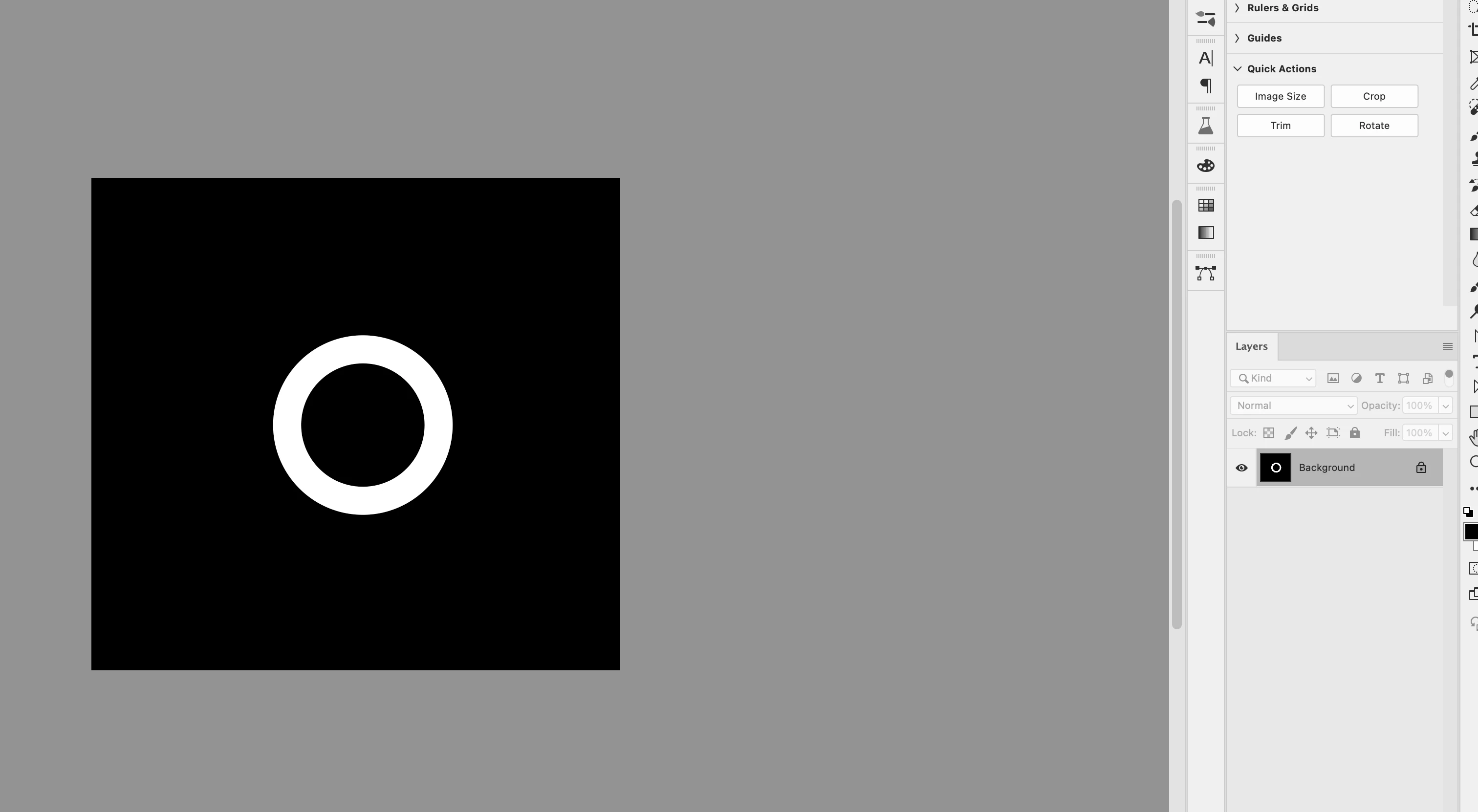
I can't get out of my channel view, for some reason. I was saving some selections, then I went to open the channels pane, and my main artwork isn't showing up anywhere. - only the channels.

 

This topic has been closed for replies.

4 replies

Inspiring
August 19, 2024

Thanks everyone. So here's the channels panel. No RGB channel - just these three

D Fosse
Community Expert
Community Expert
August 19, 2024

Huh. It almost looks like you've deleted the color channels. What image mode is the file in? RGB? Multichannel?

Inspiring
August 19, 2024

And BTW: I closed the file earlier, thinking a reboot would help, so I can't go back in the history

D Fosse
Community Expert
Community Expert
August 19, 2024

Click the RGB channel in the panel.

davescm
Community Expert
Community Expert
August 19, 2024

Looking at your layers panel, that is your main (and only) artwork layer.

Try stepping back in history and see where it changed

Dave

Semaphoric
Community Expert
Community Expert
August 19, 2024

Could you post a screen shot including the Channels panel?