Known Participant
April 7, 2017
Answered

Can't get past the new "open/new" screen

  • April 7, 2017
  • 1 reply
  • 1052 views

I'm also unable to open any image when I right click, "open in photoshop" with an error.

This is after I did the new download of the 2017 version of photoshop.

I can't do anything past the error, or the new "open/new" option in the new version.

Please advise.

Thanks,

-Michael

    This topic has been closed for replies.
    Correct answer SG...

    Steve,

    I did that. It got rid of the the Start workplace screen. But, I'm still unable to open an image or start a new blank document. Nothing happens on either command.

    Hi,

    I kicked up a Win7 SP1 machine here and I can create new documents on it. I don't see anything obvious from your system info, either. The video card driver does seems at bit old, so you may want to update that and see it if makes any difference. (Drivers | GeForce )

    Another thing to try: 1) Quit Ps

    2) Go to C:\Users\user_name\AppData\Roaming\Adobe\Adobe Photoshop CC 2017\Adobe Photoshop CC 2017 Settings and move that directory and its contents to your desktop

    3) relaunch Ps

    Maybe something in those prefs. is not quite right.

    regards,

    steve

    1 reply

    SG...
    Adobe Employee
    Adobe Employee
    April 7, 2017

    Hi,

    Can you post a screen capture of the error? And what OS version are you using? Did you have the previous Ps CC 2017.0.1 version working, or were you using Ps CC 2015.5?

    regards,

    steve

    AUVPMJHAuthor
    Known Participant
    April 7, 2017

    Steve,

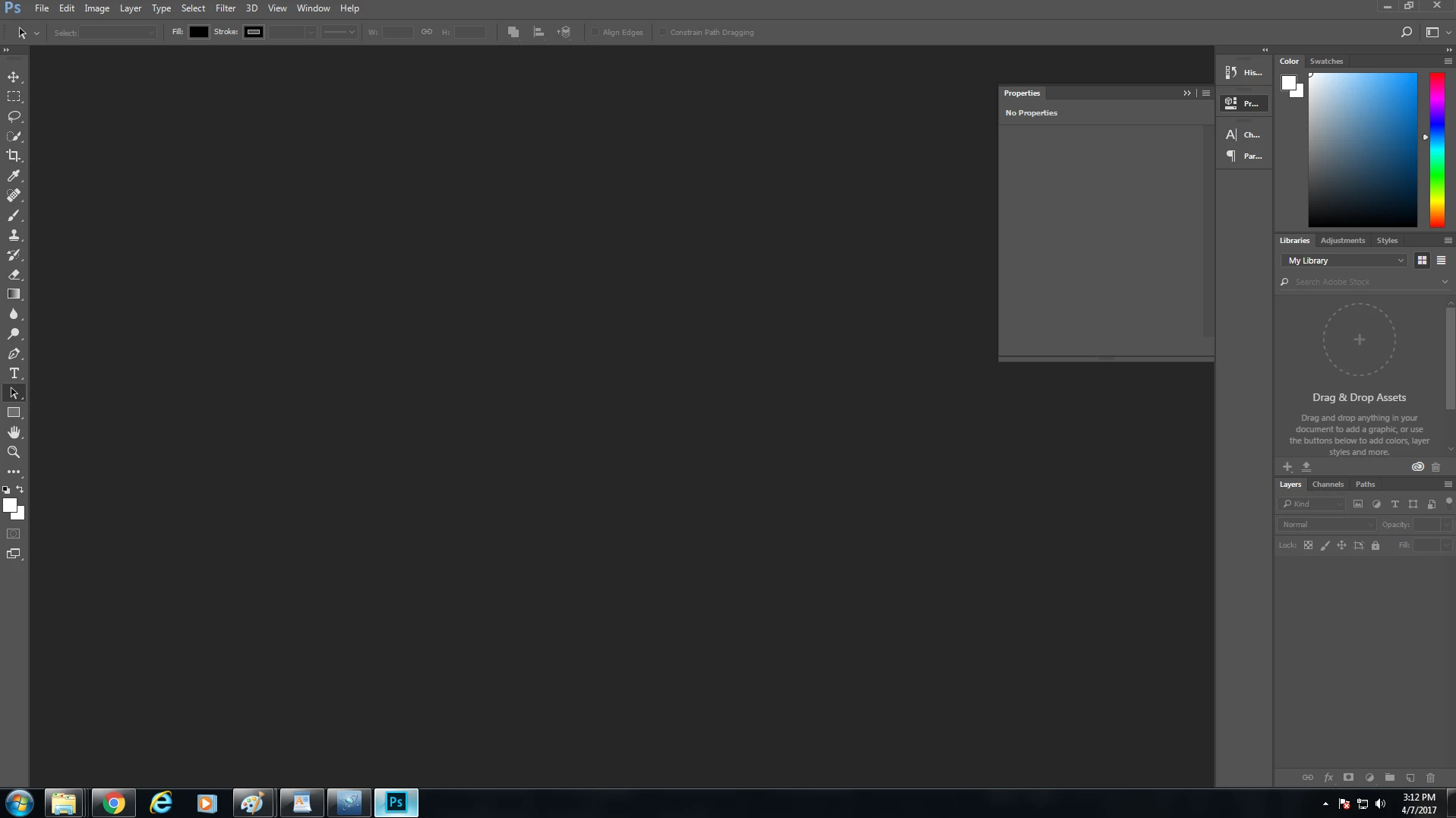
    I was unable to duplicate the error message. I'm only able to view this screen I've attached either by opening it, or by opening an image "open in photoshop". It has about a half second delay like it's wanting to go to the image chosen only to return to this screen.

    I believe I was using the 2015 version prior. I just uploaded the newest 2017 version today.

    Thanks,

    Michael

    SG...
    Adobe Employee
    Adobe Employee
    April 7, 2017

    Hi Michael,

    Can you go to Help> System Info... and copy paste the text from that dialog into a reply?

    Also, try going to Edit> Preferences> General and turning on the option to 'Use Legacy "New Document" Interface (fourth option down on the left side). Click OK, then see if you get the familiar New dialog to display and work.

    thx,

    steve