Known Participant
January 1, 2017
Answered

Can't get rid of TRANSFORM box when on MOVE tool

  • January 1, 2017
  • 5 replies
  • 12888 views

This is something that JUST started the past 2x I've opened up Photoshop CC. I have used PS for YEARS, and never had this, so not sure if it's an update or a setting I turned on, and if the latter, HOW DO I TURN IT OFF? haha

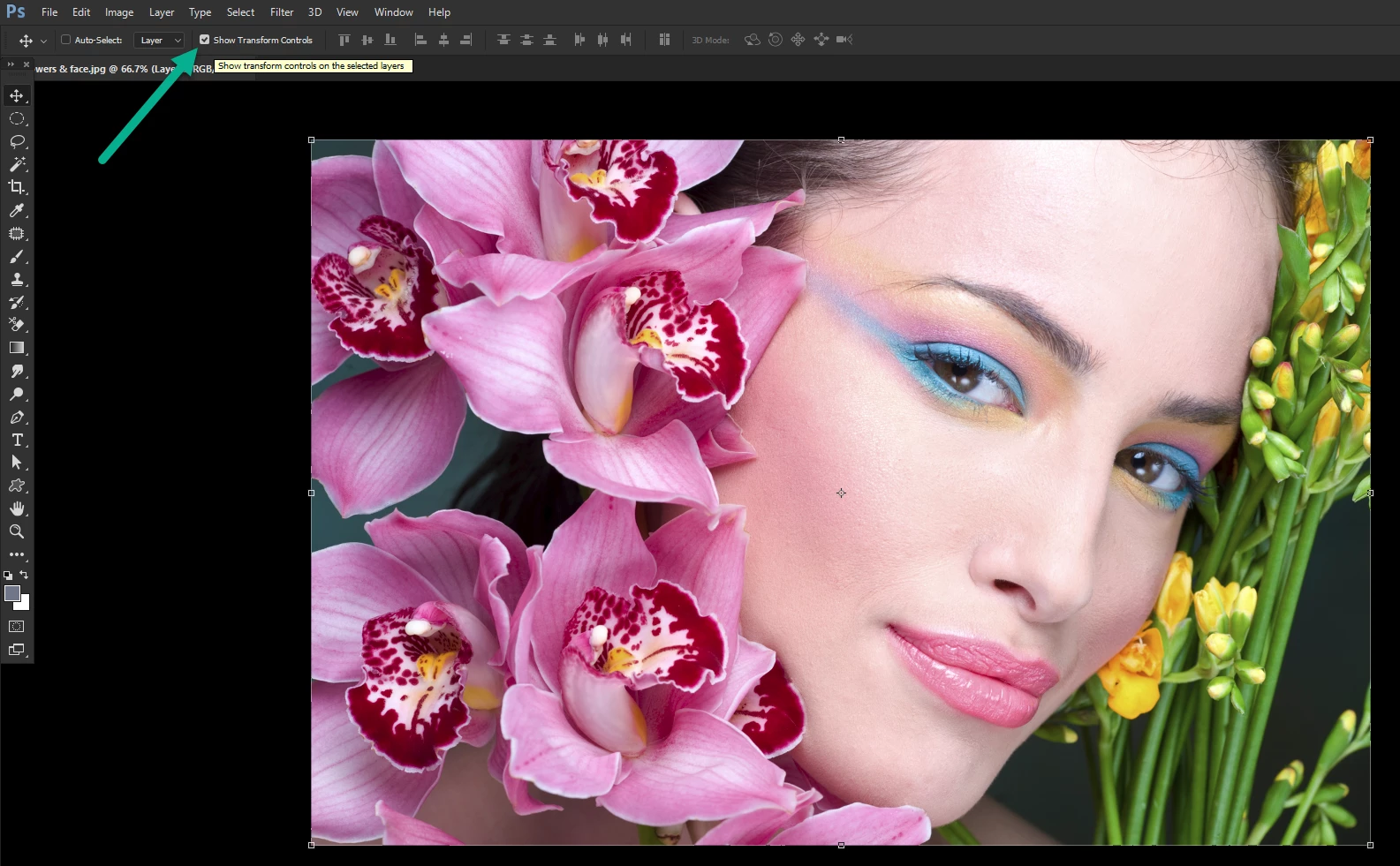
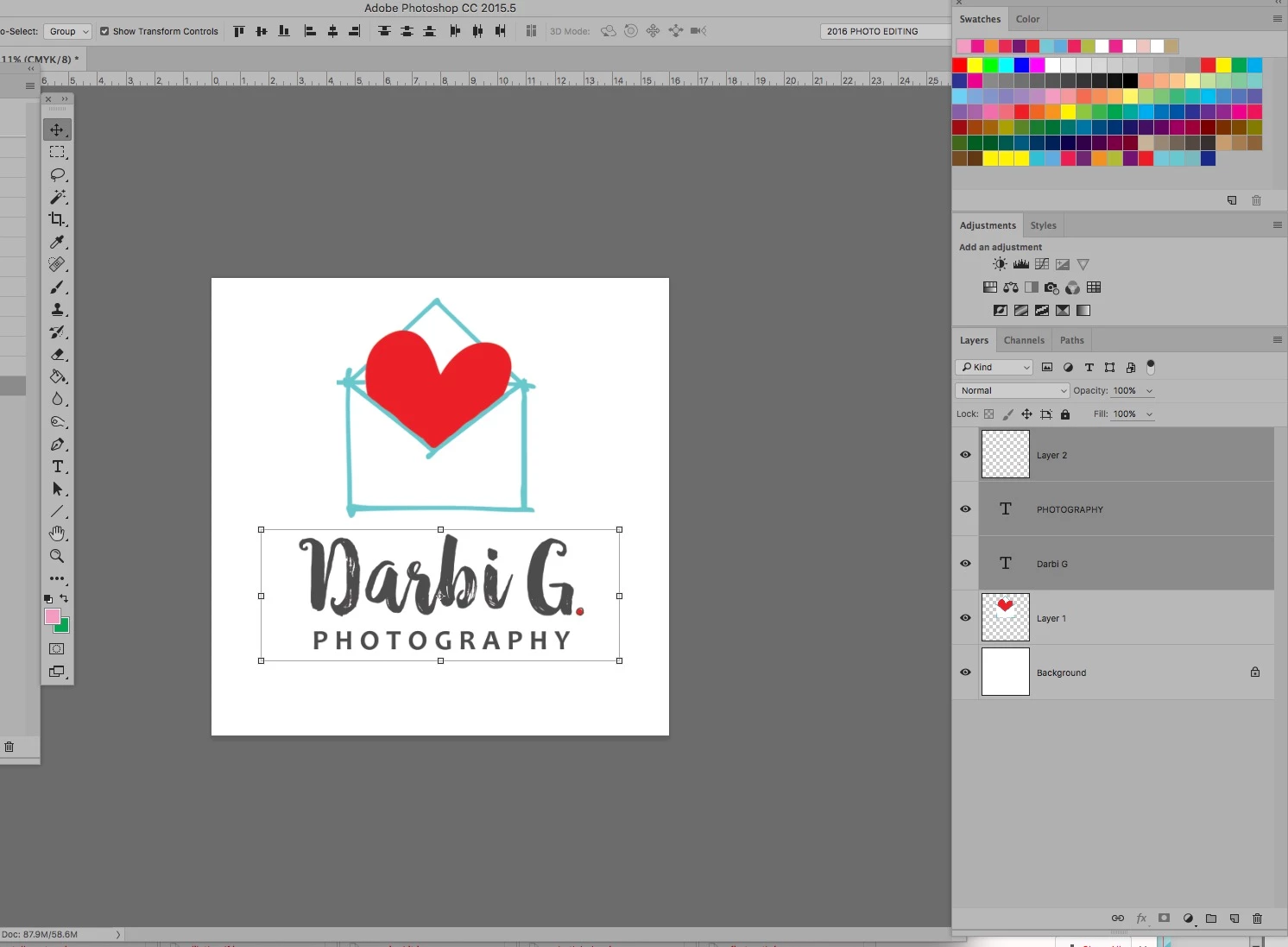
So basically when I choose a layer by merely clicking on the layer in the layer panel, it now puts up the transform frame (as seen in this pic) around the layer's object/item on the screen. This proves to be a very annoying feature (like I literally hiss and worse!!!) as it makes it difficult to drag it/move it without resizing, etc--especially for smaller objects. It used to only show up when I was "transforming" it... but there isn't even an option to approve the change (and thereby remove the frame). It's just there on any item once I click on that layer in the layer panel.

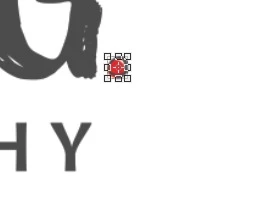
this is zoomed in to show you it on the small period. How the heck am I to move it without transforming it unless I zoom WAYYYYY in and at that point, I can't see where I'm moving it to.
Correct answer Terri Stevens

Hello Darbi,

All you need to do is uncheck the 'show transform control' box

5 replies

Participant
April 27, 2025

Yes VERY ANNOYING and I didnt enable it!

Participant
August 28, 2023

If they would change that little box to read, 'ALWAYS Show Transform Controls' it would have cleared this confusion up for me, when I also accidently clicked that box. 

Participant
March 3, 2020

O-M-G! A GREAT BIG THANK YOU from me as well! As the others have said - I also thought I must've clicked on something by mistake. That darned transform box was DRIVING ME NUTS - especially when I was trying to move a very small item in my design, but couldn't see where it was going because of that box!


Thanks again - Happy March!  - L

Participant
December 21, 2018

Thank you, this was driving me CRAZY!

Terri Stevens
Terri StevensCorrect answer
Legend
January 1, 2017

Hello Darbi,

All you need to do is uncheck the 'show transform control' box

DarbiGAuthor
Known Participant
January 1, 2017

I want to hug you right now.

THANK YOU. I must have accidentally clicked it on. THANK YOU THANK YOU THANK YOU. Happy New Year!

Terri Stevens
Legend
January 1, 2017

My pleasure, that is such an easy thing to do by mistake and really irritating when you don't know how to turn it off. A very Happy New Year to you and your family.