
Participant
December 7, 2024
Question

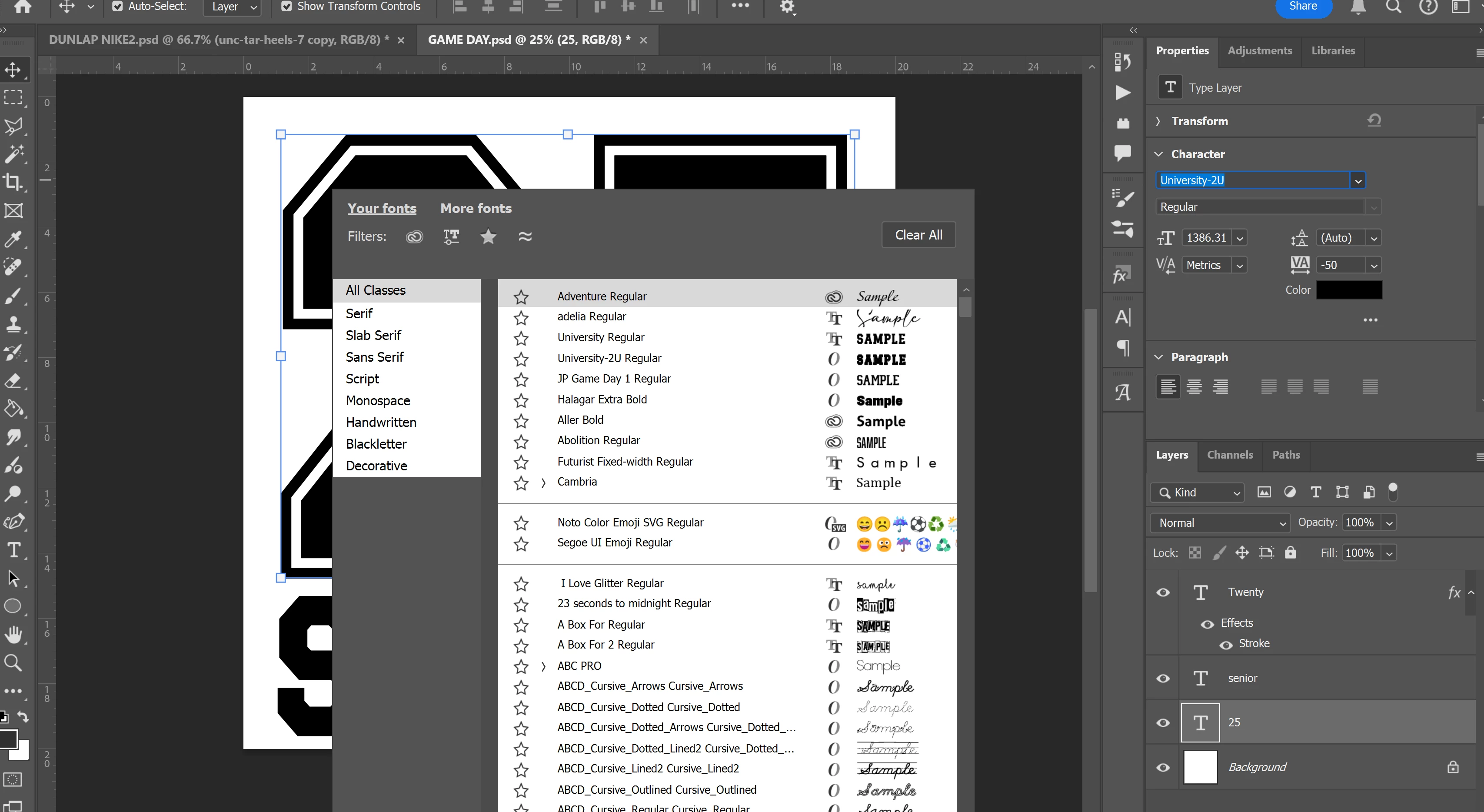
Can't get the floating font box to move

  • December 7, 2024
  • 2 replies
  • 156 views

I recently updated to 26.1 and now this floating font box pops up when I try and change fonts. I HATE It and don't know how to make it stop. I just want the drop down arrow like it used to be. This box is in the way and makes editing harder!
This topic has been closed for replies.

2 replies

Trevor.Dennis
Community Expert
Community Expert
December 8, 2024

That's the Contextual Task Bar.  You can turn it off at the bottom of the Window menu.

You have other options if you click on the three dots on it's right hand end.

kglad
Community Expert
Community Expert
December 7, 2024

in the future, to find the best place to post your message, use the list here, https://community.adobe.com/

p.s. i don't think the adobe website, and forums in particular, are easy to navigate, so don't spend a lot of time searching that forum list. do your best and we'll move the post (like this one has already been moved) if it helps you get responses.


<"moved from cc desktop bugs">