
Question
Can't Locate Brush
I'm trying to recreate an old Photoshop document that used a stock Adobe brush stroke to create the attached image. This is the basic brush texture — the image was creating using a single click of the brush (it's not a path).
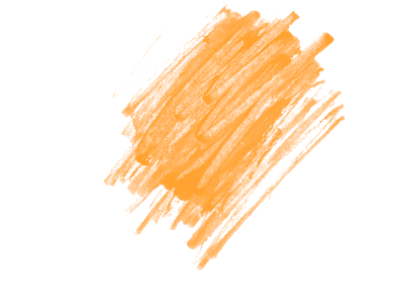
My current issue is that I cannot locate this brush texture in the latest version of Photoshop CC so that I can replicate it in a new document. Are there any Photoshop users that can point me in the right direction to this brush texture?
Thank you in advance for your time.
 AdChoices