

Can't make a shape without an outline
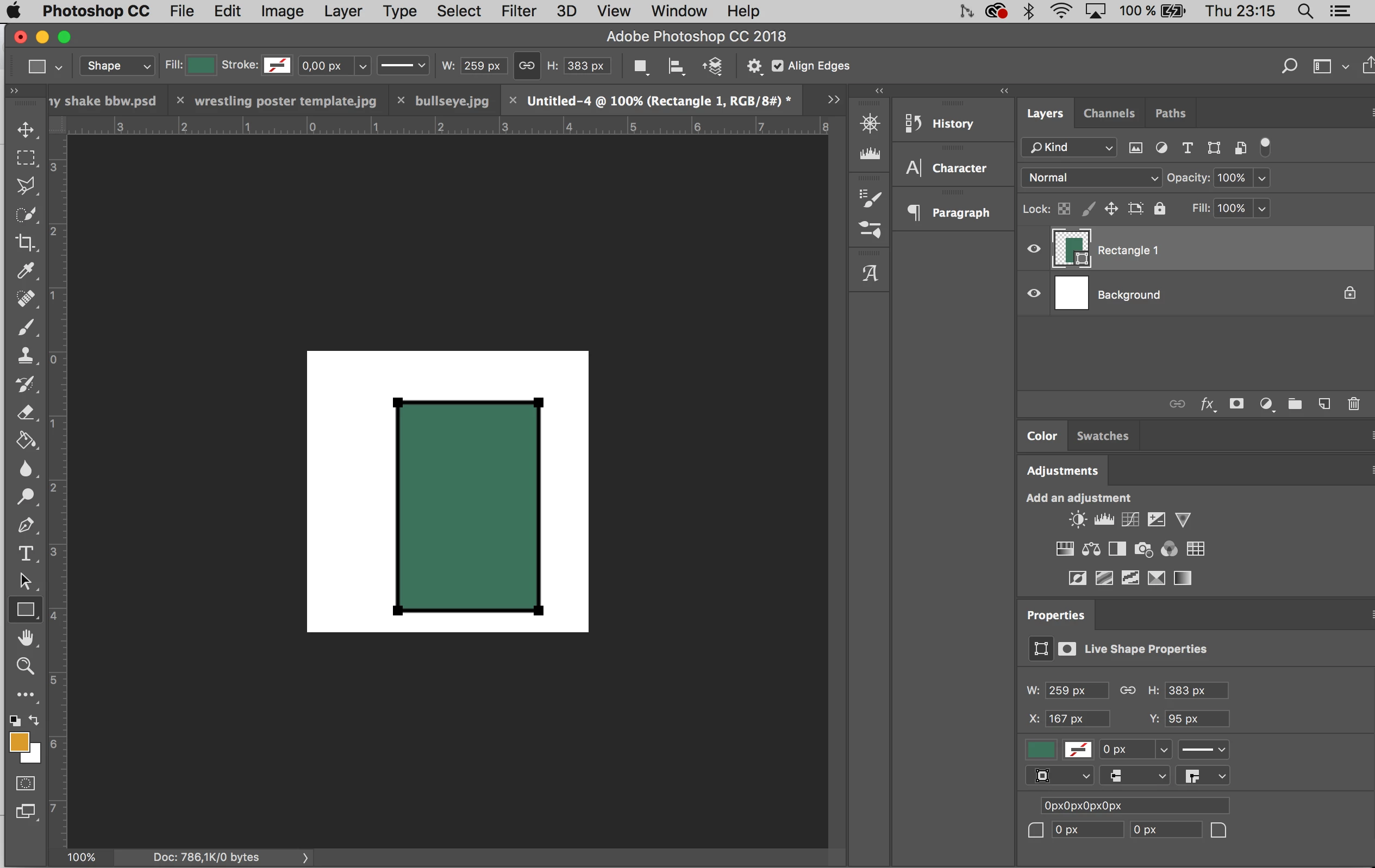
Hello, I'm completely self-taught on photoshop and I did something by accident that I can't figure out how to turn off. I was trying to make some thick black lines using the Line Tool and it kept coming out as a thin white line no matter how much I adjusted the Shape Stroke Width. After extensive googling, I tried entering a random number in the W box next to the Stroke Options. Okay, so that did it. But now I can't turn off a thick black line whenever I want to draw a shape. I remember now that I had this difficulty way back when and disabled it somehow. The stroke type is off (it has a little red line over it). The stroke width is at 0 px. But I still get a thick black line. And I keep trying to write 0 in the W box but it won't stay. I've been at this for half an hour, googling everything I can. It's driving me nuts... anyone have an idea? Thank you!!!
Here's a screenshot:
 AdChoices