
Exit
  • Global community
    • Language:
      • Deutsch
      • English
      • Español
      • Français
      • Português
  • 日本語コミュニティ
  • 한국 커뮤니티
0

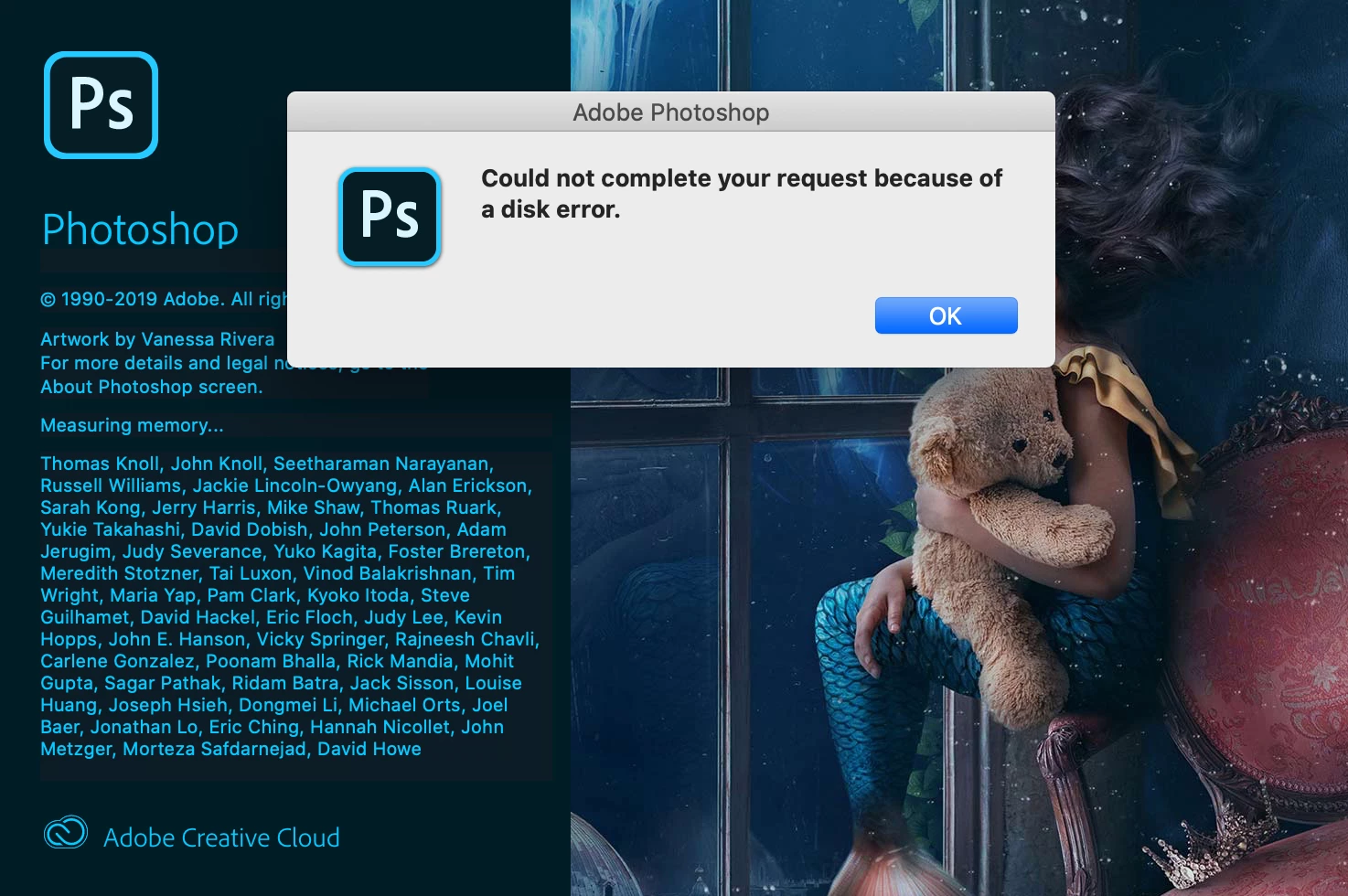
Can't open Photoshop "Could not complete your request because of a disk error"

New Here ,
Dec 24, 2019 Dec 24, 2019

Hi all, pretty much self explanatory. I can't even open Photoshop so I'm unable to go in and change any settings, I just updated about a week ago so I should be on the latest version. I'm on a MacBook Pro running Catalina and have plenty of open disk space (64GB open space). Screen Shot 2019-12-24 at 7.08.34 AM.png
588
Translate
Report
Community guidelines
Be kind and respectful, give credit to the original source of content, and search for duplicates before posting. Learn more
community guidelines
Adobe
LEGEND ,
Dec 24, 2019 Dec 24, 2019

64BGs is nothing in todays world. I suggest you delete and or Move files off your internal hard drive to free up more space.


But If the drive is actually having error that could mean the drive isa starting to fail.


It isn't any setting in PS that is causing this. It is a problem with either a drive failure or you are to low on free disk space.

Translate
Report
Community guidelines
Be kind and respectful, give credit to the original source of content, and search for duplicates before posting. Learn more
community guidelines
New Here ,
Feb 20, 2020 Feb 20, 2020

Actually if you Google "Macbook Catalina Photoshop "because of disk error"" this seems to be a growing problem. I am having the same issue and have 140gb open space with other CC apps opening fine. 

Translate
Report
Community guidelines
Be kind and respectful, give credit to the original source of content, and search for duplicates before posting. Learn more
community guidelines
New Here ,
Feb 20, 2020 Feb 20, 2020
LATEST

Try reverting back to old PS CC 2020 version maybe ( 21.0.2 ) 

Translate
Report
Community guidelines
Be kind and respectful, give credit to the original source of content, and search for duplicates before posting. Learn more
community guidelines