Inspiring
June 13, 2025
Answered

Can’t Record Neural Filter Settings in Photoshop Action — Help?

  • June 13, 2025
  • 1 reply
  • 443 views

I am involved in a rather extensive scanning project of old family photos (my own family), and find that using the photo restoration feature in Neural Filters quite helpful. I seem to consistently use the same settings. I tried creating an action using that filter, but the action bypasses everything in the restoration feature. Is there anything I can do to change that?
Correct answer Trevor.Dennis

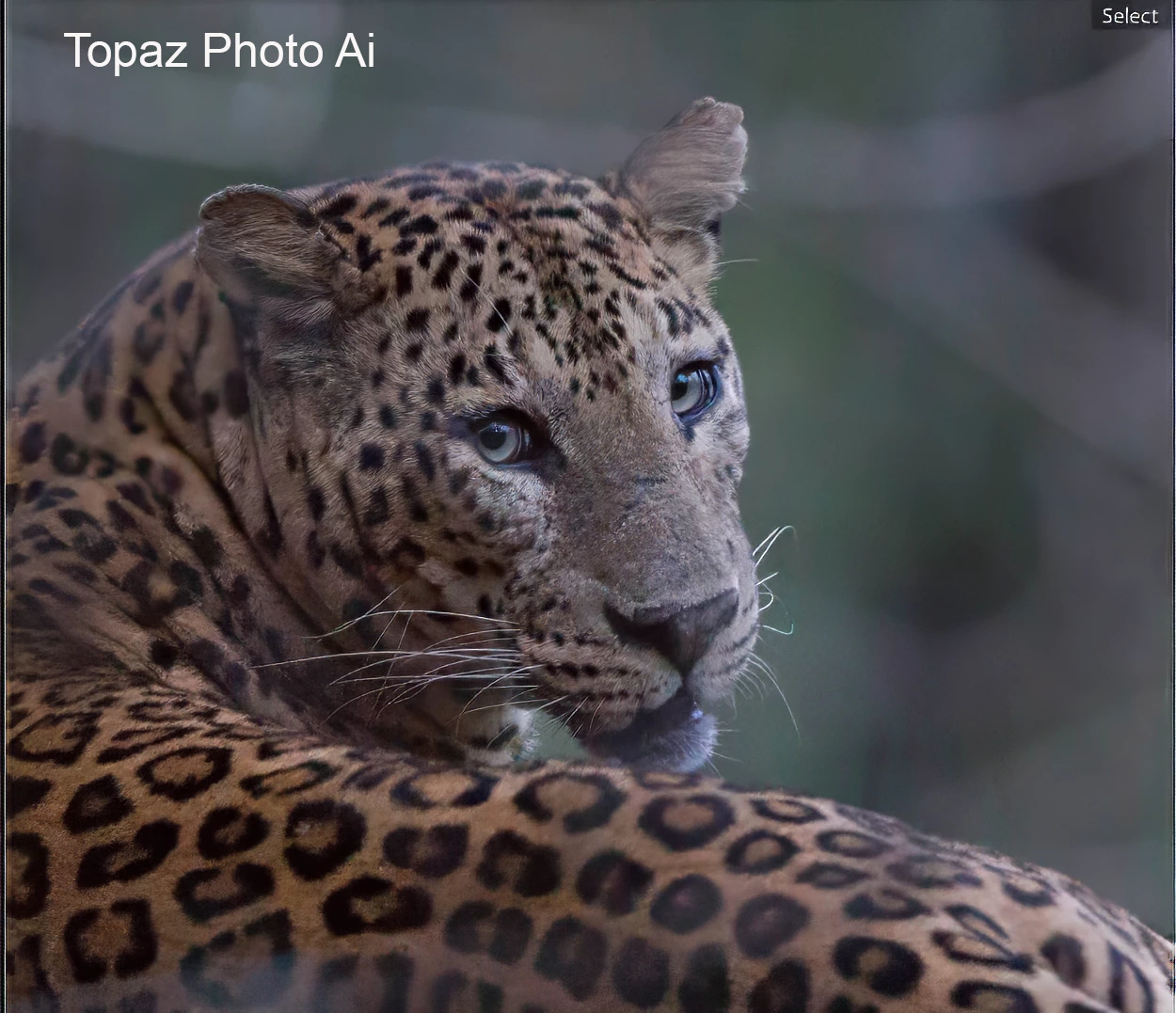
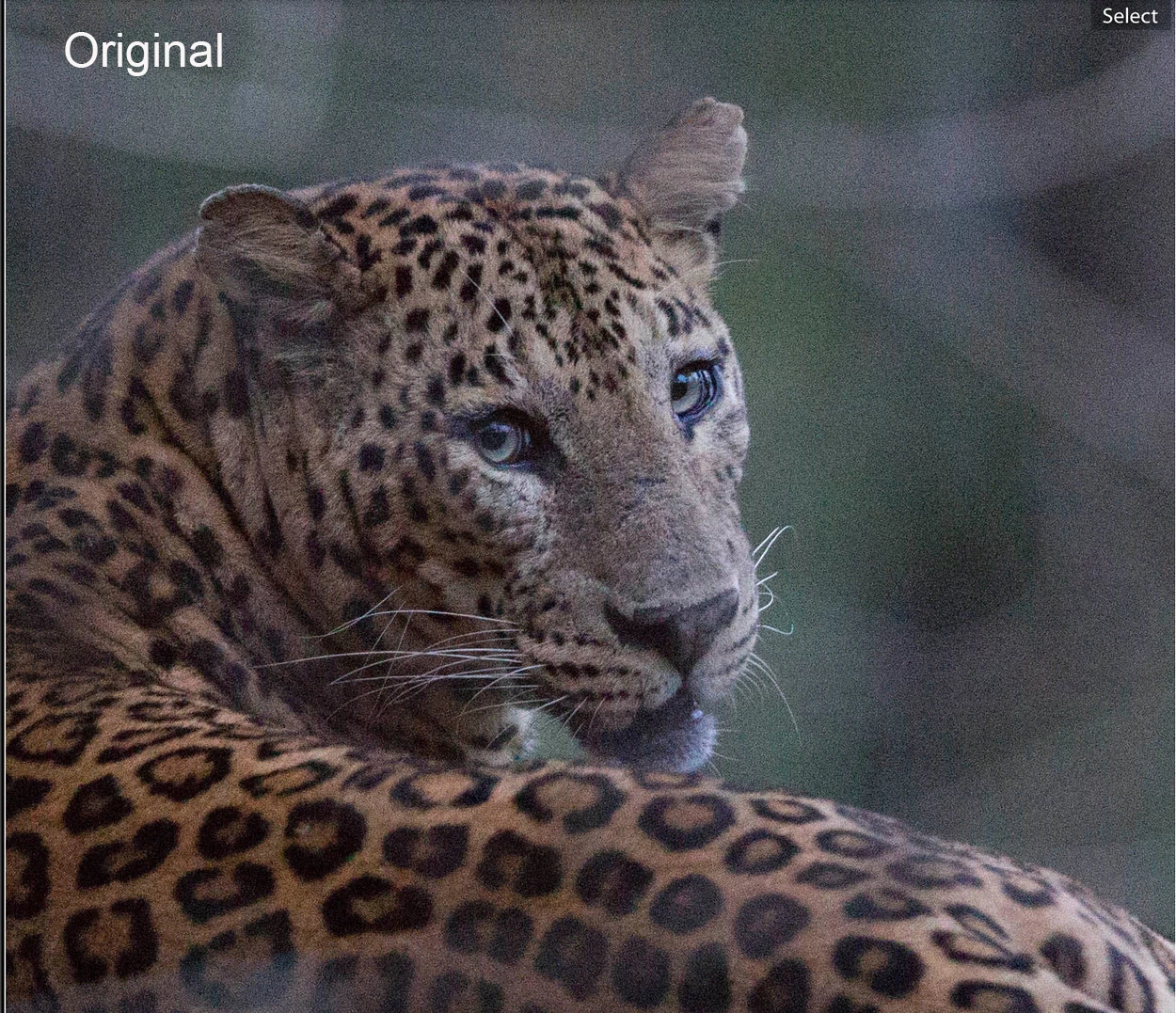
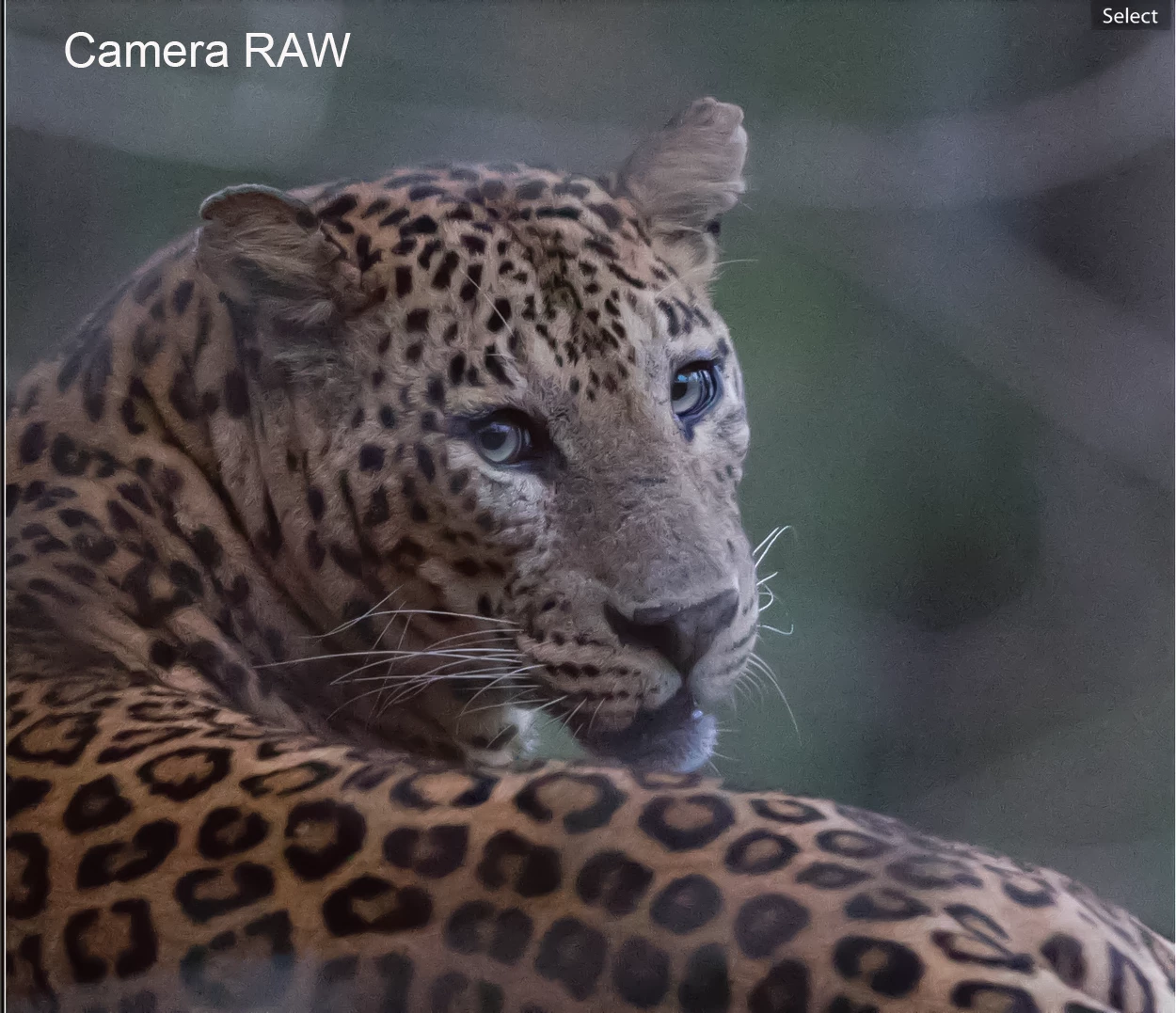
Some people like Camera RAW for noise reduction.


This is something I found with Google looking for High ISO Image. 


I don't use Camera RAW for NR so might not be the best person, but this had NR maxed out at 100%, and Color Noise at 50% (because it did not appear to be doing anything)


What I do use is Topaz Photo Ai which does an outstanding job, but it's expensive at US$199


I think you can create presets with Camera RAW, so could batch run them with an Action.  Or you might be able to make use of Use Previous Settings in an Action. 


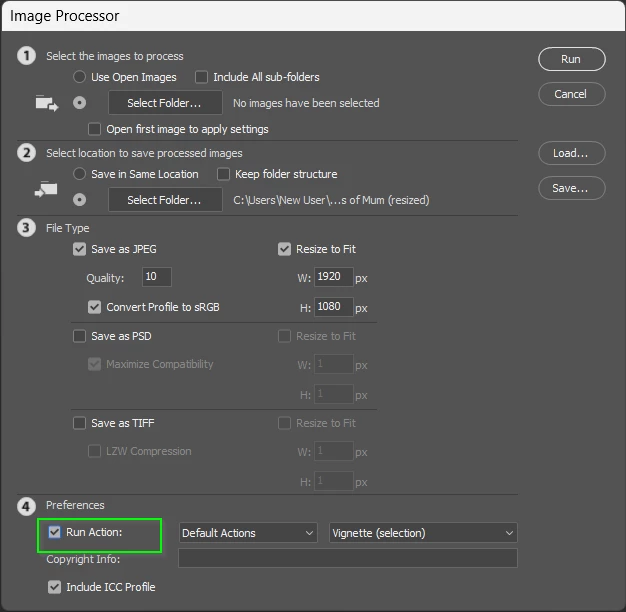
Do you know about Image Processor?

It looks like I last used it to batch resize, but it's super easy to work out.

Otherwise, someone here will probably help you with a Script if you ask nicely. 


1 reply

Trevor.Dennis
Community Expert
Community Expert
June 13, 2025

Hi Jim.  AFAICT you are out of luck.  I was hoping to find the option to save a preset, but that does not exist as far as I can tell.  Something I don't understand is the Reset button (my yellow highlight) because I tried it several times, and both the main section at the top and the Adjustments sliders below, revert to their defaults on re-use.


What settings are you using and mostly relying on?  I'm wondering if you can come at it from a different direction.  Even with an after market plugin if you have a lot of images to sort out.   I remember scanning all of my dad's transparencies, probably around 1995.  It turned out to be a massive undertaking, and the results were nowhere near as close as we can do now.  If you can share a high res original with typical issues, then I think we can give you much better advice.


Good luck.  I have a feeling that you are going to need it.

JimHessAuthor
Inspiring
June 14, 2025

These are old prints of my kids when they were young. I have the transparencies pretty well taken care of. I'm primarily using the noise reduction and color noise reduction in the Neural filter/photo restoration feature, which is still in beta. For what I'm doing, it's doing a reasonably good job of cleaning up the images. I was just hoping to automate the process because it seems to be consistently the same for every image.

Trevor.Dennis
Community Expert
Trevor.DennisCommunity ExpertCorrect answer
Community Expert
June 14, 2025

Some people like Camera RAW for noise reduction.


This is something I found with Google looking for High ISO Image. 


I don't use Camera RAW for NR so might not be the best person, but this had NR maxed out at 100%, and Color Noise at 50% (because it did not appear to be doing anything)


What I do use is Topaz Photo Ai which does an outstanding job, but it's expensive at US$199


I think you can create presets with Camera RAW, so could batch run them with an Action.  Or you might be able to make use of Use Previous Settings in an Action. 


Do you know about Image Processor?

It looks like I last used it to batch resize, but it's super easy to work out.

Otherwise, someone here will probably help you with a Script if you ask nicely.