
Participating Frequently
January 31, 2018
Answered

Can't sample color outside of PS CC 2018

  • January 31, 2018
  • 11 replies
  • 15293 views

Hi,

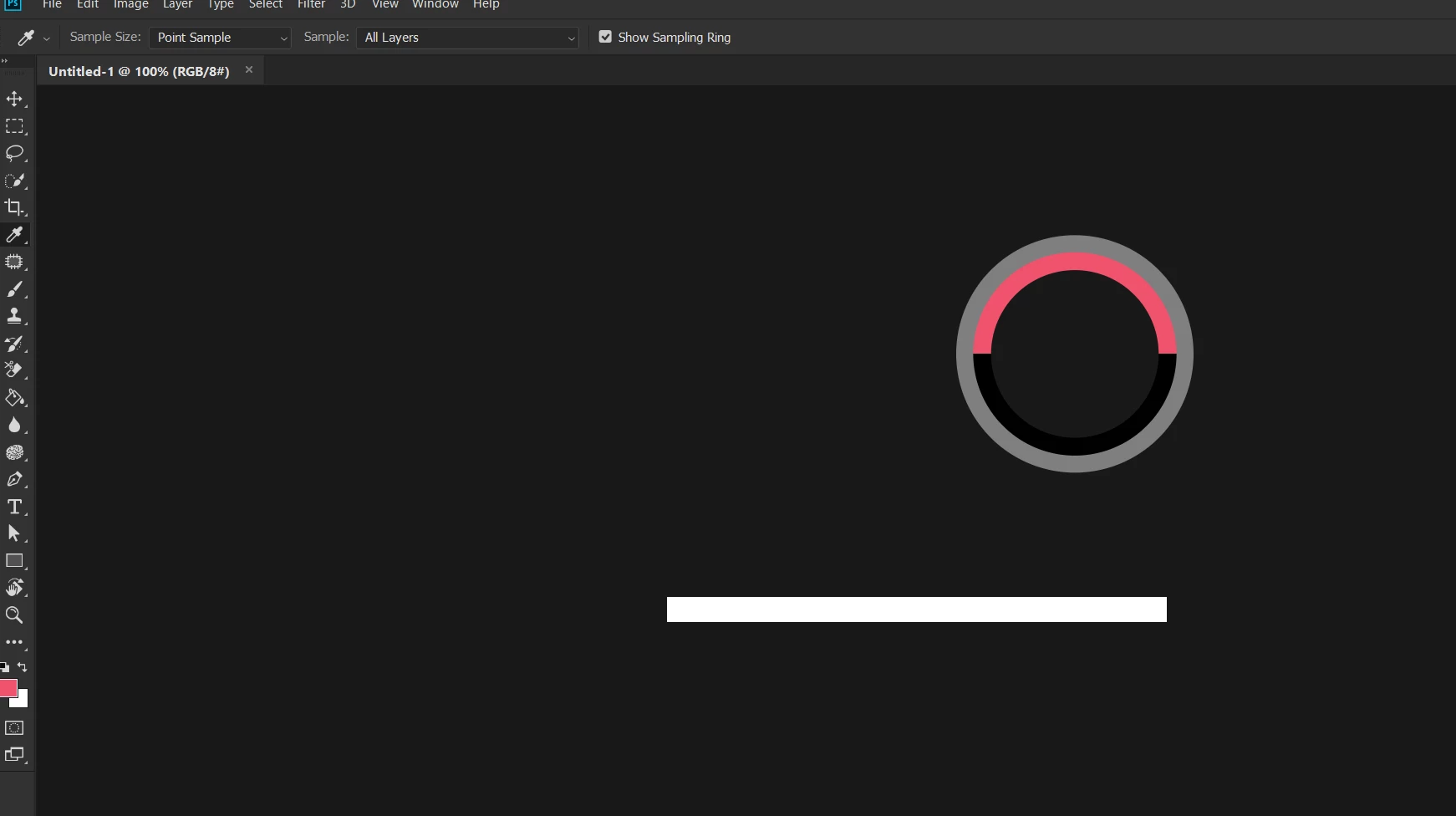
I used to be able to select the Eyedropper tool, click, hold and sample colors from outside the program. In CC 2018, this isn't the case anymore. I installed CC 2017 and it works without a problem.

Part two of the problem:

If I have a tiny canvas, say 100 by 50 and I use the eyedropper tool, I'm sampling colors from my wallpaper from the main display (I have two) like somehow Photoshop is transparent. I don't think this is normal behavior.
This topic has been closed for replies.
Correct answer J453

We're working on this issue. We'll update the thread when the update goes out: https://feedback.photoshop.com/photoshop_family/topics/photoshop-eyedropper-tool-cant-sample-colors-from-outside-the-program-nvidia-drivers-conflict

It occurs when scaling is other than 100%.

11 replies

JJMack
Community Expert
Community Expert
January 31, 2018

Are you doing it the way? Inside Photoshop image click you hold the left mouse button then move the mouse cursor to the color you want to sample outside of Photoshop and release the left button. It works for me with cc 2018.1 on Window 10 Creator's edition.

JJMack
Participating Frequently
January 31, 2018

Yep, I'm doing it the correct way, like you described. I also used the same approach in CC 2017. That's strange...

I would have reset my preferences but I've had another person experience the same issue.

JJMack
Community Expert
Community Expert
January 31, 2018

I do not understand part 2 Photoshop is transparent. Are you stateing that all of Photoshop is being displayed at some lowered opacuty

JJMack