
Known Participant
January 3, 2025
Question

Can't subtract front shape

  • January 3, 2025
  • 3 replies
  • 893 views

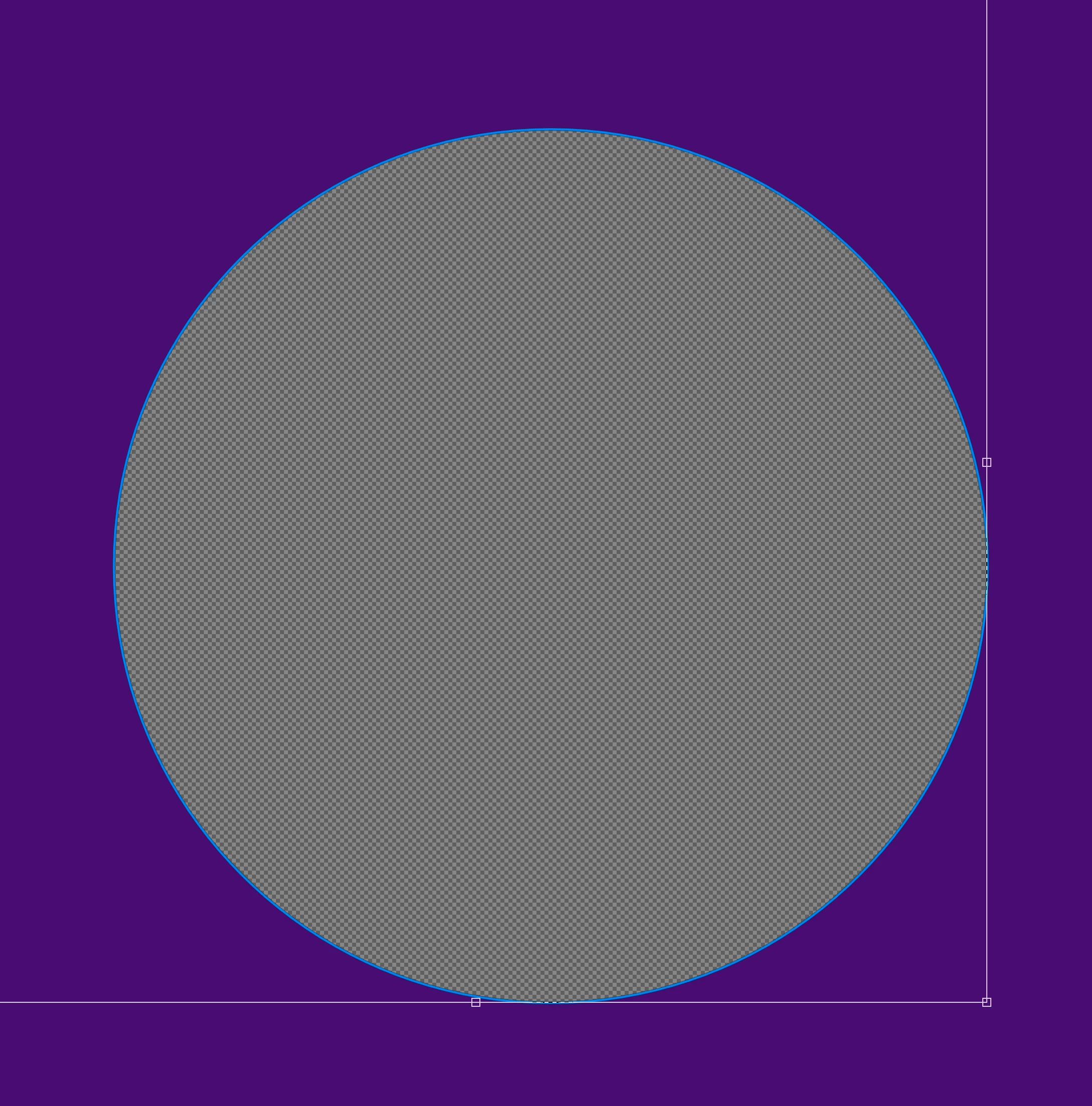
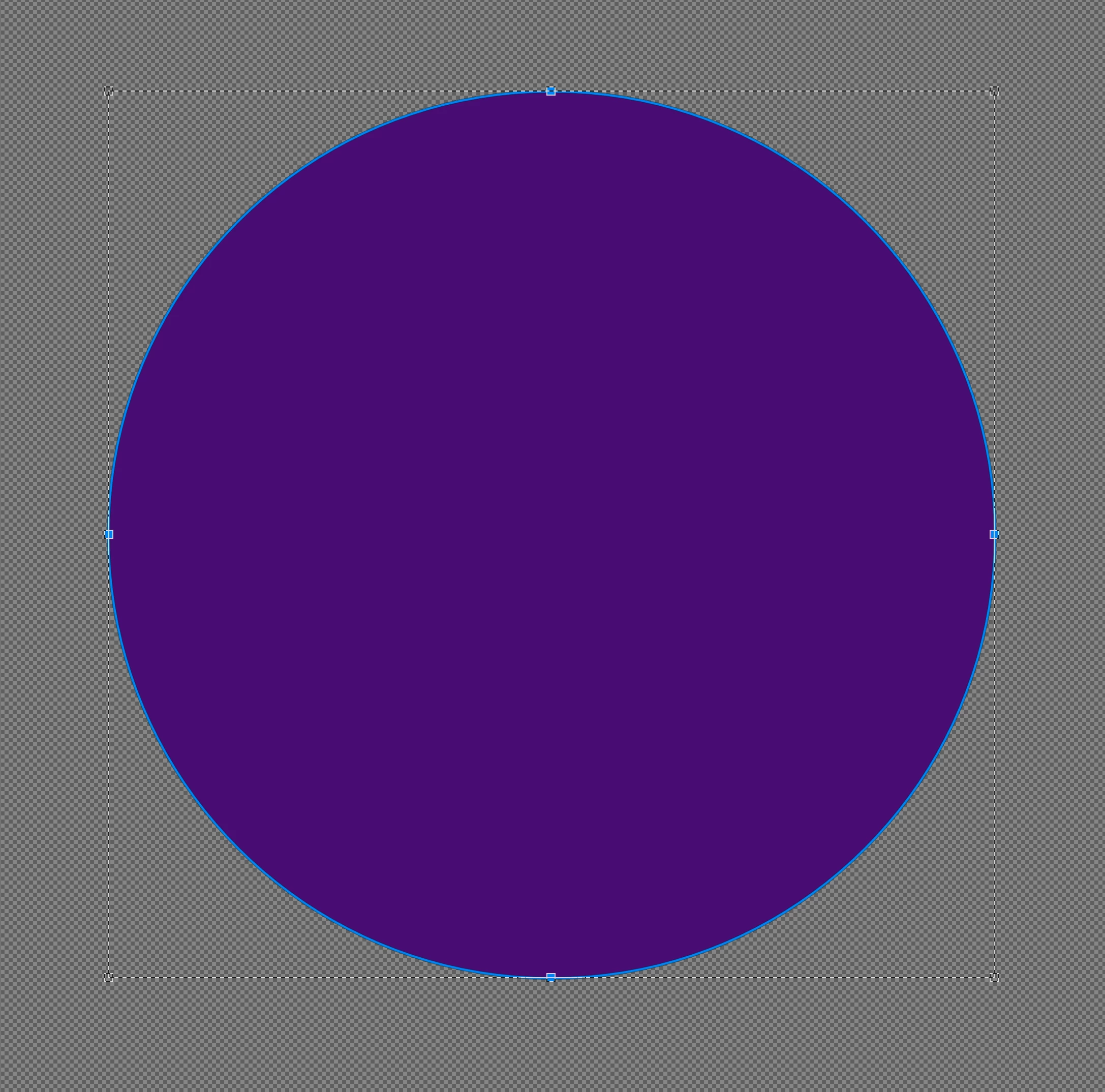
When I draw a circle, then choose "subtract front shape" the layer fills with color before I can draw another shape. I tried putting the shapes on two different layers and the same thing happens. I'm trying to cut out a circle from another circle.
3 replies

c.pfaffenbichler
Community Expert
Community Expert
January 5, 2025

Could you please post screenshots taken at View > 100% with the pertinent Panels (Toolbar, Layers, Options Bar, Paths, …) visible? 

Bojan Živković11378569
Community Expert
Community Expert
January 4, 2025

"I tried putting the shapes on two different layers and the same thing happens. "


Create two shapes on two separate shape layers. Select both shape layers and use Layer > Combine Shapes > Subtract Front Shape. It worked for me. Photoshop 26.2.0 on Windows.

Trevor.Dennis
Community Expert
Community Expert
January 3, 2025

This can definitely be a bit counter-intuitive.


Create your first elliptical shape.

With the layer still selected, and the handles still active (i.e. don't hit Escape)

Change the operation to Substract, and create the 'hole'.

I'd be inclined to drag out a pair of guides so you can get the 'hole' centred to the outer shape.