


Answered
Can't turn off Transfer in Brush settings Photoshop 2025
If I un-check the Transfer box and/or set the control to Off, it turns on as soon as I start painting. Photoshop 2024 works as expected.

If I un-check the Transfer box and/or set the control to Off, it turns on as soon as I start painting. Photoshop 2024 works as expected.
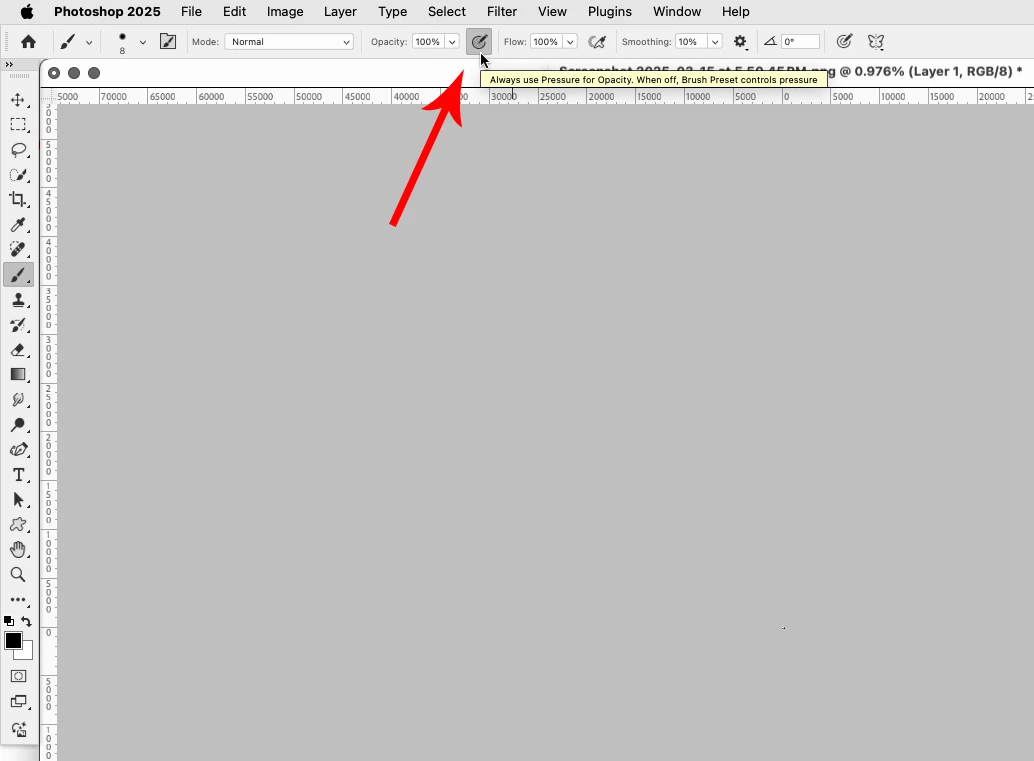
In the tool options bar is the override for Opacity enabled?
Already have an account? Login
Enter your E-mail address. We'll send you an e-mail with instructions to reset your password.
 AdChoices