
Can you rasterize the Blend If layer style?
Hey all! I learned about the Blend If function in the Layer Style menu and I love the sort of textures it creates! But I have yet to find a way to rasterize the Blend-If style like you can if you have a stroke, bevel or even a drop shadow style. Can this be done?
The only reason I want to rasterize the Blend If style is to capture the organic opacities and divots and use it as a layer mask. For example, in the picture I attached, my black lines are blended to react to the textured canvas beneath it. I would love to be able to rasterize the black lines so that I can keep the fun texture, but change the background to a different picture.
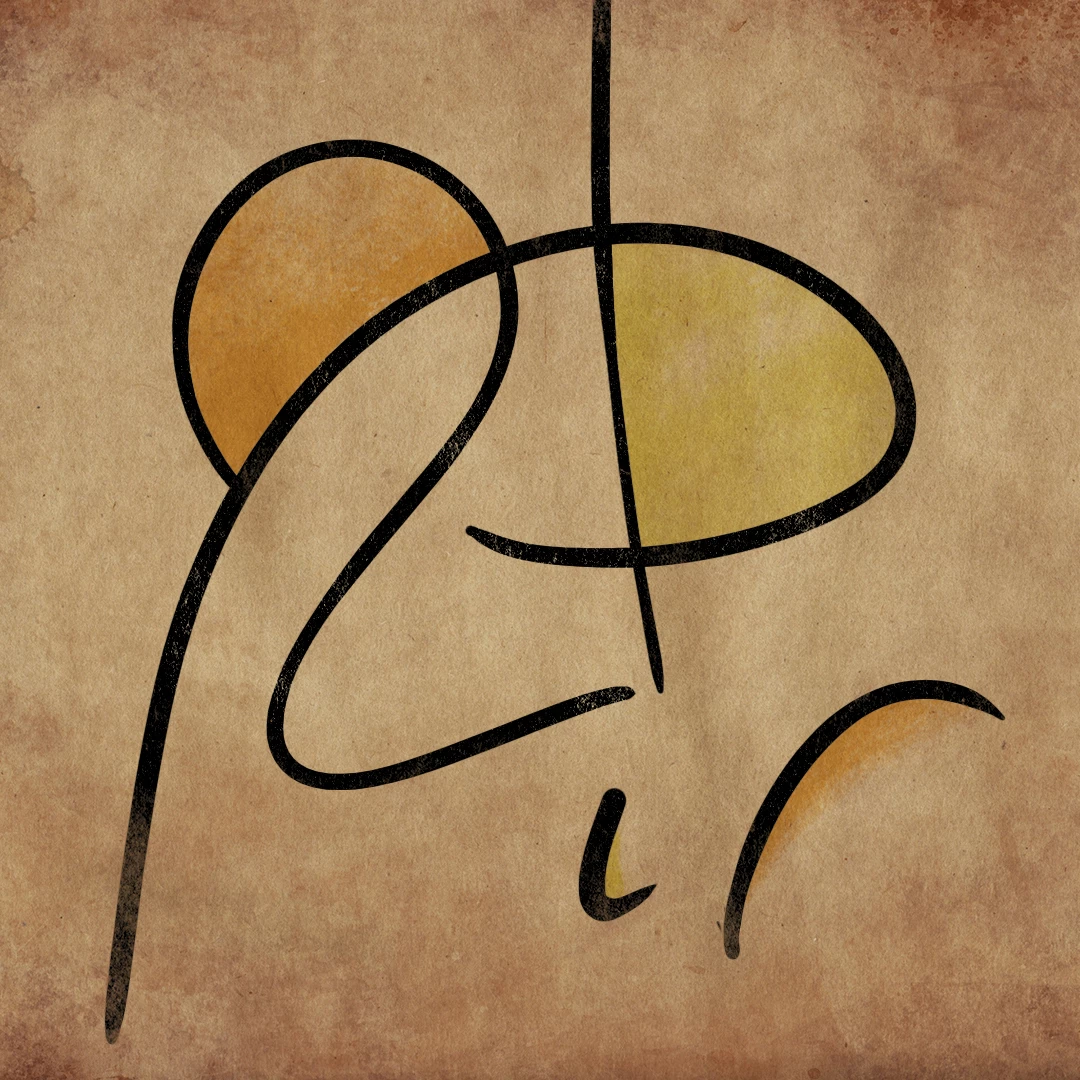
Actually, I've found a convoluted work-around where I make a selection of the entire document from one of the channels, then duplicate the lines, turn off its Blend-If style, and use the Channels selection to erase the textured look into the duplicated lines.
I'd love to hear your thoughts! These kind of problems excite me because Photoshop has so many fun avenues and solutions. Thanks.
 AdChoices