reedc82671969
Participant
August 14, 2019
Answered

Candle inside Plasma Globe

  • August 14, 2019
  • 2 replies
  • 523 views

Hi!

     I am Sean, fairly new to working with Photoshop and have mostly obtained training from YouTube videos and just "clicking" around the application.

I have been tasked to create a visual which represents Energy emitting from a simple candle within a Plasma globe.

Working with:

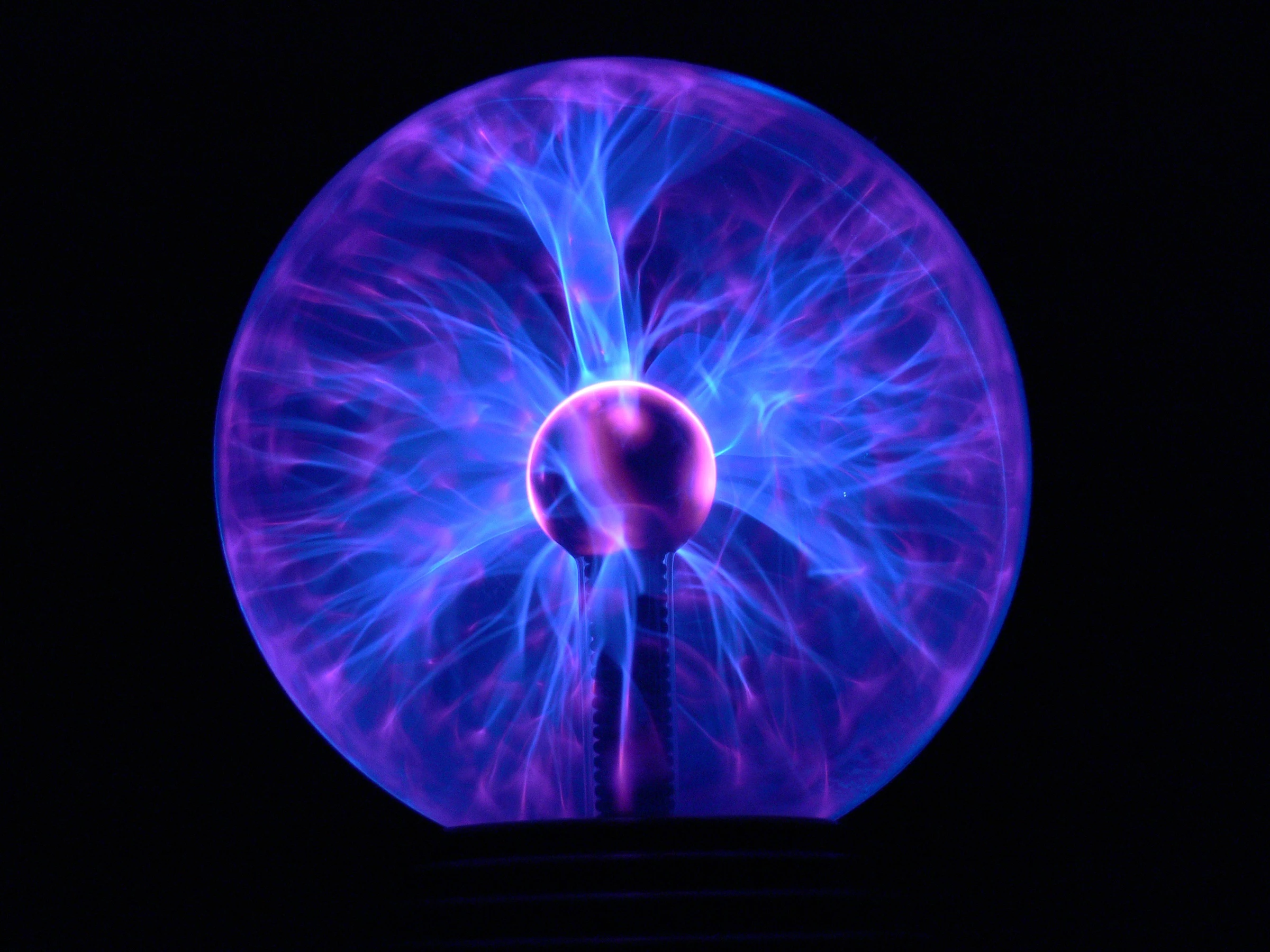
Picture of a Plasma Globe

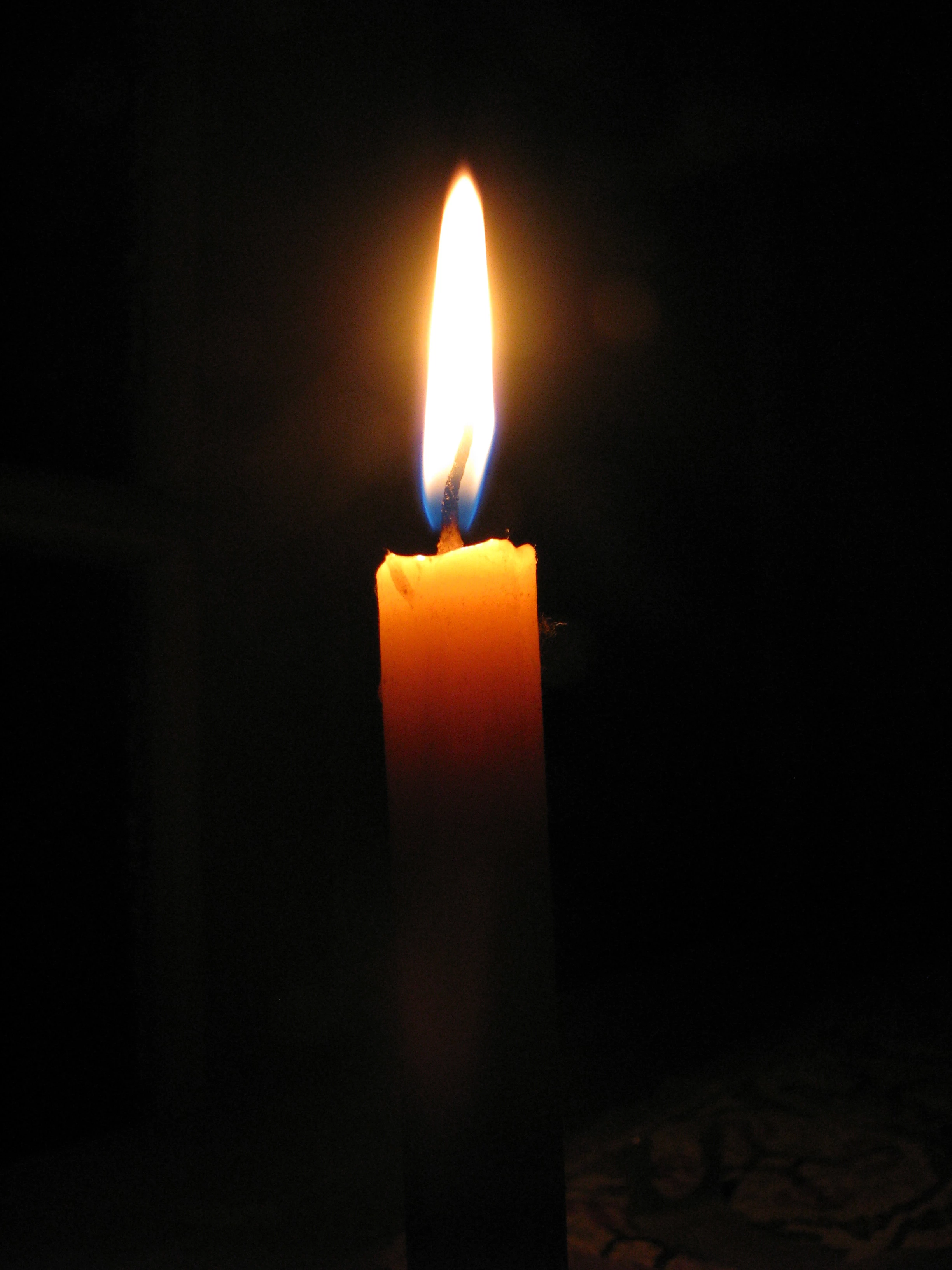
Picture of a burning candle

Task:

Place burning candle inside plasma globe, and ensure the plasma "sparks" are emitting from the flame of the candle.

Challenges:

Ensure the flame is not flat

Make candle look "inside" globe and not on top

Make energy plumes come from candle in the rear and in the front

Give flame "fury"/violent effect

  • I have inserted both photos I have begun working with. I understand, I may need to source other photos outside of the two I have started with.

I am just afraid that to accomplish this, I might need to create MULTIPLE layers, groups, smart object, ect.. to create the desired effect(s).

Any help...!? I feel as though overwhelmed is just a bit of how I am feeling! 😉

Tangled in Texas,

Sean
This topic has been closed for replies.
Correct answer c.pfaffenbichler

I am just afraid that to accomplish this, I might need to create MULTIPLE layers, groups, smart object, ect.. to create the desired effect(s).

It would seem foolish to try to achieve this without those elements.

First you should probably remove the globe and its support in the globe and you may need to isolate individual of those »lines« to be able to put in front of the candle.

Give flame "fury"/violent effect

What is that even supposed to mean?

I suspect this may need Liquifying (naturally as Smart Filter) and/or painting.

Edit:

2 replies

reedc82671969
Participant
August 14, 2019

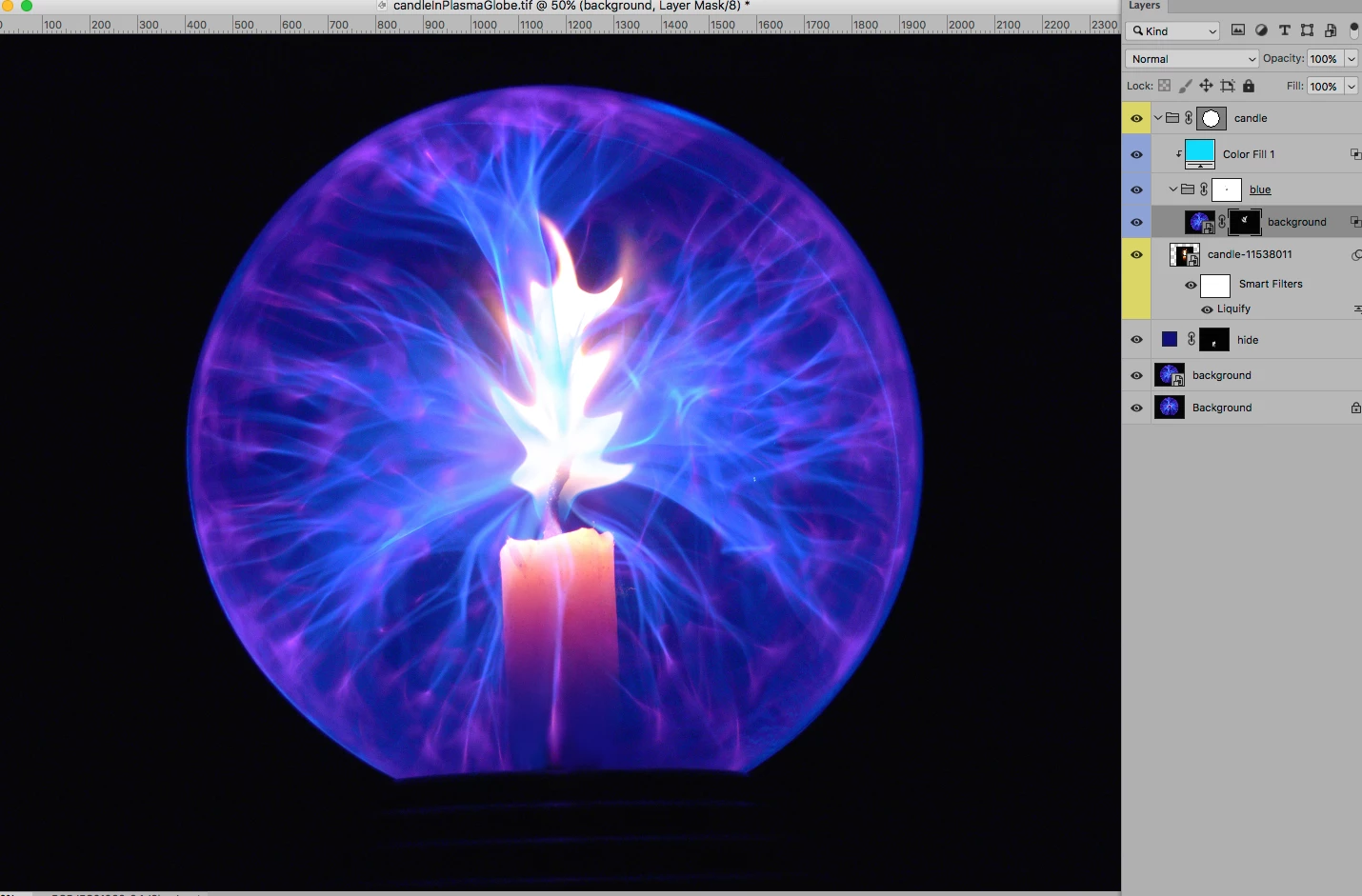
Ok, so in the interim of the replies I did make many layers, and used the cloning tool to replicate some of the "flumes"... This is where I am at so far, within my comfortable "breathing" point.

So this is ALL, without real training, so sometimes I don't know what I Just Did... I want to try it the way, I see c.pfaffenbichler has instructed, and learn from that. LOL about the HOMEWORK being done.. NO, this is an oppotrunity for me to learn, so I am HAPPY I was instructed to come here...

For now, let me read what was given as instruction and replicate. In the meantime, here are also the layers I was working with... ;-( Nor really organized, but I will get better, Thanks Yall! for now...

c.pfaffenbichler
Community Expert
c.pfaffenbichlerCommunity ExpertCorrect answer
Community Expert
August 14, 2019

I am just afraid that to accomplish this, I might need to create MULTIPLE layers, groups, smart object, ect.. to create the desired effect(s).

It would seem foolish to try to achieve this without those elements.

First you should probably remove the globe and its support in the globe and you may need to isolate individual of those »lines« to be able to put in front of the candle.

Give flame "fury"/violent effect

What is that even supposed to mean?

I suspect this may need Liquifying (naturally as Smart Filter) and/or painting.

Edit:

KShinabery212
Community Expert
Community Expert
August 14, 2019

I think you just did his homework.

Let's connect on LinkedIn. https://www.linkedin.com/in/kshinabery/
c.pfaffenbichler
Community Expert
Community Expert
August 14, 2019

The original poster will still have to do it themselves, but the Layer structure may help.