
Inspiring
December 28, 2020
Question

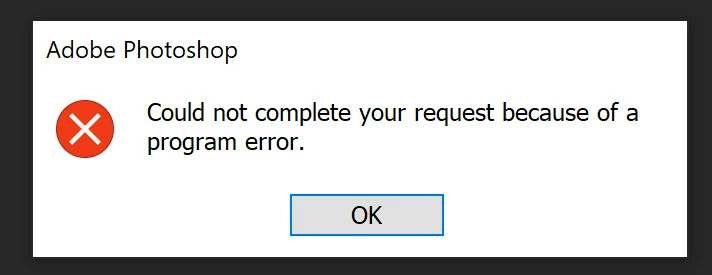
Cannot complete because of a Program error.

  • December 28, 2020
  • 1 reply
  • 314 views

i can´t save files because of a "program error".


1) i open a 8 BIT TIF file

2) i open a SVG file

3) i copy and past the SVG file onto the TIF file opend in 1)

4) i resize the layer of the SVG file and center it

5) i trie to FLATTEN or save the file created in 1).... it does not work.


fresh installation of the latest photoshop (as of 26.12.2020) on windows 10 64 BIT.
This topic has been closed for replies.

1 reply

davescm
Community Expert
December 28, 2020

See the steps in the attached help article

https://helpx.adobe.com/photoshop/kb/program-error-opening-psd.html

Dave

LightboxxAuthor
Inspiring
December 28, 2020

>> Keeping Photoshop up to date.


yeah.. that is what keeps producing new erors.

saving was fine before.


i already noticed that hiding layers seems to "fix" this for now.