
Question
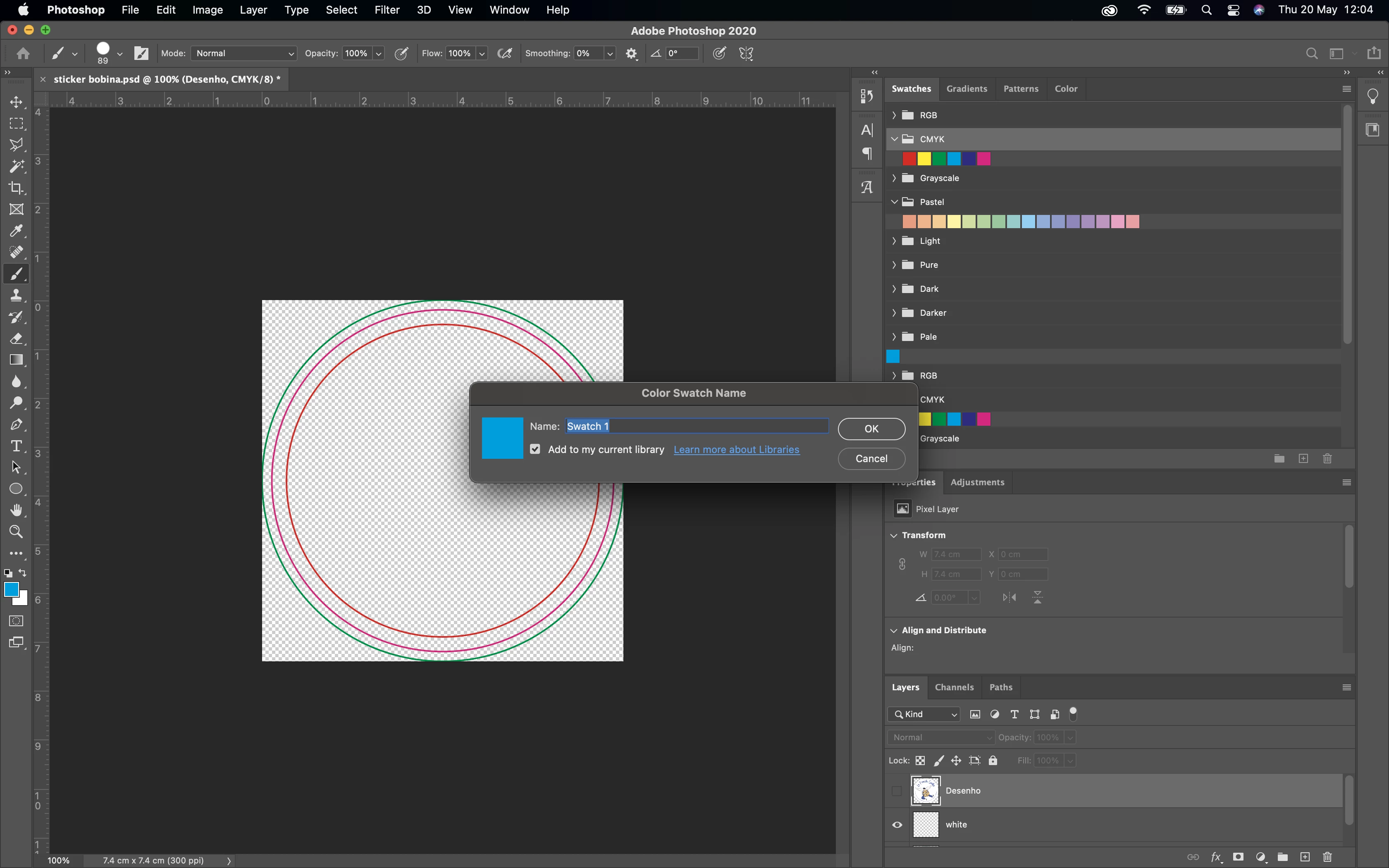
Cannot create new swatch
Hi everyone,
I'm having an issue in Photoshop, it's the first time I'm trying to use swatches and I'm a bit lost.
I want to create a new swatch, but in the swatch panel when I click "new" it offers me to choose the name of the swatch and then.. that's it, no options whatsoever. It uses the previous color. And there is no way to edit it eitherm if I double click it it only lets me change the name. The thing is I need a specific color type so I need to access to the new swatch options and I have no clue how.
If anyone could enlighten me, that would be amazing.
Thank you !
 AdChoices