Cannot enable 'use Graphics Processor anymore' in Ps or Lr
Hi everyone!
I have been working with the Abobe editing suite for years and years... Up till now, it has worked perfectly with no issues, but lately I have noticed that Ps and Lr have been bugging out on me when I open them. Very laggy and delayed controls and the window boxes flickering issue is happening.
- I am running the very latest update of Windows 11. (this was happening before latest update)
- I have all my Adobe apps 'up to date'
- My PC is far beyond the working specs Adobe recommends.
- I updated my GPU drivers and problems still persist. (NVIDIA)
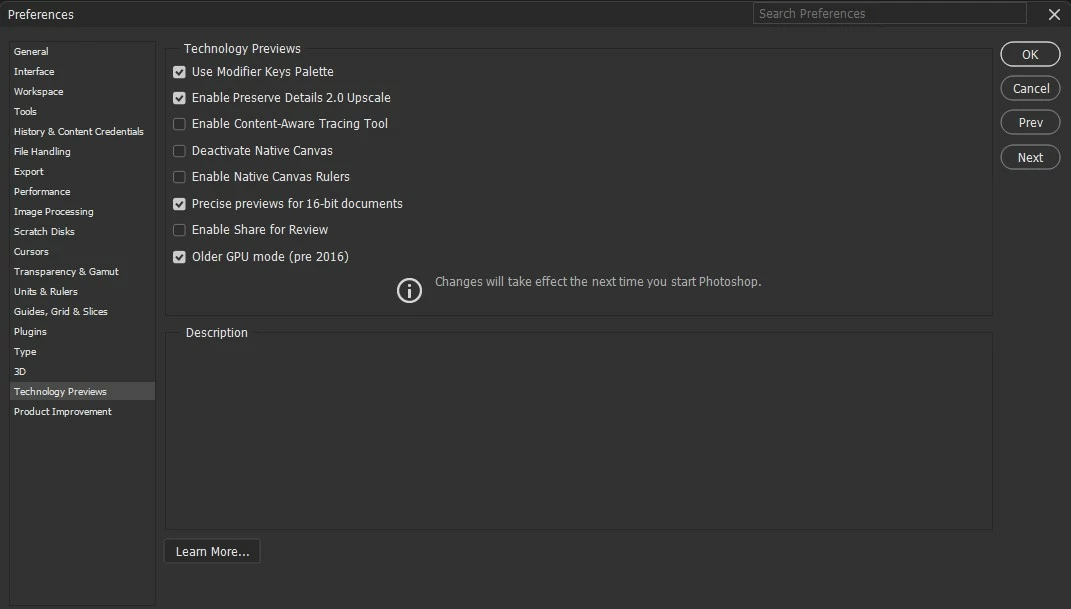
The only thing that makes things sort of normal is unchecking the 'Use Graphics Processor'
Up till two weeks ago, eveything was running normally... Only changes on PC would be the regular Windows 11 updates so why the issue now??
I've looked up on Google for answers and most things point back to GPU drivers but the issue was never there before until it decided to appear and still there after driver updates.
Any thoughts on this?
 AdChoices