Inspiring
November 26, 2021
Answered

Cannot find adjustment sliders in PS

  • November 26, 2021
  • 2 replies
  • 483 views

Hi i think i am having a senior moment here and  some help would be appreciated please.

I am using PS 23.0.2 and after i have opened  the image from Camera Raw into the PSD workspace 

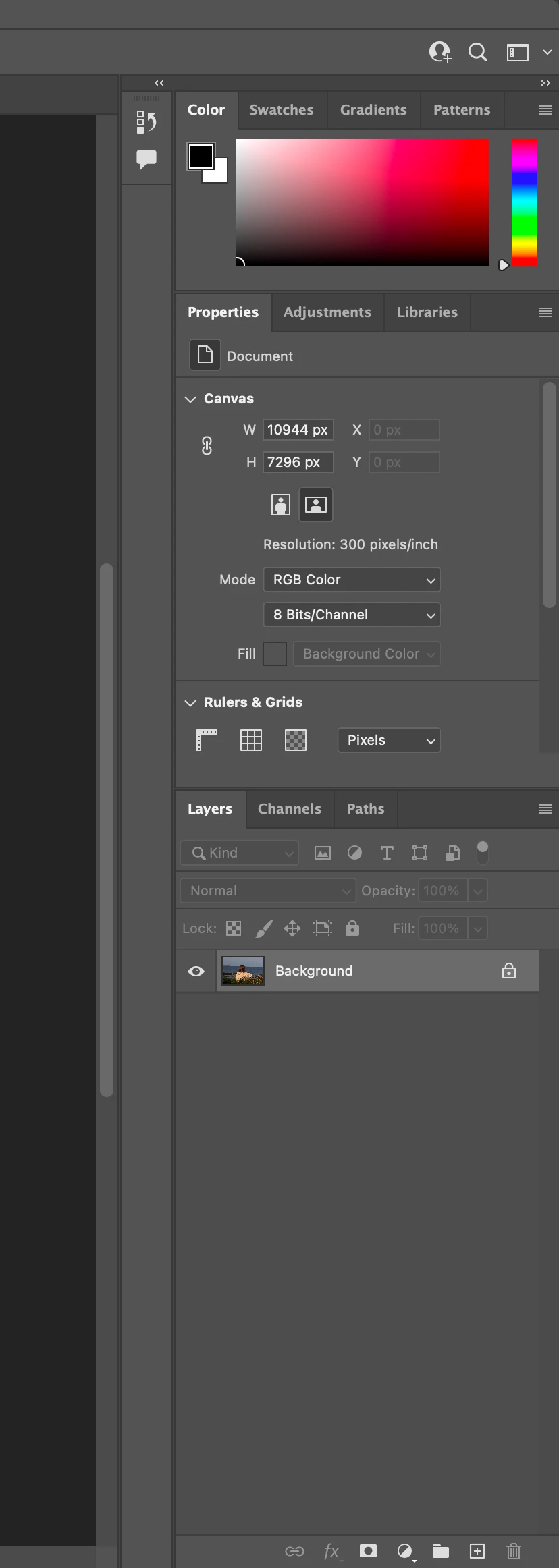
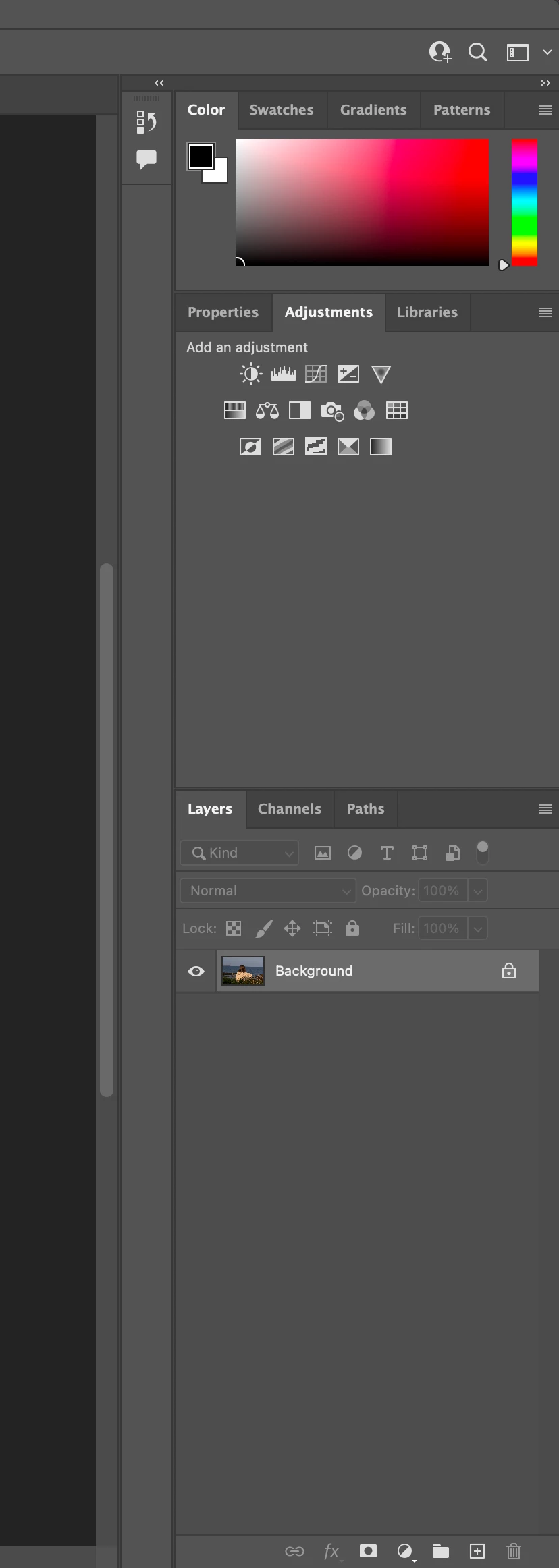
i cannot find the sliders to adjust Exposure,Brightness,Highlights,Shadows etc. I can see the small adjustment icons in the adjustment panel but i am sure in the past i have been able to click on something and i am able to use the sdliders just the same as in Camera RAW.

I havent been using the computer etc for a few weeks as have been waiting the delivery of a new Imac and perhaps something has changed but im pretty sure i am missing something very obvious which i am putting down to a senior momnet lol.

I have included a screen shot of the workspace and hope fully someone can give me the solution please.

Mac OS Monterey  M1 24" Imac 

Regards Adrian
 

This topic has been closed for replies.
Correct answer acoleman121

Apologies for this post as i have now just realised the adjustments in PS are made from the top tool bar drop downs in PS

i have been thinking of the sliders in Camera RAW and also Lightroom.

Certainly was a senior moment and then a sort of Lightbulb moment afterwards. 

Adrian 


2 replies

c.pfaffenbichler
Community Expert
Community Expert
November 26, 2021

According to the Layers Panel that’s not a Raw Image anymore but just a plain Layer. 

If you »Open as Object« instead of »Open« the Smart Object maintains ACR editability. 

acoleman121AuthorCorrect answer
Inspiring
November 26, 2021

Apologies for this post as i have now just realised the adjustments in PS are made from the top tool bar drop downs in PS

i have been thinking of the sliders in Camera RAW and also Lightroom.

Certainly was a senior moment and then a sort of Lightbulb moment afterwards. 

Adrian