Participant
August 5, 2021
Question

Cannot reorder layers. No layers are locked

  • August 5, 2021
  • 3 replies
  • 2528 views

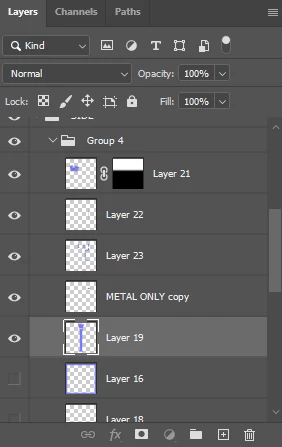
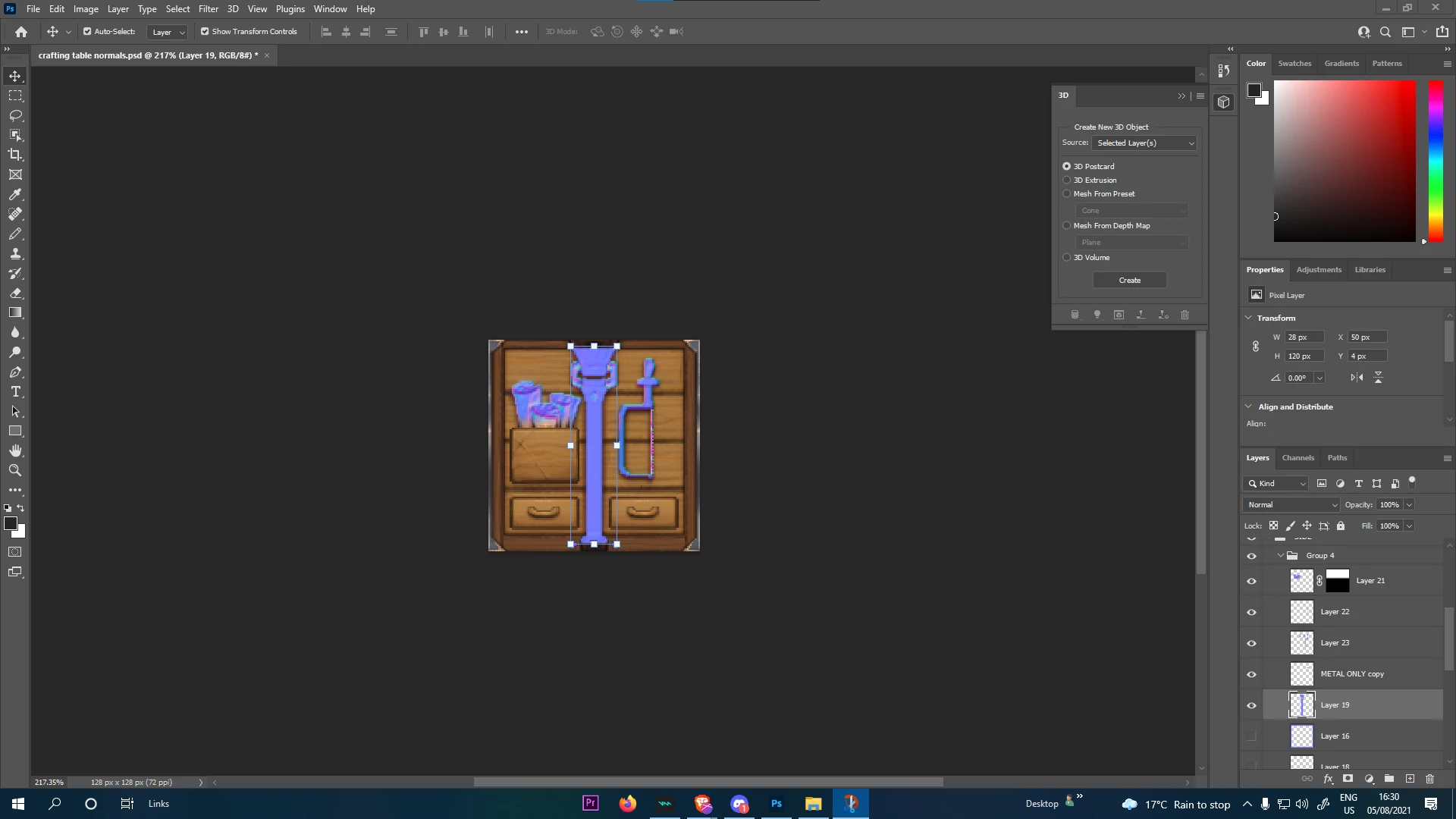
Hi, I cant change the order of layers in any project on photoshop. When I go to drag them they just jitter and place. Neither the main window or the layer panel allows me to edit them in any way, and the layers arent locked. Please help as I cannot get any work done without this working. 
 

This topic has been closed for replies.

3 replies

Participant
June 6, 2024

Looks like some other apps can hijack the display engine which can cause this issue.

I just had 3DSMax blocking the layer arranging while opening a .max file in the background. After the file finished loading everything got back to normal.


Participant
June 21, 2023

I've just stumbled upon this issue, not related to any Photoshop update.

Surprisingly enough what resolved it (not permanently) was just moving the whole Photoshop window to the other screen (I work on two displays). Then when I moved it back to the main screen the locking layers problem was gone.

I suspect something with the display drivers or windows patch.


Windows 10 Pro 22H2

Photoshop 22.5.2.

nVidia display drivers: 473.47

Participating Frequently
June 21, 2023

got the same issue. Strange enough, I noticed in other software I'm not able to drag and drop files around. Like a download from the bottom of a chrome window. 

Ill reset my computer and see if that fixes it. 

Participating Frequently
June 21, 2023

Yeah, a simple reset fixed it. Golly if I woulda have just known that sooner. 

Ged_Traynor
Community Expert
Community Expert
August 5, 2021

Hi

Have you tried resetting your Photoshop preferences

Participant
August 5, 2021

yep, before I posted here, didnt solve anything, plus gave me the burden of having to sort those out again haha

Participant
August 5, 2021

also I should mention I updated to the newest version right before this happened