Participating Frequently
May 31, 2021
Question

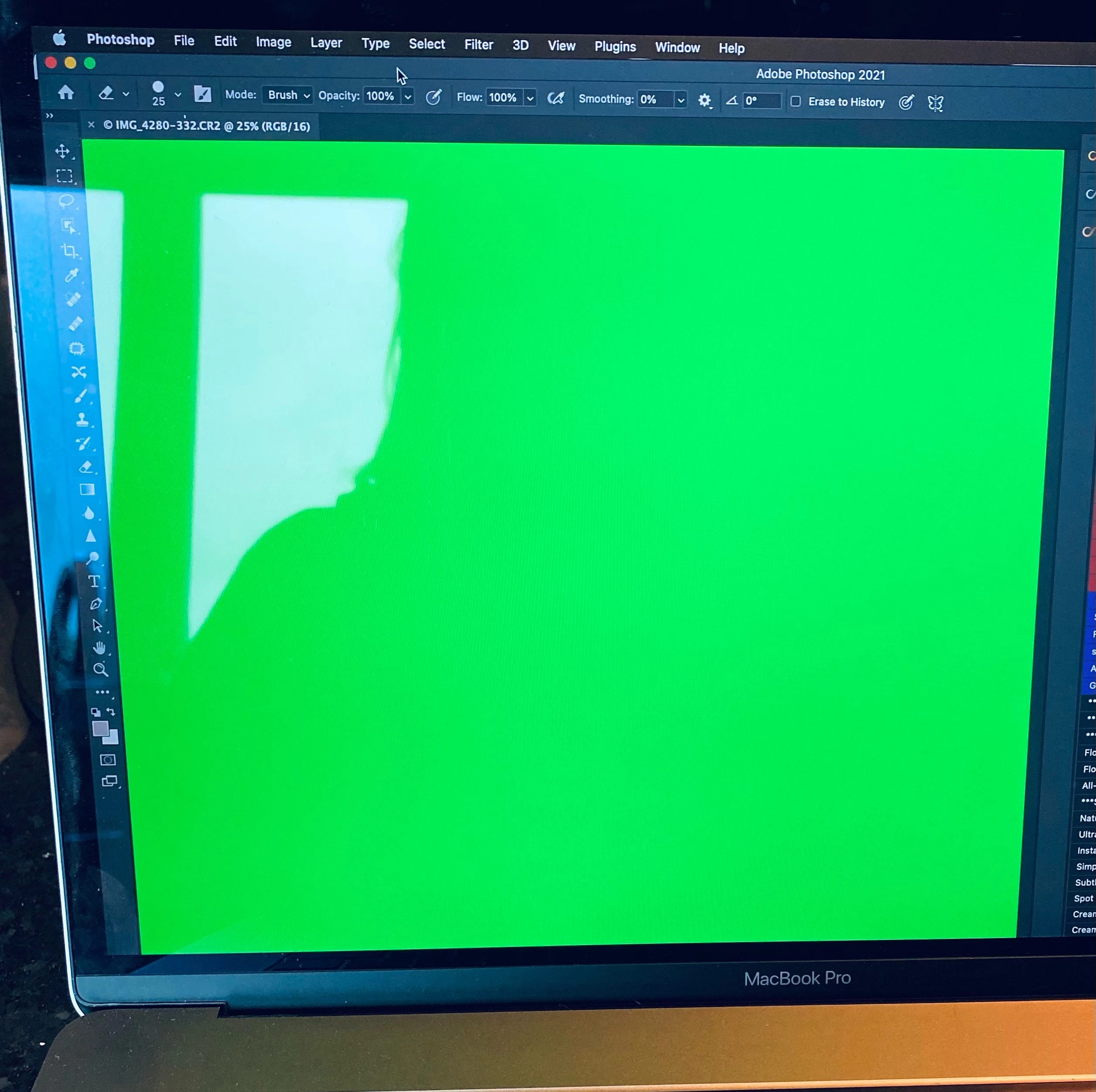
Cannot see my picture when importing in photoshop

  • May 31, 2021
  • 2 replies
  • 874 views

Hi! 

When I export from lightroom into photoshop, there's a green pictures instead of my orignal picture... 

Need help! Thank you!
 

This topic has been closed for replies.

2 replies

josephlavine
Community Expert
Community Expert
May 31, 2021

Along with the previous suggestions...


Have you tried resetting the preferences in both Lr and Ps

Is there any difference between using the Edit In versus Export in Lr?


warmly/j

c.pfaffenbichler
Community Expert
Community Expert
May 31, 2021

https://www.take-a-screenshot.org


Does turning off »Use Graphics Processor« in the Performance Preferences (Photoshop > Preferences > Performance > Graphic Processor Settings) and restarting Photoshop have any bearing on the issue? 

Does zooming the image display have an effect? 

Participating Frequently
May 31, 2021

it worked! Thank you so much!

c.pfaffenbichler
Community Expert
Community Expert
May 31, 2021

Unfortunately this is no proper solution as it invalidates GPU dependent features (like the Rotate View Tool, 3D Features and some Filter acceleration for example) but it indicates possible problems with the GPU driver.
