
Question
Cannot use camera raw filter on images with adjustment layer
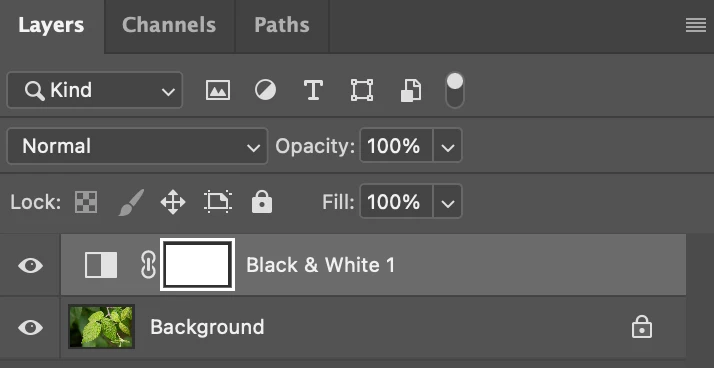
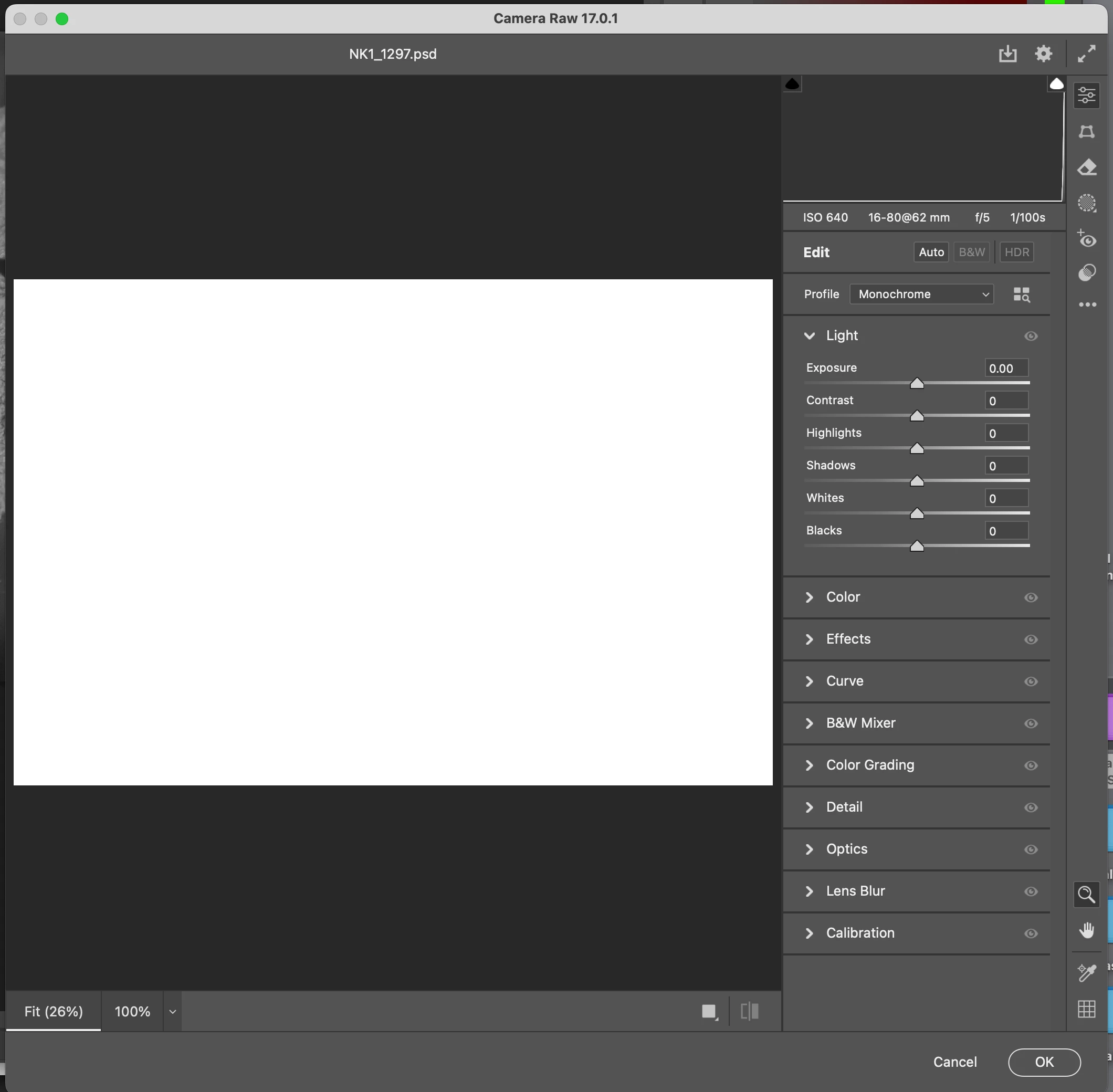
If applying an adjustment layer to a PSD file, if I then try and use a Camera Raw Filter, when the Camera Raw window opens up, instead of seeing my image, the window is just filled with solid white, or a check pattern. I have tried this on multiple images both large and small file sizes including those opened as JPGs.
For example, if I apply a BW adjustment layer to my PSD file, and then want to add a vignette using a camera raw filter, all I see is white for the image. See the 2 screen shots.
I’m using a 2013 MacBook Pro running Sonoma 14.7.1, and Photoshop 2025 that is fully updated.
Suggestions?
Thank you.
 AdChoices