Participant
September 8, 2020
Answered

Cant fill live shape

  • September 8, 2020
  • 1 reply
  • 718 views

Hi there, community


I'm either experiencing a bug in photoshop or my brain and hope you can help me out


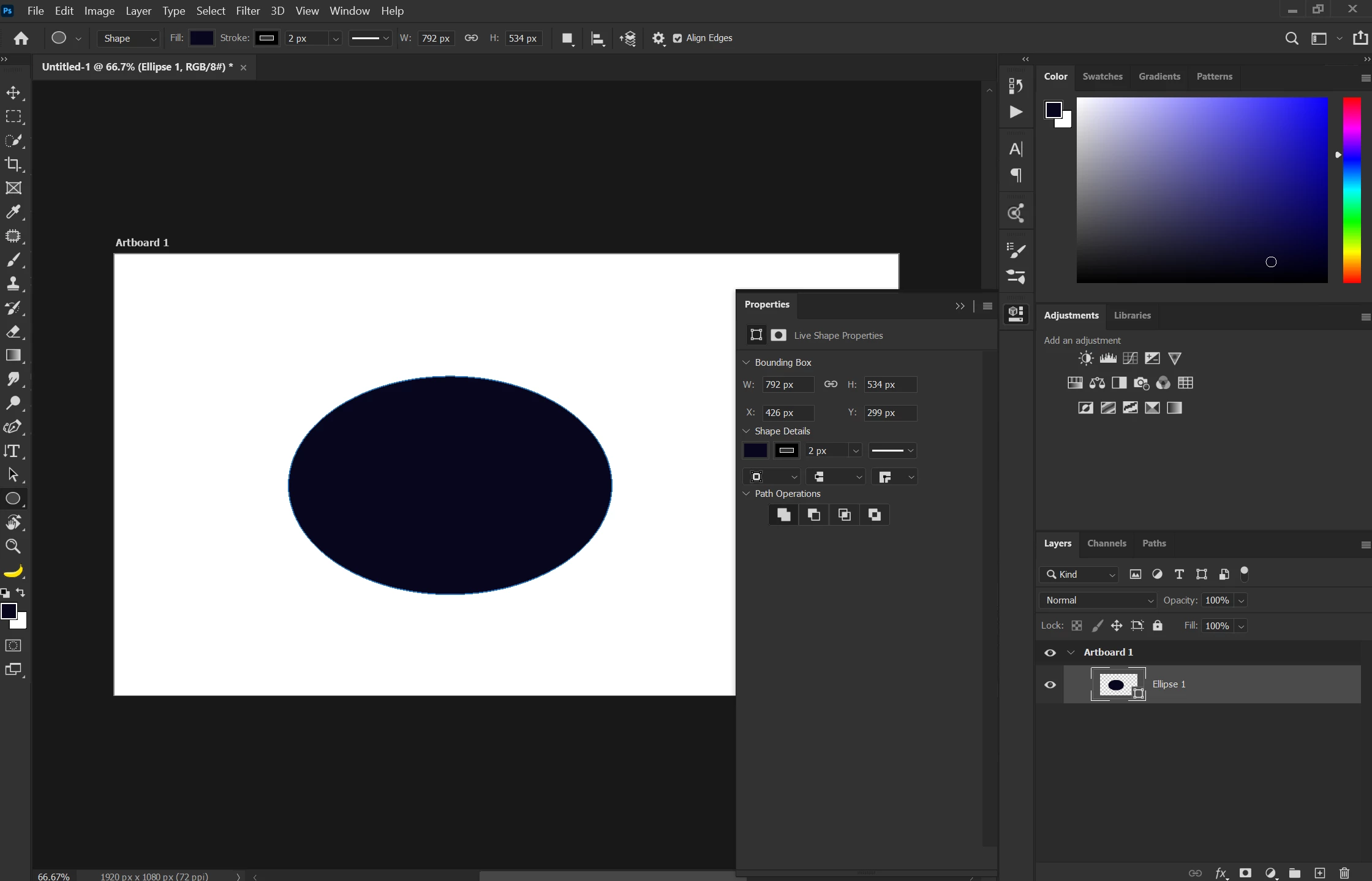
I can't seem to fill or apply a stroke on my live shapes. All the other adjustments work in the properties panel, and I can move it around using path selection tool. If I try to apply a fill, it will fill the entire layer and not the shape. The images attached should show the issue.


I'm hoping I messed around with my preferences and I'm missing something simple. 

Thank you for the help!

This topic has been closed for replies.
Correct answer Pflourish

Oh boy..


Just figured it out


I had it set to Path instead of shape - Brain bug confirmed.

I must have been playing around with it and completely forgot about it! 

Thank you for the reply


Problem solved.

1 reply

jane-e
Community Expert
Community Expert
September 9, 2020

What happens when you click the fill and stroke buttons in the Properties panel?

~ Jane


PflourishAuthorCorrect answer
Participant
September 9, 2020

Oh boy..


Just figured it out


I had it set to Path instead of shape - Brain bug confirmed.

I must have been playing around with it and completely forgot about it! 

Thank you for the reply


Problem solved.