Participant
March 11, 2019
Question

Cant find lasso tool

  • March 11, 2019
  • 2 replies
  • 881 views

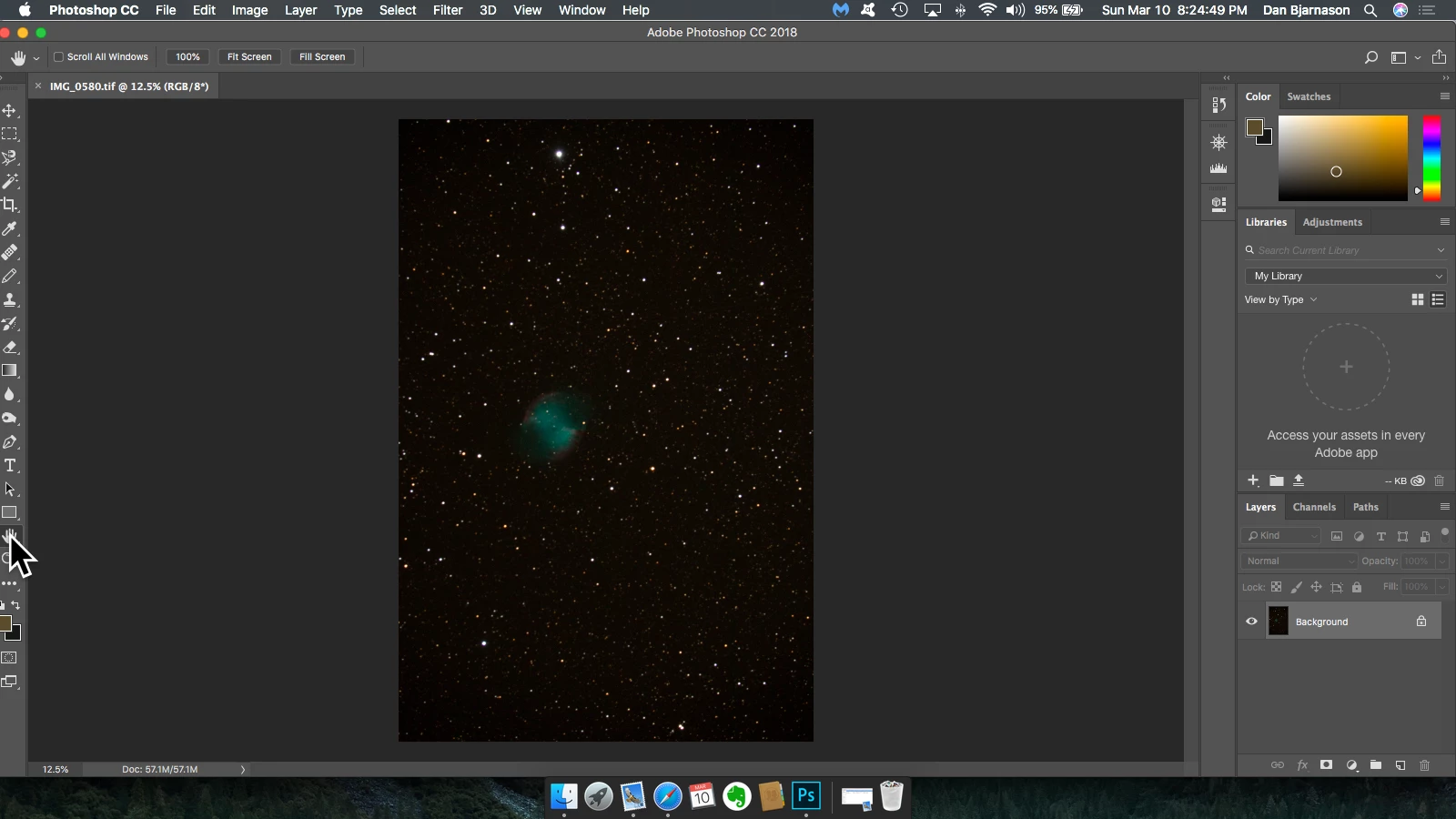
i am using Photoshop 19.1.7 ... i cant find "lasso" among my tools. i could email a screen shot if that would help.

    This topic has been closed for replies.

    2 replies

    jane-e
    Community Expert
    Community Expert
    March 11, 2019

    Hi

    Here's my favorite way:

    • In the upper left, click Search
    • Change the mode to Photoshop (second tab and start to type "lasso", then click it when it appears
    • It will highlight the tool, even if hidden
    • A second way is right-click the ... at the bottom of the toolbar and select Edit Toolbar.
    • Restore Defaults will restore all of your tools, or you can just bring back the ones you want.
    • There are lots of variations on this.

    Jane

    John Waller
    Community Expert
    Community Expert
    March 11, 2019

    Click and hold the Magnetic Lasso tool in the LHS toolbar and select the Lasso tool from the flyout menu.

    All tools with a tiny arrow in the bottom RHS have a flyout menu when you click-and-hold on them.