
Change font without showing the missing font message?
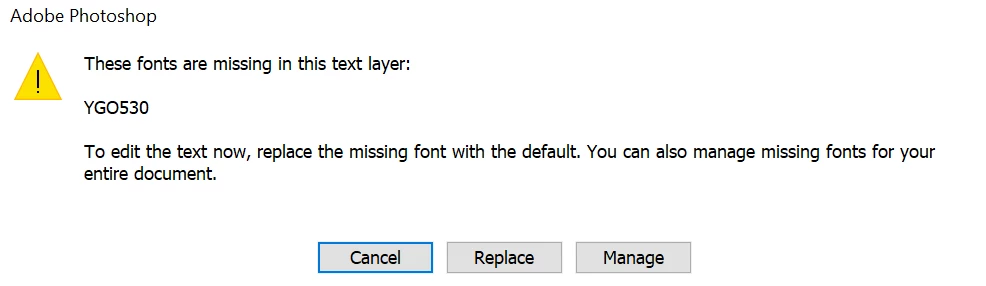
Hi everyone, I'm working on a project that contains a bunch of text layers with different fonts, and I'll have to change them all to a different font using action. The problem is that not all fonts can be installed, so often this message will appear and I have to stop to press Replace repeatedly:
I tried it with the Manage Missing font and it changed the font pretty quickly without any notification, I just couldn't put it in the action in any way. I tried with Insert menu Item but nothing changed in my action, so I had to do this manually. Currently, my work is increasing, so it is difficult to continue doing this with files one by one. Is there a way to change all missing fonts to a given font without interrupting the action? I am using Photoshop version 24.2.0.
 AdChoices