
Question
Change PNG Resolution from 240 to 300
Hello,
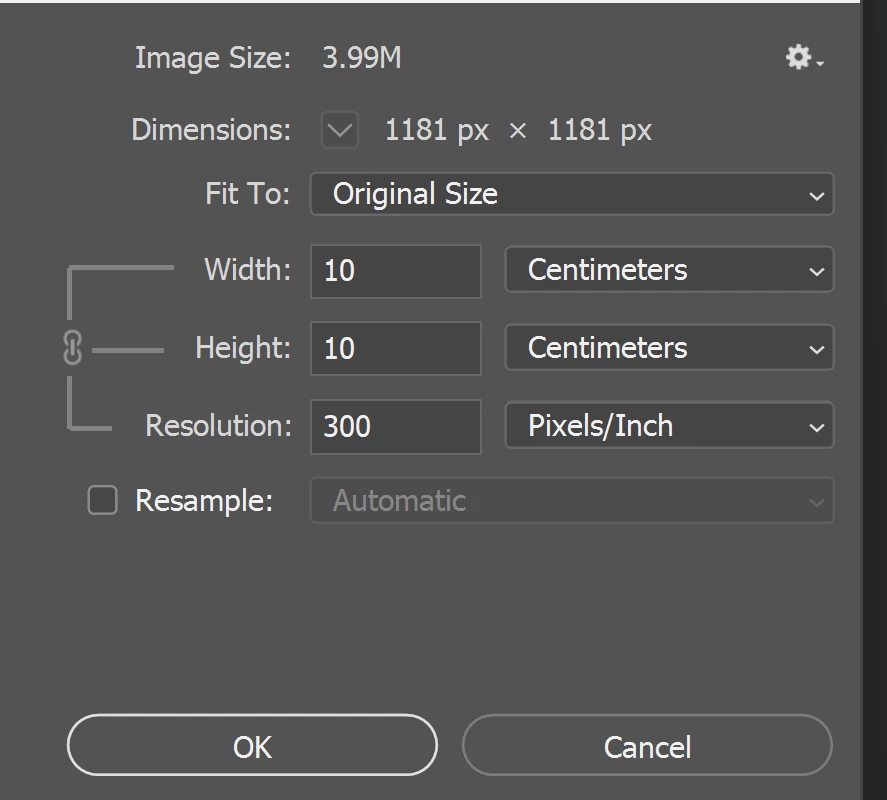
I am new to Photoshop. I am trying to save a black logo for printing in PNG format with a transparent background at a resolution of 300. The file size saves as 240. I have seen the comments about doing save as and not exporting, I have also tried reopening the PNG, making sure the resample is unticked changing the resolution to 300, and saving it again, but it hasn't worked (it does say it is already 300 in the image size box).
Thank you for any help.
 AdChoices