
Participant
March 1, 2024
Beantwortet
Change to Layer Option List
- March 1, 2024
- 2 Antworten
- 162 Ansichten
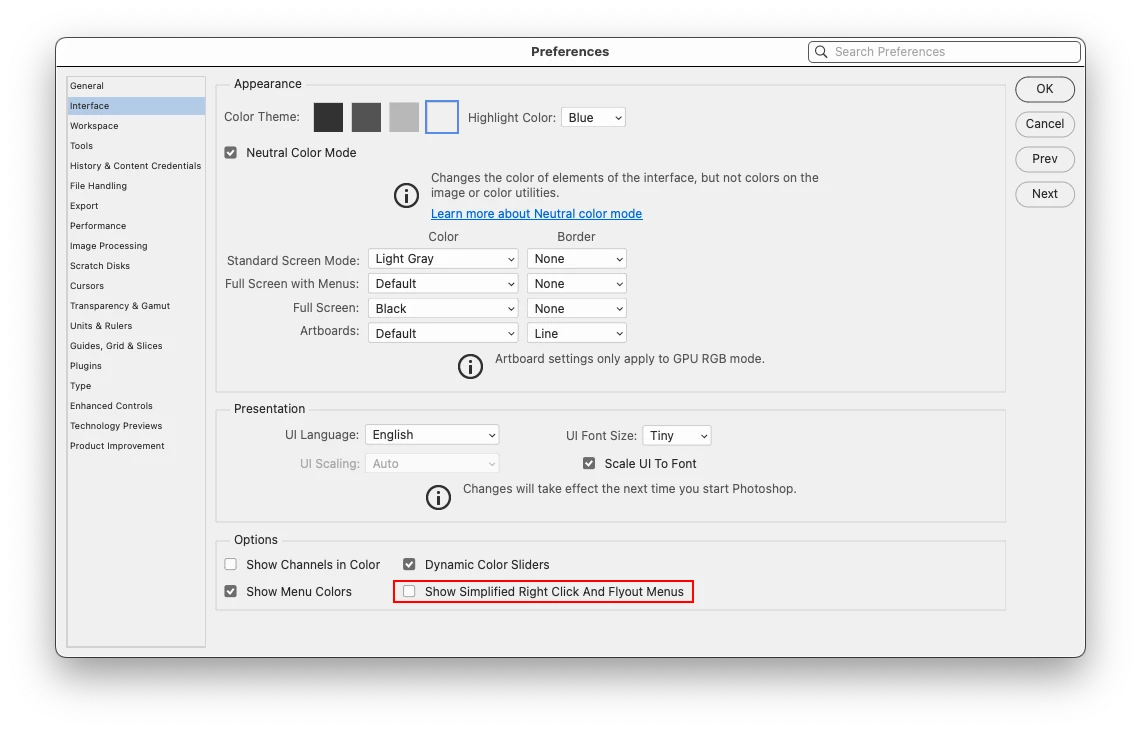
Layer Option List (right click on layer) give you a long list of features such as Blending, Rasterize, Merge, etc.
The list shuffles throughout editing a layer.
By default, Blending Option is up on top.
If layer is rasterised, Blending is transferred to somewhere in middle.
Same for merge, etc - they all have been relocated in the list.
Very annoying searching every single time to find that.. it is energy and time wasting.
Please restore the list as fixed, no shuffling - like previous versions in the past.
 AdChoices