Copy link to clipboard
Copied
Hi everyone,
I recently bought a few mockups but they don't 100% match my product.
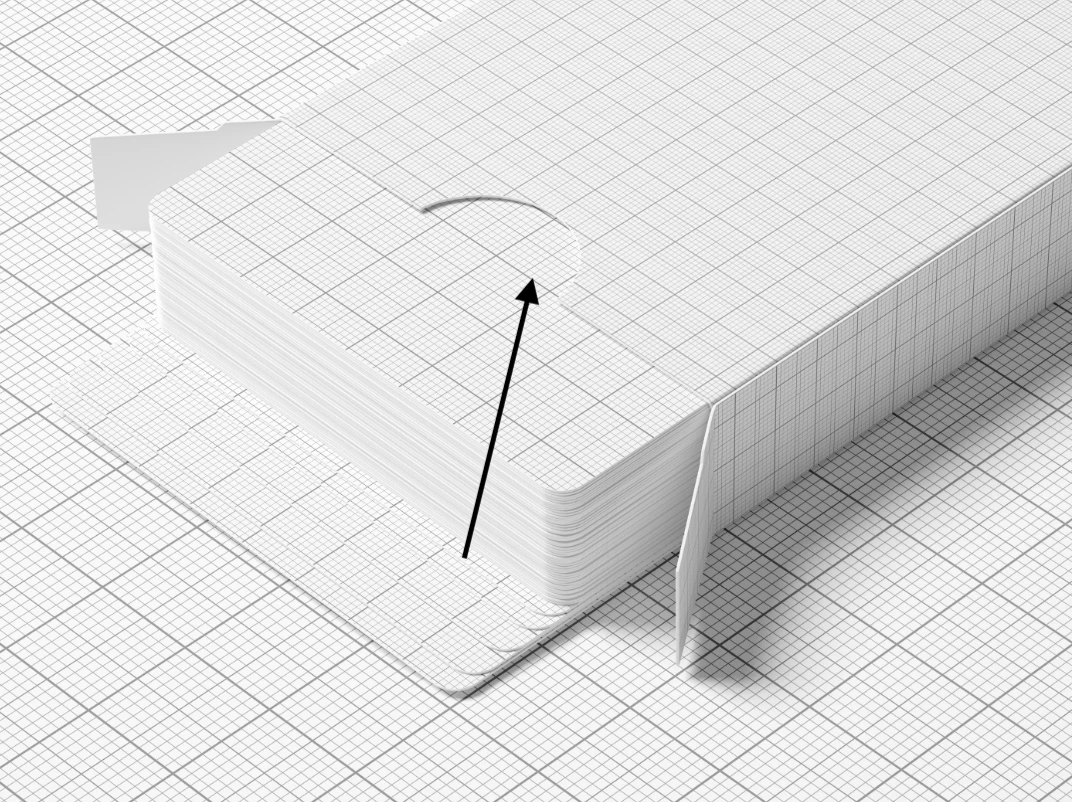
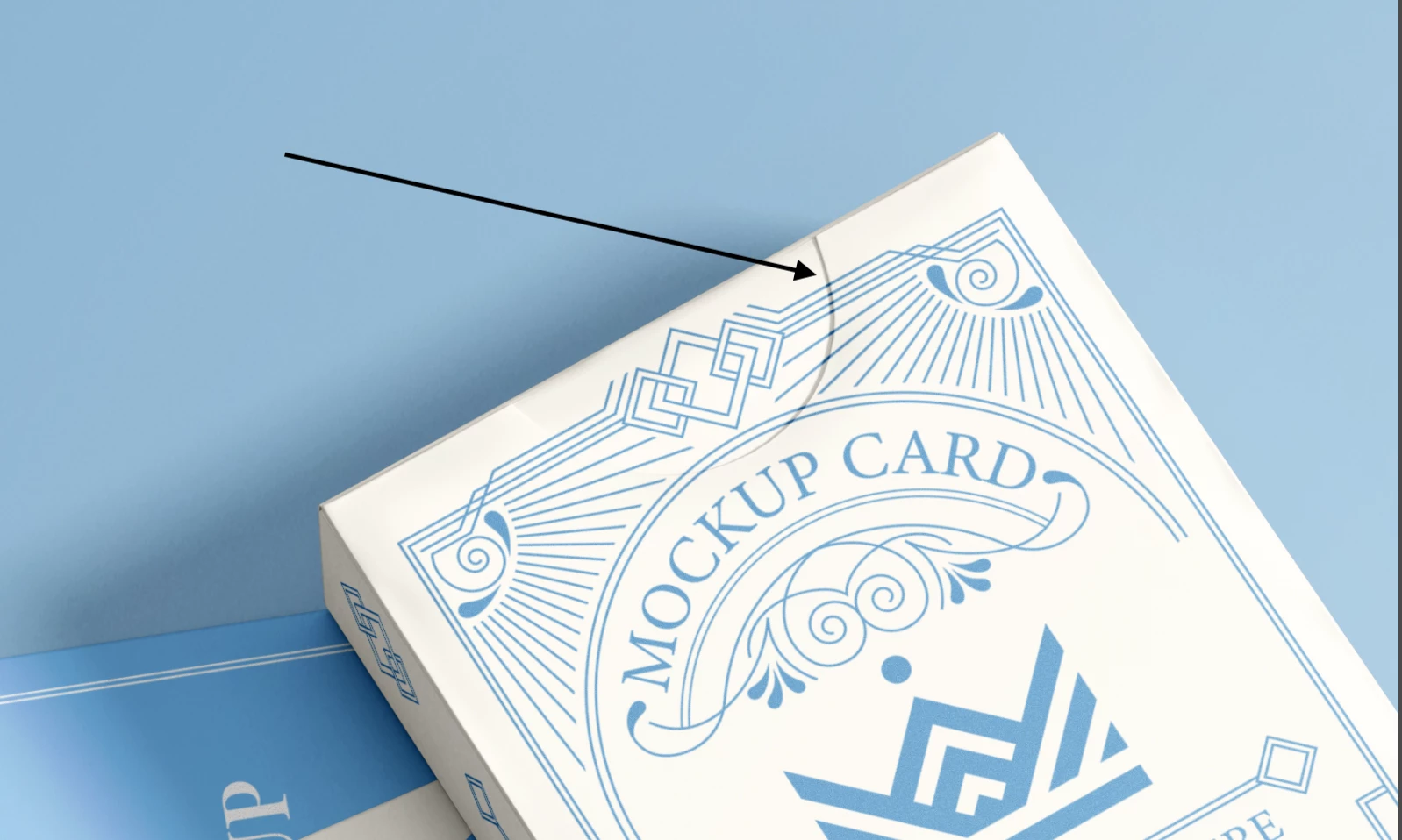
I'd like to know how to change the elements of the mockup and cover the cresent cut-out.
I've already tried using the rectangle tool to cover the hole but the hole just clips through.
Thank you for your help!
Copy link to clipboard
Copied
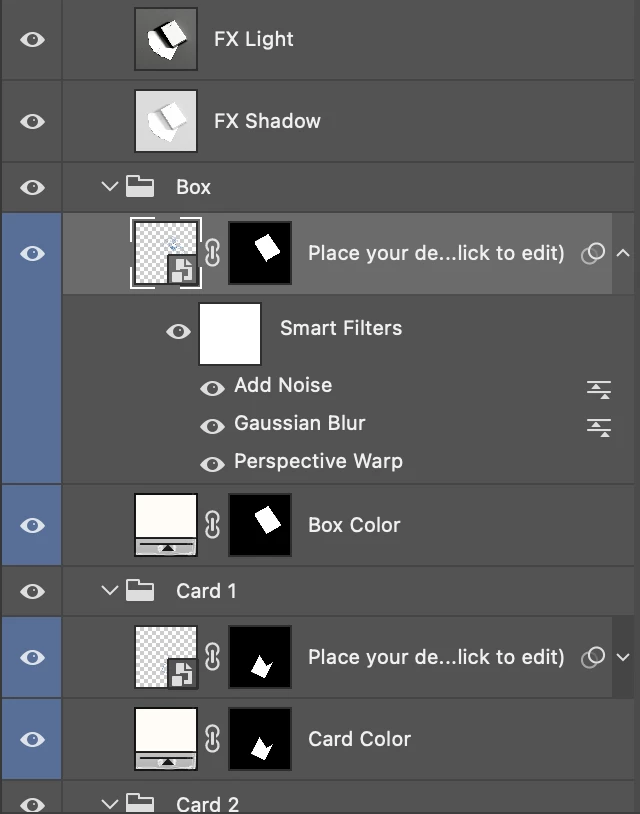
I guess there is layer with mask for front or top design. Further, my guess is that mask itself contains that semi circle. You must find that mask and fill that part with white on mask. Its not difficult job, just find mask. We do not see all layers thats why we can not see mask with that particular part of design and shape on mask in question.
Copy link to clipboard
Copied
Thank you for your answer Bojan, the hole seems to be part of the photograph itself on every mockup.
I tried to cover the background with a rectangle and then merge them but despite adding my own design on top, the hole reappears after turning on the effects.
or maybe I'm misunderstanding your instructions?
Copy link to clipboard
Copied
Can you post screenshot after double clicking your design here to edit that smart object or upload file somewhere so we can check it. You can send me link to file via private message too.
Get ready! An upgraded Adobe Community experience is coming in January.
Learn more