amyb4862461
Known Participant
May 9, 2019
Question

Circle - Bigger & Smaller

  • May 9, 2019
  • 1 reply
  • 1161 views

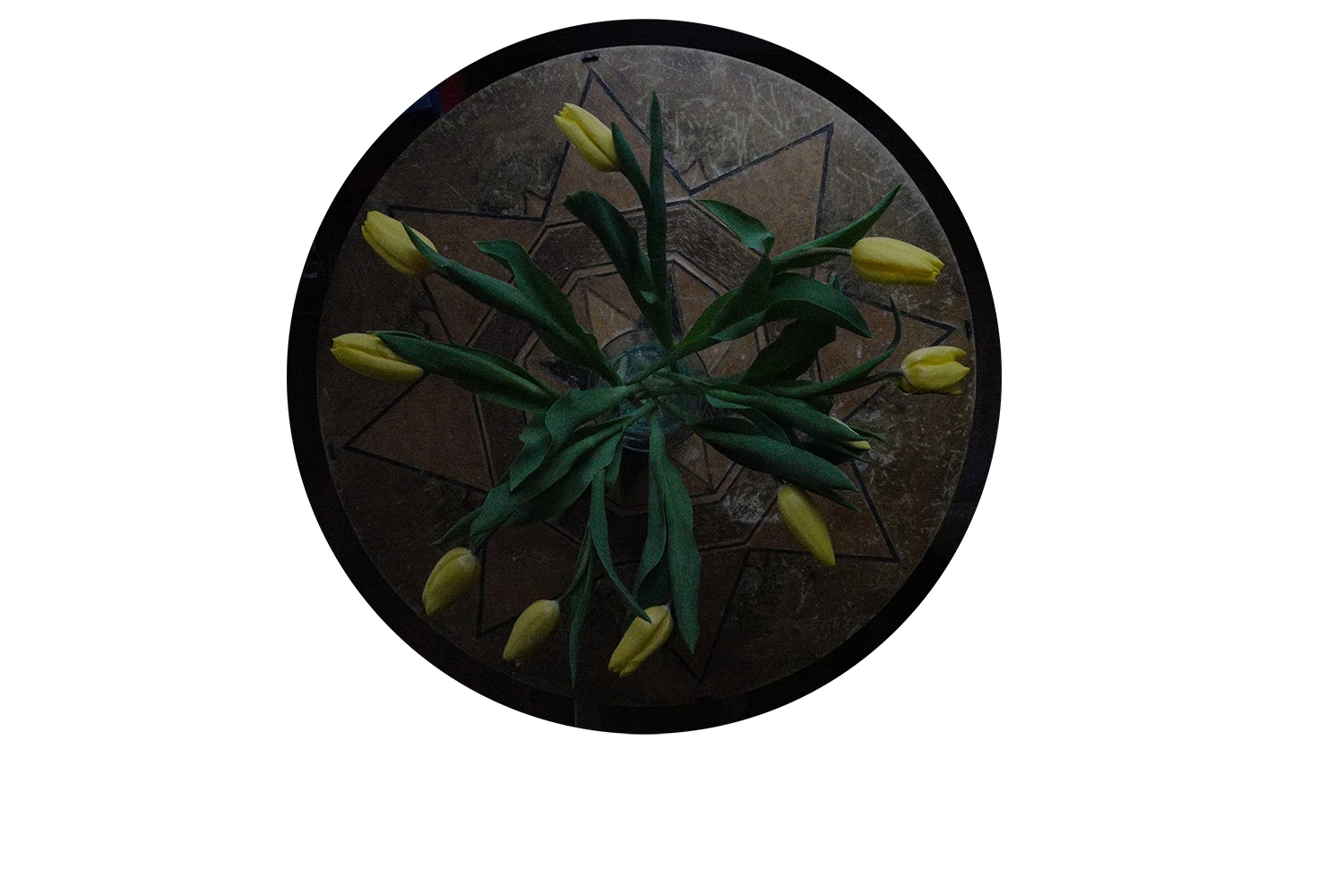
I can never get the circle the exact size I need.  Is there a way to edit the circle to make it bigger and/or smaller.  I'd like it cropped right around the table.  Thank you.
    This topic has been closed for replies.

    1 reply

    davescm
    Community Expert
    Community Expert
    May 9, 2019

    Hi

    Draw a rough circle with the elliptical marquee tool. Then go to menu Select >Transform Selection. Use the side handles to make the ellipse fit your table exactly

    Dave

    JJMack
    Community Expert
    Community Expert
    May 10, 2019

    Or use the ellipse tool click on the circle center point and type in the size you want

    JJMack
    Bojan Živković11378569
    Community Expert
    Community Expert
    May 10, 2019

    You have three options: Shape, Path and Pixels drawing mode which can be selected from the Options bar. Use Shape or Path, depend on your end goal.

    Later you can adjust dimensions using Properties panel - although it is not the only way-, select path or shape then open Window > Properties.

    Let me mention that you can convert path or shape to selection from the Paths panel.
