
paora
Participant
March 23, 2017
Answered

Clipping mask is not working

  • March 23, 2017
  • 2 replies
  • 907 views

hi there i made an image in paint: just a basic black triangle, sharpened it up in photoshop then saved as JPEG. then i coppied it into a new project and tryed to use a clipping mask over the top like i do with wording and for some reason its not working. it just sits on top of the image i pasted.
    This topic has been closed for replies.
    Correct answer paora

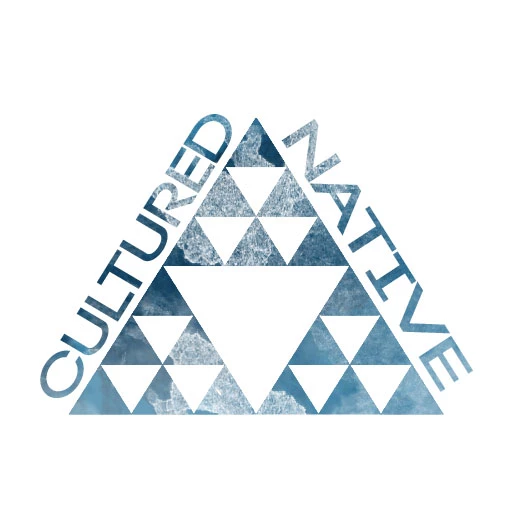
    I found a way to get the result i wanted. i selected the the triangle using the smart select tool with the clipping mask off, then turned it back on, changed to the move tool and dragged it into a new project. worked well.

    The result:

    2 replies

    paora
    paoraAuthorCorrect answer
    Participant
    March 23, 2017

    I found a way to get the result i wanted. i selected the the triangle using the smart select tool with the clipping mask off, then turned it back on, changed to the move tool and dragged it into a new project. worked well.

    The result:

    davescm
    Community Expert
    Community Expert
    March 23, 2017

    Hi

    The clipping mask relies on some pixels in the layer below being transparent. If you saved your image as a jpeg your triangle will be a layer of foreground and background coloured pixels. No transparency.

    Dave

    paora
    paoraAuthor
    Participant
    March 23, 2017

    thanks for your reply davescm. i found a way to get the result i wanted