
Question
Clone stamp how to remove soft round edge
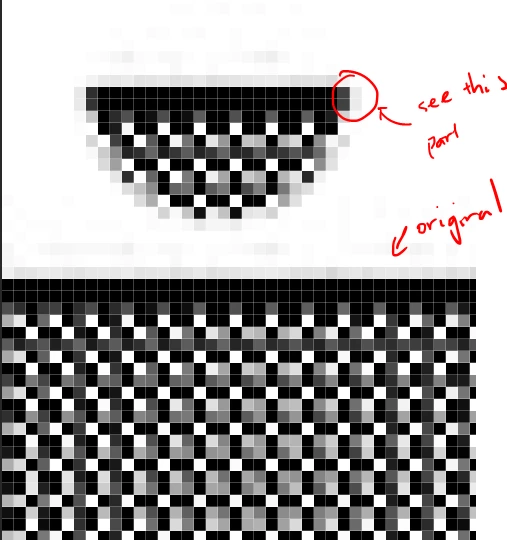
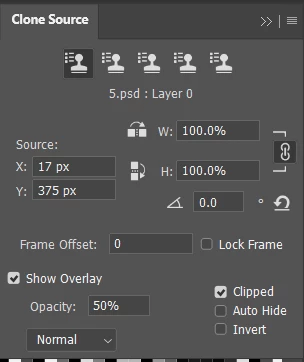
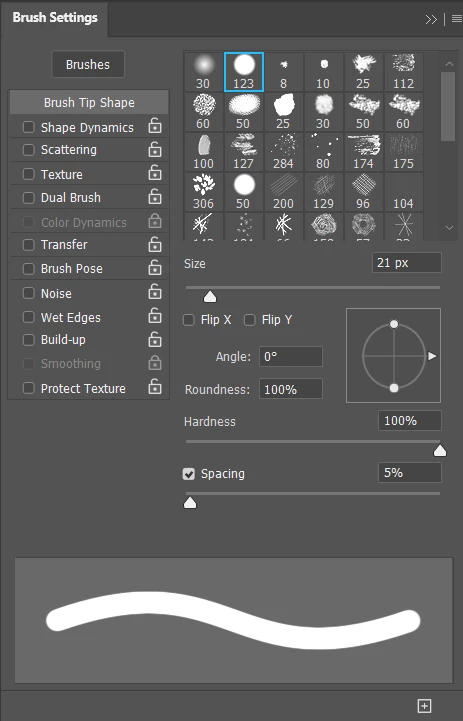
When I use the clone stamp tool, brush setting is hard round and all, but the pasted section always has this soft edge that I can't figure out how to remove. Hardness opacity everything is 100% (except preview).
The image I put here should be clear enough to see what the problem is. On the sides of the 2-px wide line, the end points are blending into the background, quite like a Brush. I want it to be like Pencil, where the pixels stay the way they are.
I am using the current version of Photoshop.

 AdChoices