

Clone stamp tool black cursor problem-how to restore original clear circle?
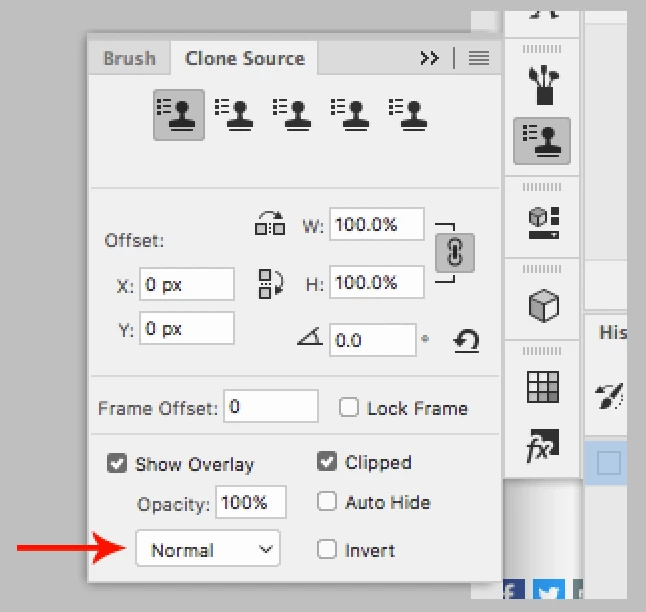
I have a problem with the cursor on the clone stamp tool in Photo Shop CC on one of my two installations on two different computers, but not the other. I am an experienced photoshop user. When I use the clone stamp tool, the cursor is filled with black instead the normal circle which does not block the view inside the circle. How do I get rid of the black? I have examined every setting I know and it still does not solve the problem. This has stayed for over a month. Restarting the computer does not solve the problem either. Here are some more details and examples. If I select a different brush, that is what I see when I start using the clone stamp tool. I tried the rest tool option and there was no change. Again, this problem of visual blockage in only on one of my two installations.
 AdChoices