



Answered
Clone Stamp while in mask, pulls source pixels from layer not the mask
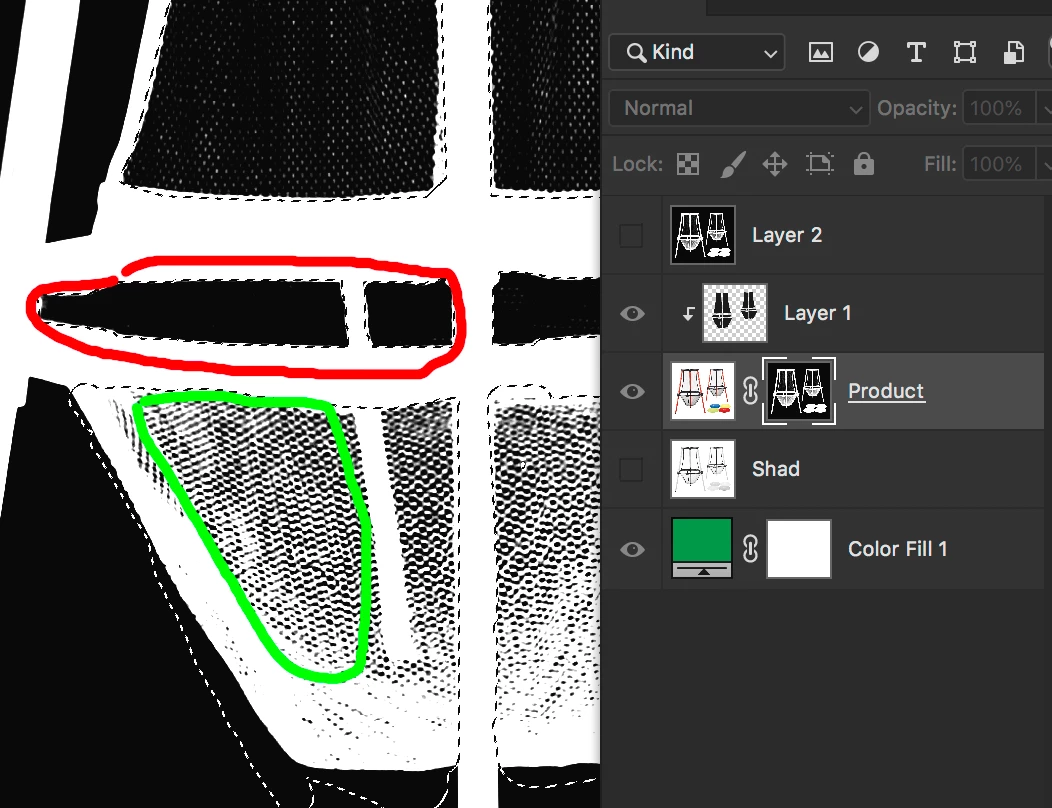
I have a mask of some fine netting. I wish to clone from inside the green area i(good) into the red area (so fine we lost the netting in photography).
My result clones pixels of greyer color, as is opacity is at lets say 60%. The red dots show my clone source and destination. My brushes has all unchecked and clone source opacity is 100% default.
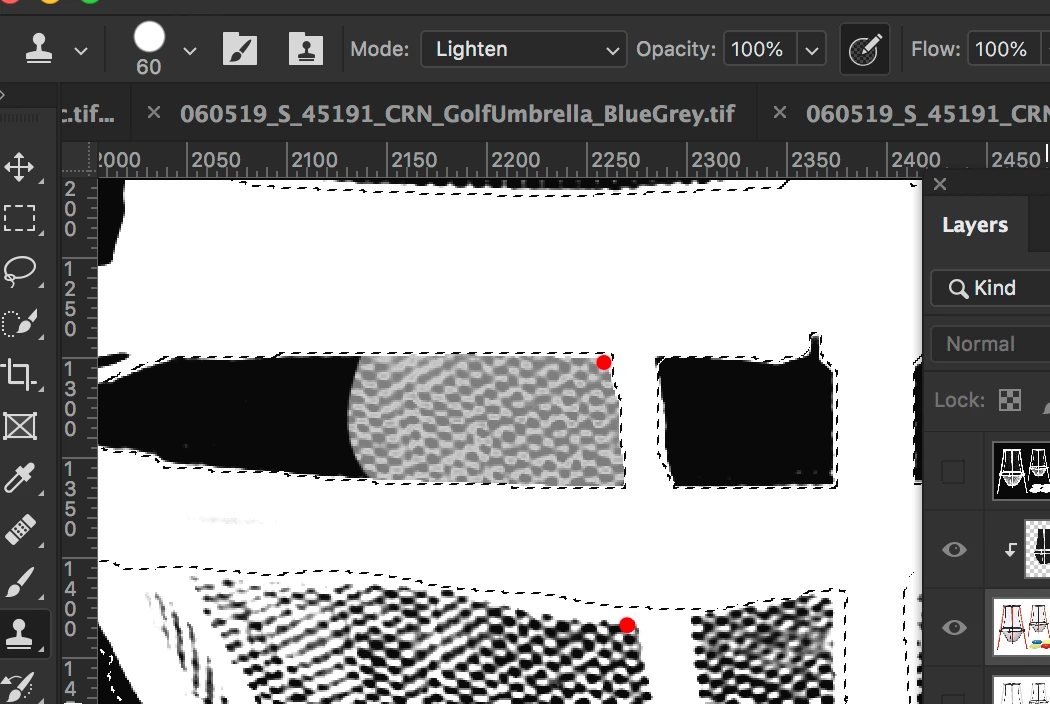
Now if I copy the mask and put pixels into a layer that is not a mask, the cloning works as expectyed. So this something about being in the mask layer.
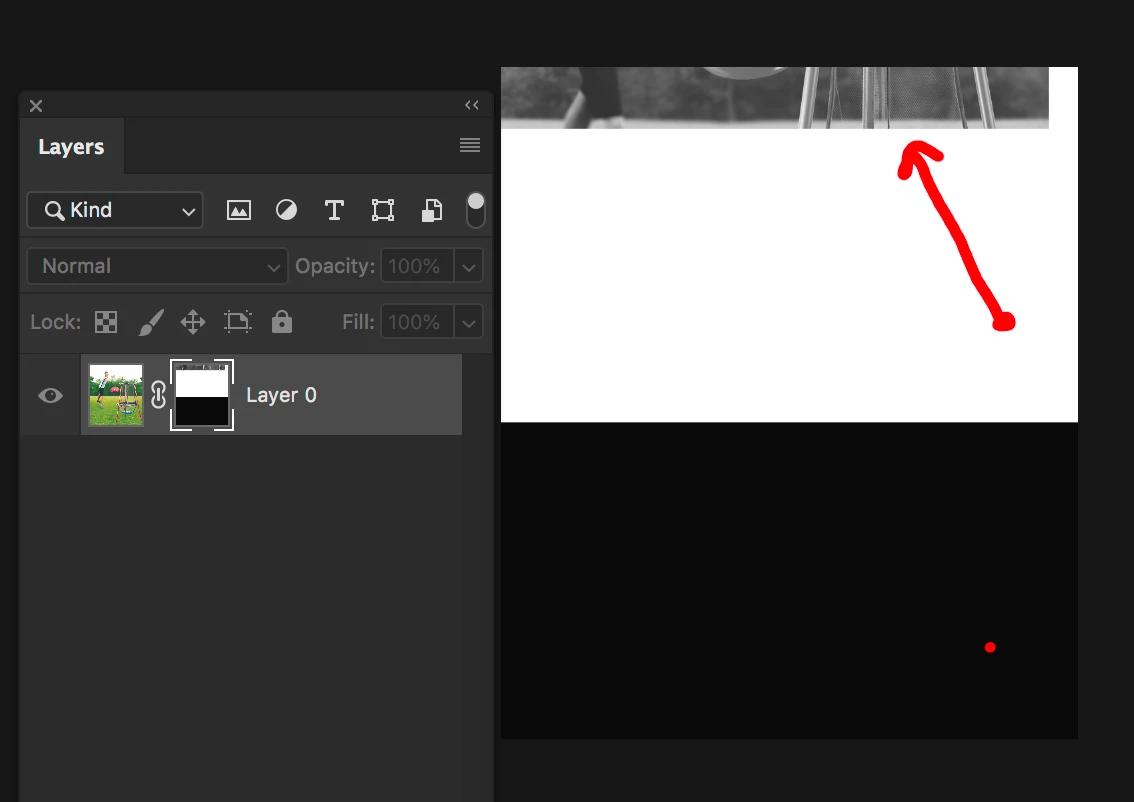
I then decided to do another test with a mask that is white on top and black on bottom. To my horror I find that it is cloning from the actual layer, and offset position.
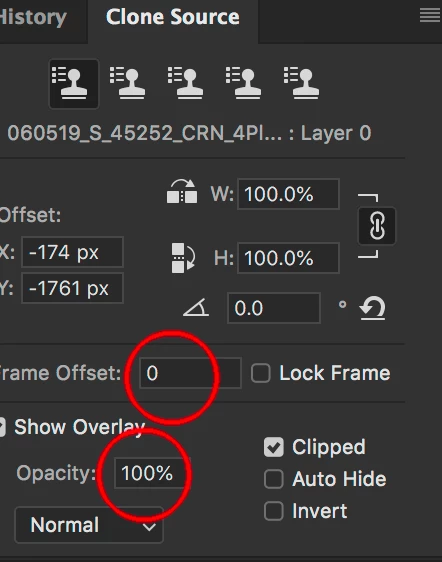
Below are my clone source settings.
 AdChoices