
gladysa
Inspiring
November 10, 2020
Answered

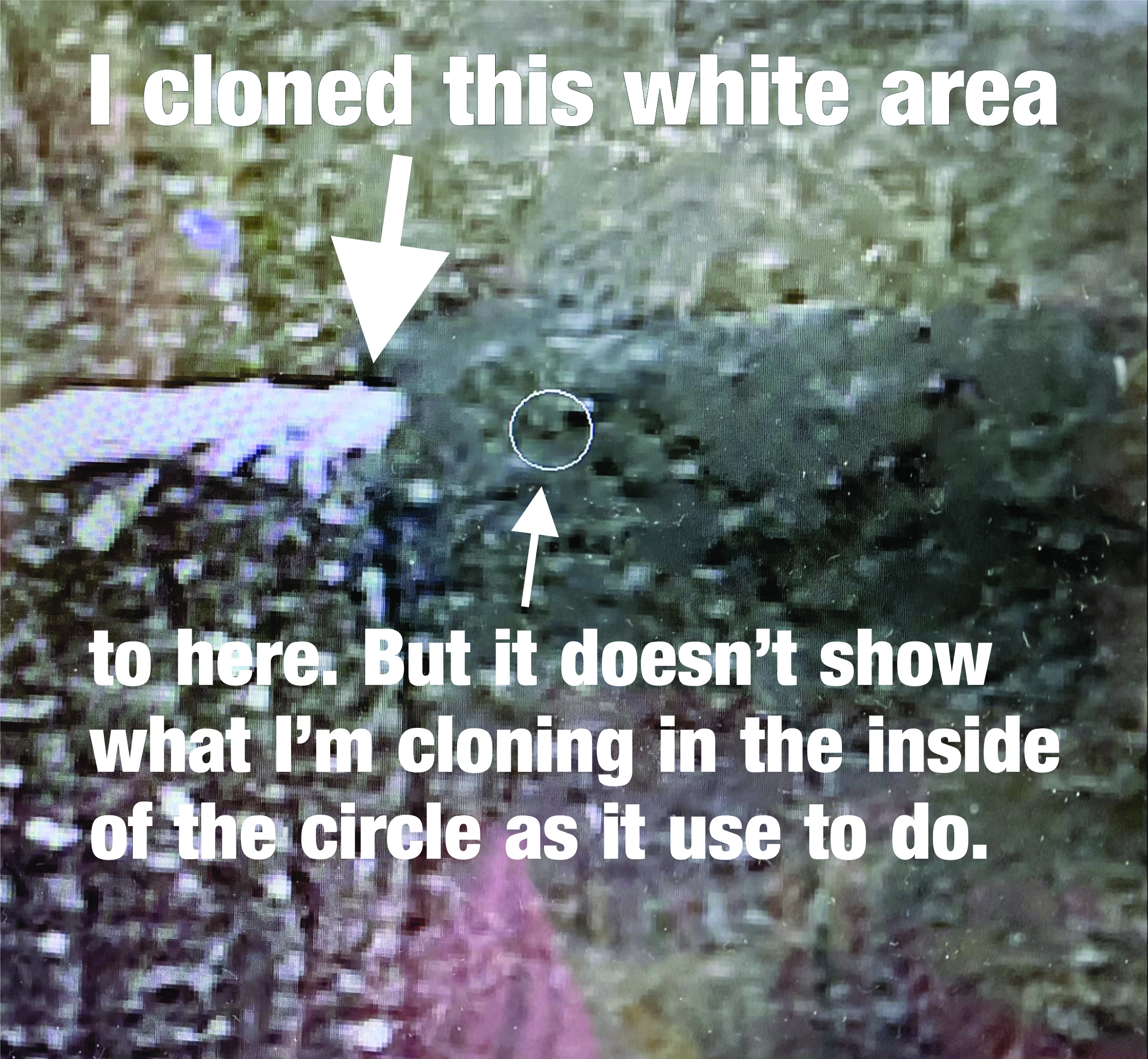
Clone tool does not show preview

  • November 10, 2020
  • 2 replies
  • 562 views

Hi 

When I clone an area it does not show the preview in the circle. This makes it difficult to line up in the new area. I have reset the tool (numerous times) and it doesn't fix the proble. I am using the current vuersion of Photoshop (creative cloud subscriber). Help please!
 

Correct answer gladysa

Problem is fixed!!!  I reset the preferences.

EDIT-->  PREFERENCES -->  GENERAL -->  Check off  RESET PREFERENCES ON QUIT. Close Photoshop then start it back up. Preblem resolved.

2 replies

Participant
August 11, 2023

I'm having the same problem, suddenly. On CS6. I use the clone tool all the time, it should have a preview of the cloned area so I can see exactly where to drop the cloned image. Without that preview, the tool is useless. I don't see a place to reset the preferences. Any other suggestions?


gladysa
gladysaAuthor
Inspiring
November 12, 2020

The crosshair is way off too! I restore photos. These problems are causing a lot of headaches. I'm surprised Adobe is not fixing this.

gladysa
gladysaAuthorCorrect answer
Inspiring
November 13, 2020

Problem is fixed!!!  I reset the preferences.

EDIT-->  PREFERENCES -->  GENERAL -->  Check off  RESET PREFERENCES ON QUIT. Close Photoshop then start it back up. Preblem resolved.