Color Channels
- July 13, 2024
- 2 replies
- 1325 views
Hi All,
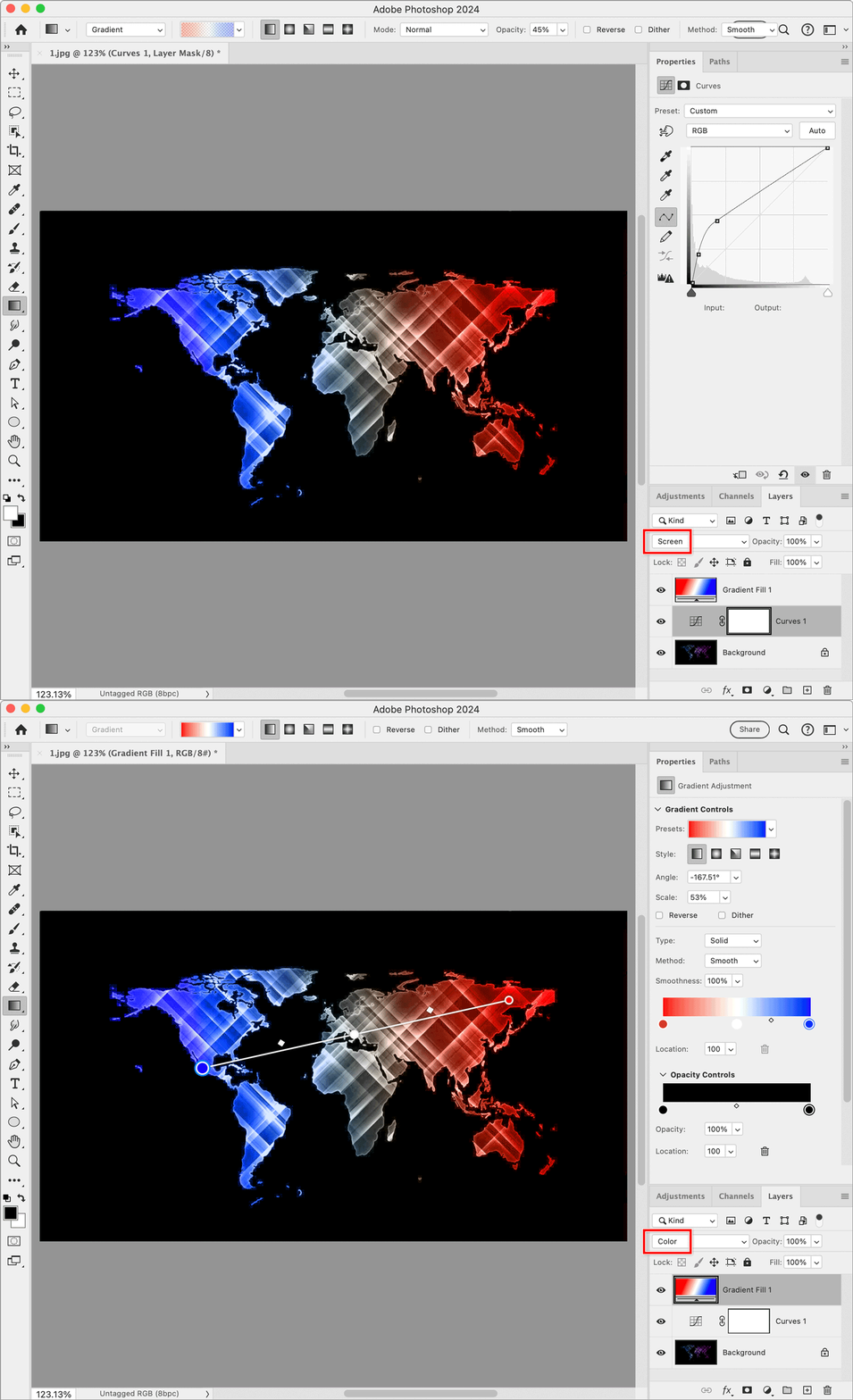
I have an image of a map that I want to change the colors on.
I thought the simpliest way was to duplicate the image, and then remove a color from each layer in the color channels window. In the end i'll make each layer accordingly so as to create a red > white > blue color gradient acoss the entire image. (I'm sure there are numerous way to do this, but this was how I started).
However - once I make a change or remove a color (for example - unclick "Red" and the entire image turns blue), this applies to all layers AND it does not stay. The moment I click on another layer, the color channel defaults back to the original image and all colors are selected.
What am I doing wrong?
I'm running Photoshop 25.9.1 on an Intel Macbook Pro using Sonoma 14.5
 AdChoices