bartonlew
Legend
August 23, 2023
Resuelto

color discrepancy on screen

  • August 23, 2023
  • 1 respuesta
  • 490 visualizaciones

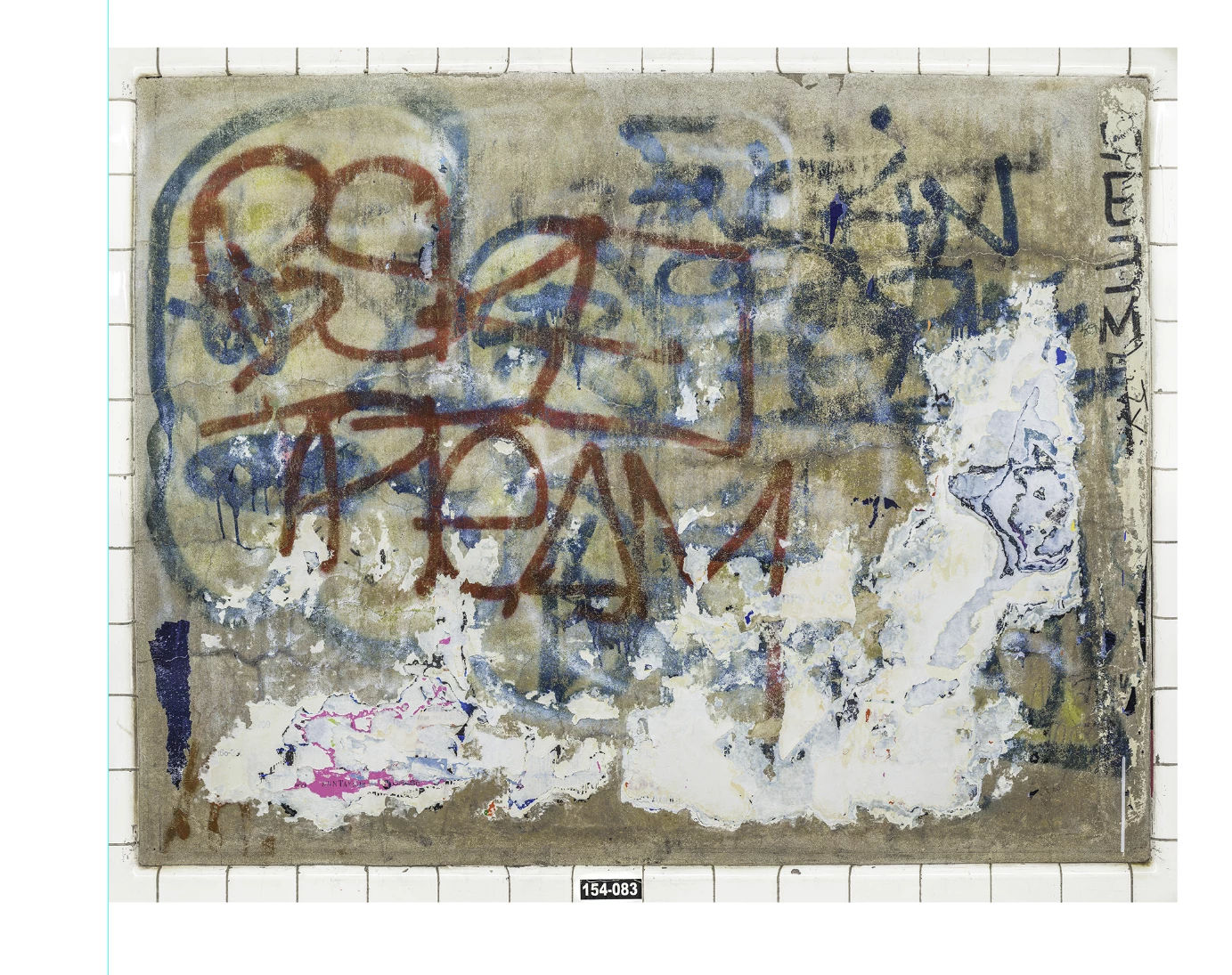
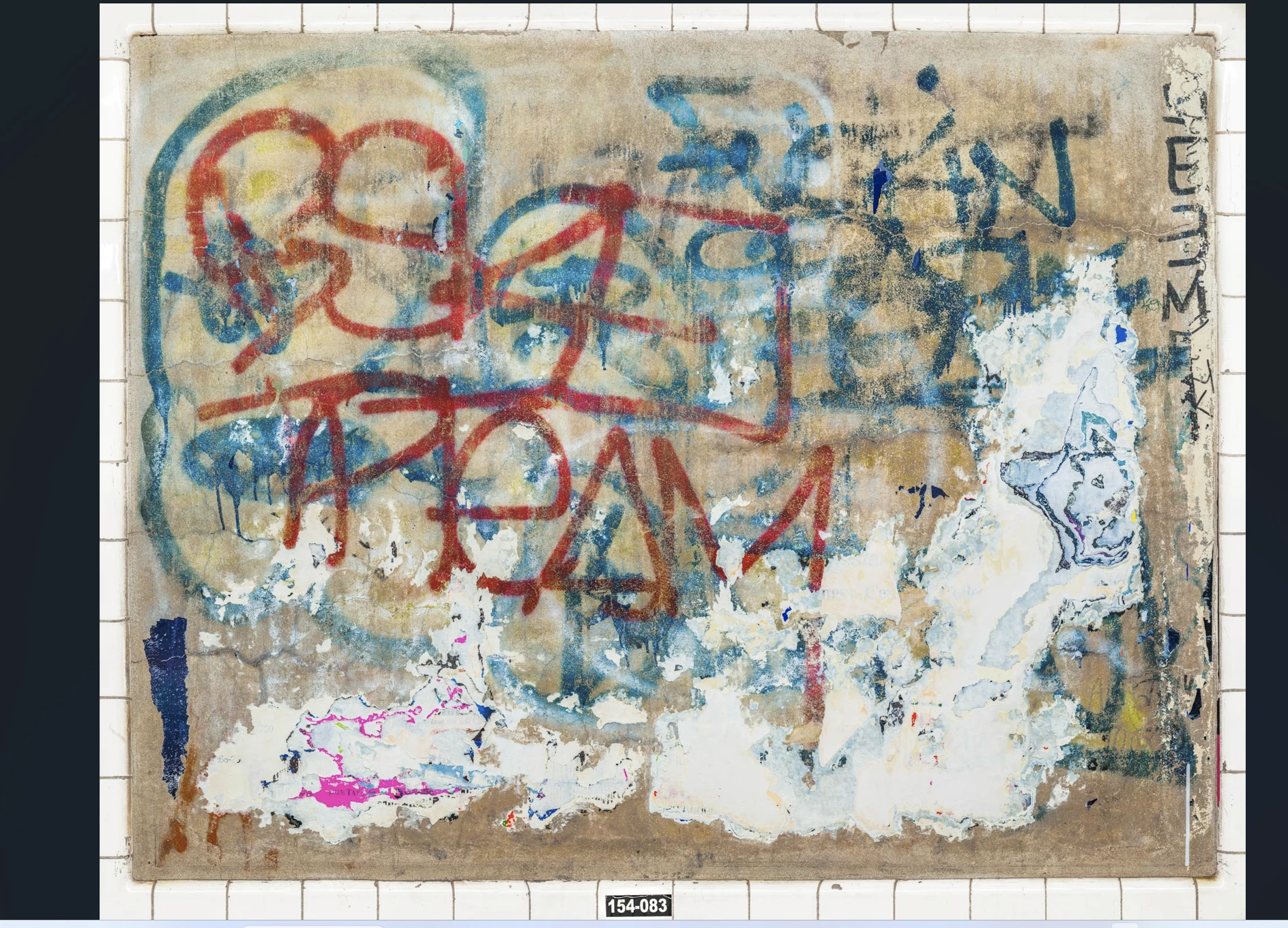
I'm pasting a screenshot of a jpg export from a PSD file, and below it, the same image imported into a PSD document which contains multiple images on a 24" x 6 ft. sheet of paper which I'll cut out and use in a mockup layout of a book.  What I want to know is why the quality of the 2nd image is different from the first.  The red and blue graffiti is duller and darker, as is the background of the panel.   At least, this is how they appear on screen.  Does it have anything to do with it's being imported into a file with a white background?  I can't figure out what else it could be.  Thanks.  


Este tema ha sido cerrado para respuestas.
Mejor respuesta de D Fosse

Then you have at least one untagged file, that doesn't have an embedded color profile.


If both files have an embedded document profile, that profile will be converted in the paste, and the color appearance preserved.


(Actually the base issue is the same in either case: a missing document profile.)

1 respuesta

D Fosse
Community Expert
Community Expert
August 23, 2023

A screenshot is in monitor color space, but untagged. It has already been converted into your monitor profile - but that profile is not embedded in the screenshot. The original color space of the document no longer applies.


The proper way to handle screenshots is to first assign your monitor profile, then convert to a standard color space.


Once the screenshot has a standard profile embedded, it can be copy/pasted in the normal way. The pasted image will always be converted into the base document color space and appearance preserved.

bartonlew
Legend
August 23, 2023

Thanks.  But I think we are talking about 2 different issues.

I am asking why does the same image appear differently when imported into a Photoshop document (with a white background), than when opened.  The screen shots above reflect the problem - which existed independently of the images being attached as screen shots and prior to that.

The 1st image is a screen shot of the opened jpg.  The 2nd image is a screen shot of the opened jpg after its import into a PSD document.  

D Fosse
Community Expert
D FosseCommunity ExpertRespuesta
Community Expert
August 23, 2023

Then you have at least one untagged file, that doesn't have an embedded color profile.


If both files have an embedded document profile, that profile will be converted in the paste, and the color appearance preserved.


(Actually the base issue is the same in either case: a missing document profile.)