There are several things that don't add up from the screenshots that you show.
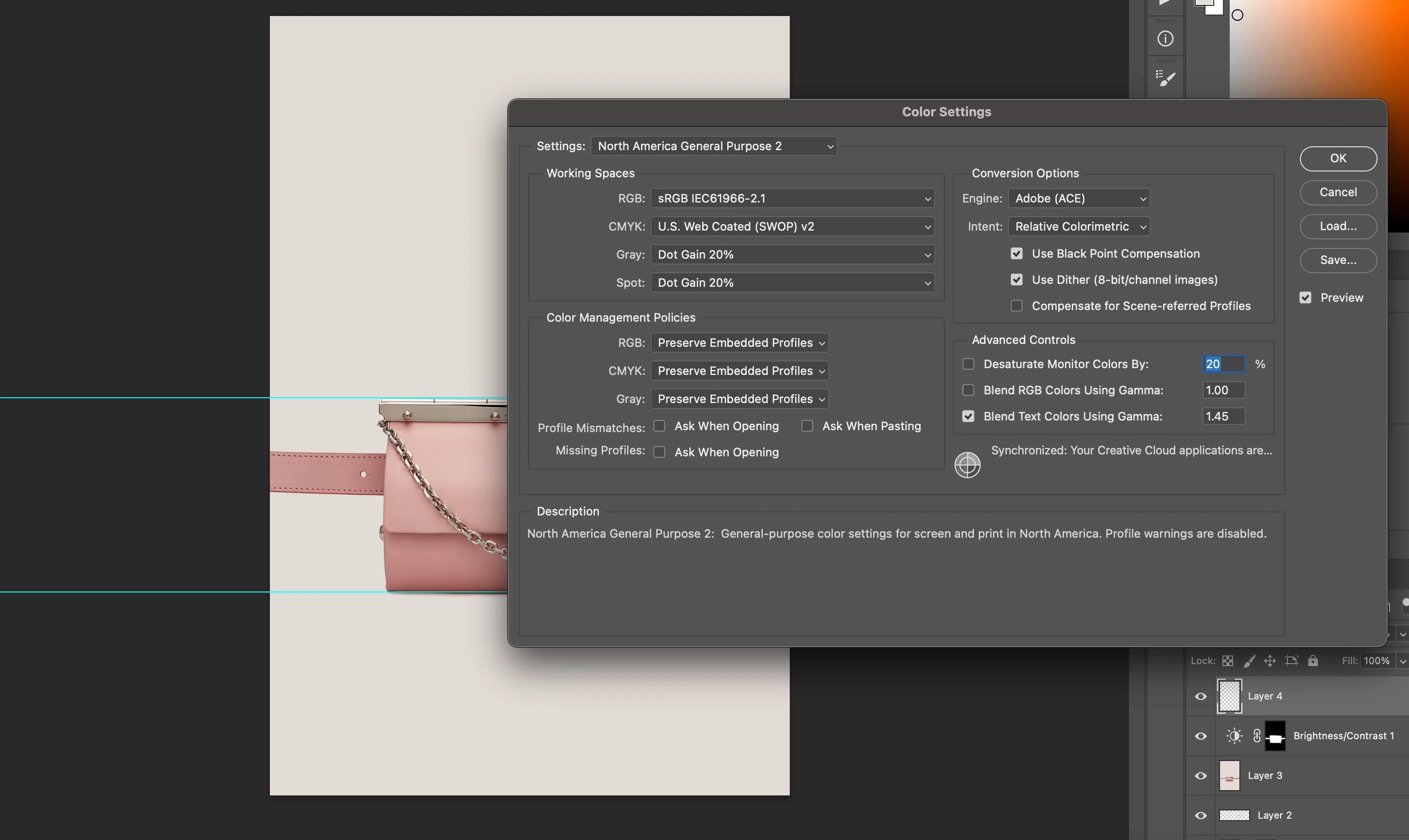
1. Your 'before exporting' screenshot shows a document in the Adobe RGB color space. That is different to your default color space which is not in itself an issue, but it is if your are using Hex colours that have been referenced to sRGB.
2. Your second screenshot looks OK and shows the document will be converted to sRGB on export and the Color Profile for sRGB will be embedded in the document.
BUT
3. Your third image shows that your re-opened document is untagged (i.e. has no embedded profile). In this case your default profile of sRGB will be applied. However, your export settings show that the profile should be embedded. Can you check again you have used the actual exported image.
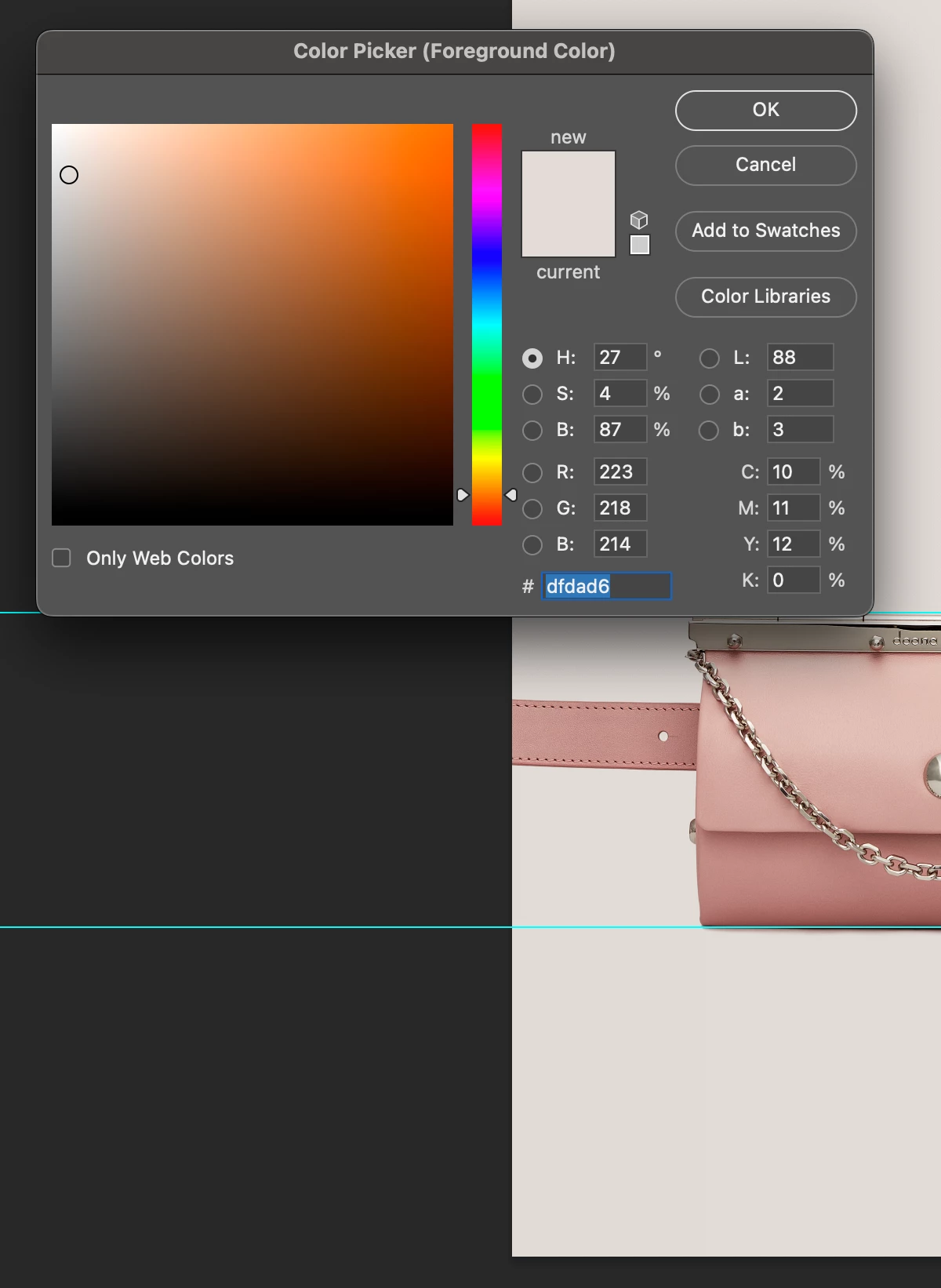
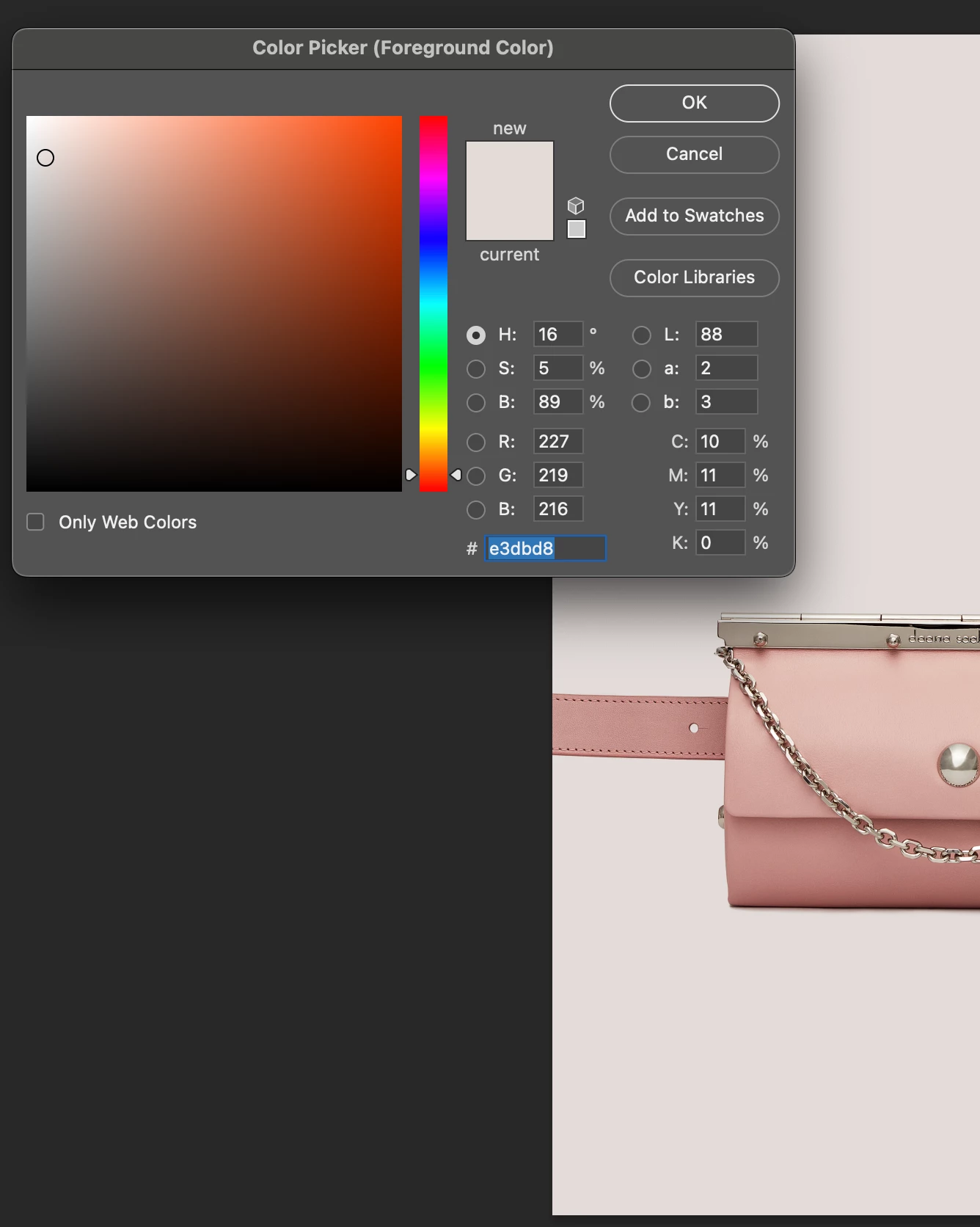
As for the color change - there is no color change. The same color in two different colour spaces is represented by different RGB values (hex numbers are just RGB values to base 16). Similarly, the same RGB (orHex) values in different colour spaces represent different colours. So what you are actually seeing is the values converted from one colour space to another, allowing for small rounding error, both representing the same color.
If you have been asked to use specific hex values, then unless it is stated that those values are referenced to Adobe RGB, then use sRGB. This reference should always be stated when RGB colour values, hex or otherwise, are quoted but rarely is. Without that reference to you may as well just say light beige.
Dave
The solution I found that was easy and my dumb mistake for not checking when using .PSD was converting the file to sRGB from the start. Looking at previous images working file they were all .TIFs from capture one converted to sRGB from exporting there. Didnt think to check the color profile when switching to .PSD for working with larger files in 16bit. playing around I realized the sRGB convrstion was not applying for some reason which is why Dave noticed the working document was still in Adobe RGB. Eventhough the exporting has the option to convert to sRGB it was still not converting to the correct color. Im assuming because on converstion it trys to condence it and match it as close as possible? (no expert on how that works). But since the converstion to sRGB on export was not matching the color it needed to match I convered the file to sRGB without flattening the image so I could go back to the background color layer make sure its set to the specific code and exported it as a jpeg. image needed a little adjustment because it looked a little dull on converstion but after exporting and checking the color it is the exact color it needs to be.
I had a feeling it was something simple that I was missing >.>
Thank you for the help!!

 AdChoices