
Question
Color Management question
 Hi all,
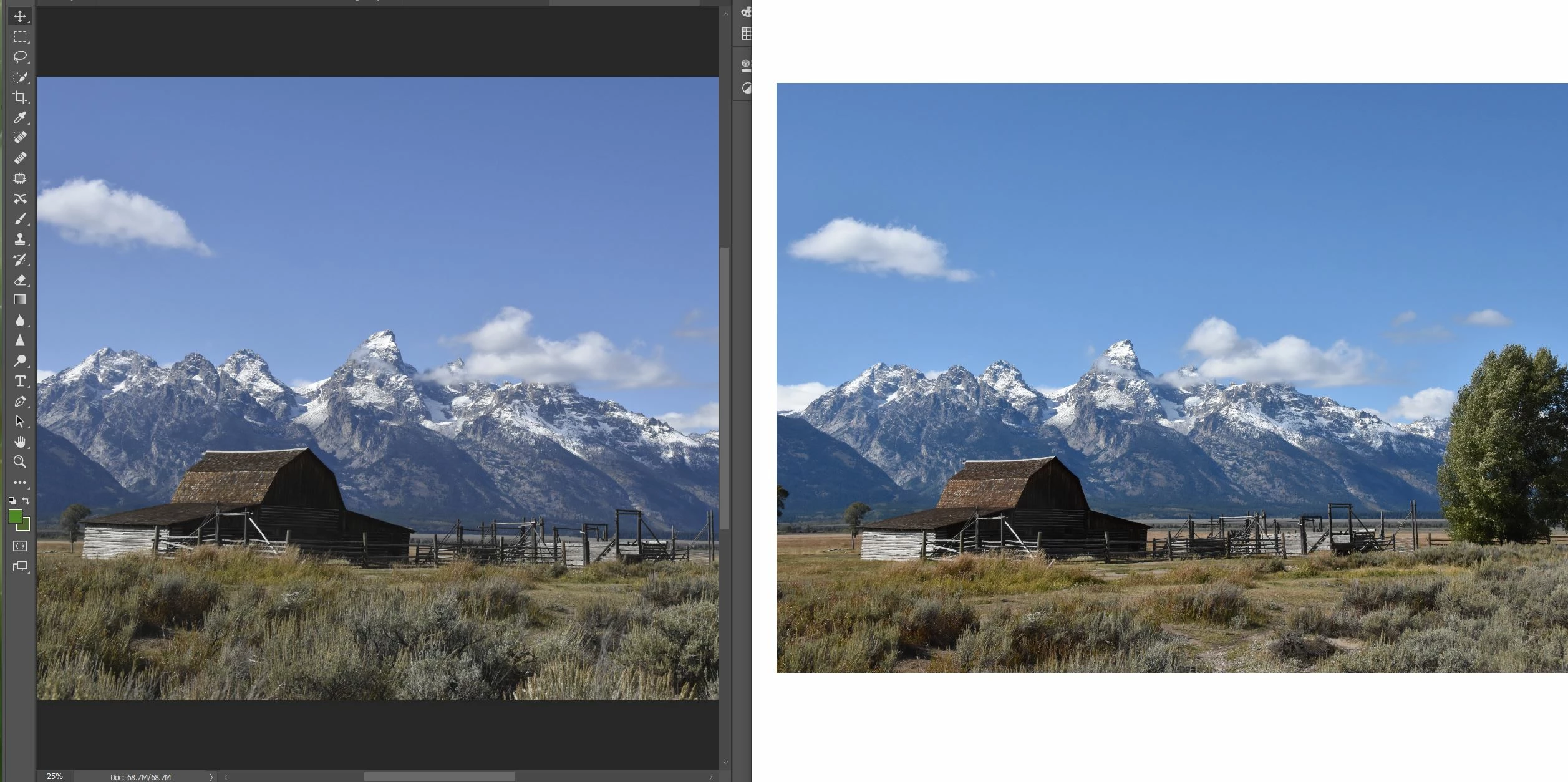
When I look at my jpeg photos on my display they appear as they did when I took them, using my SLR camera, except in Photoshop CC. I've attached an example of this (Photoshop on Left and Window's 10's "Photos" on Right). Many of them have a slight difference (in saturation, I think), if not something similar.
Does Adobe have a custom ICC profile of its own, etc.? If so, how do I revise it, so my photos portray themselves the way they do in non-Adobe applications?
Any help would be much appreciated.
Sand Patch
 AdChoices