

color matching Canon Pro-100
I have a new printer the Canon Pro-100 and I'm having a terrible time matching what I see in PS/CC in my prints. It's crucial that I fix this as I make graphics for a living. Here is one frustrating example:
This is what PS is showing on the screen:

and this is what the image looks like when printed:
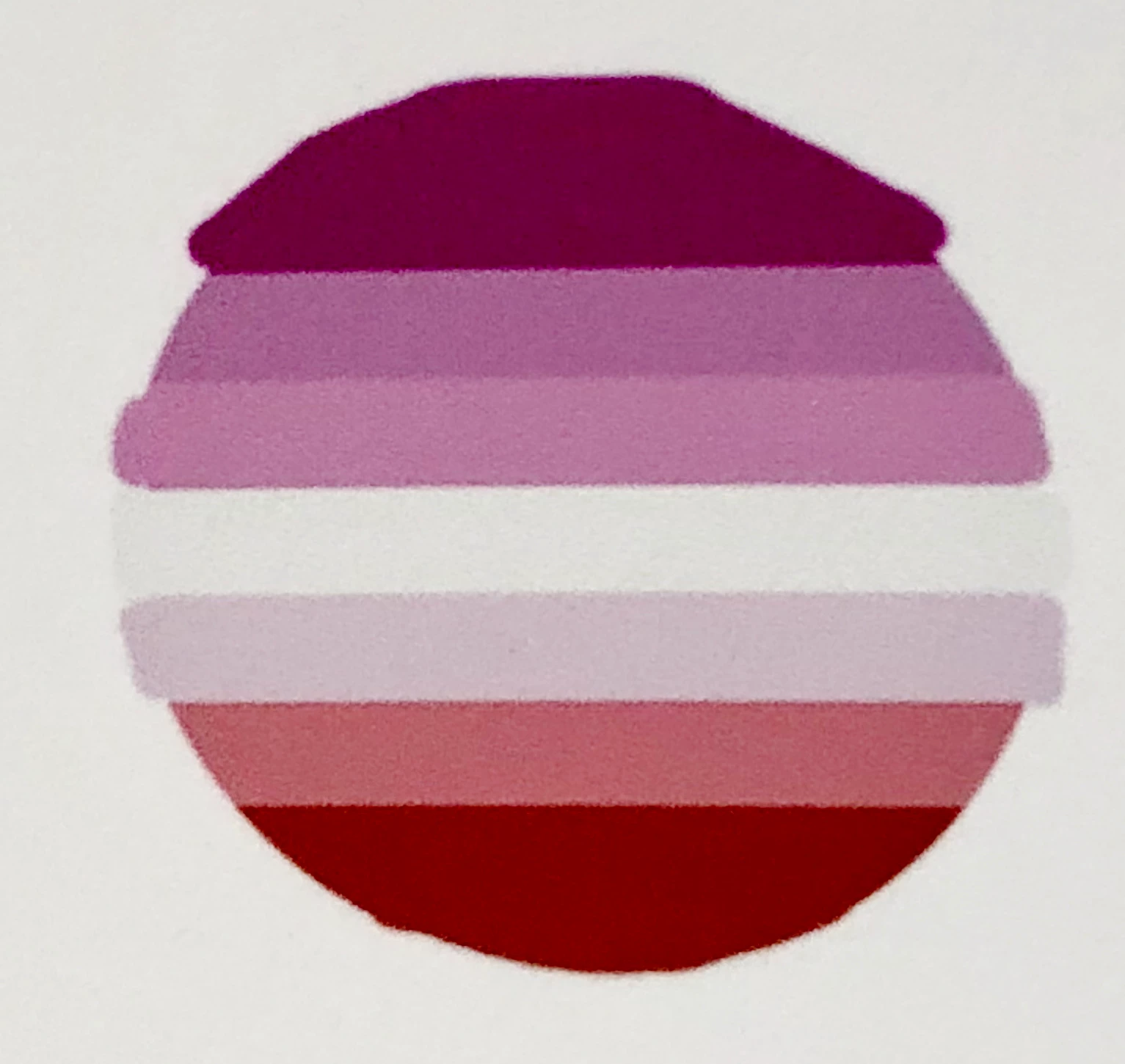
Here are my color settings:
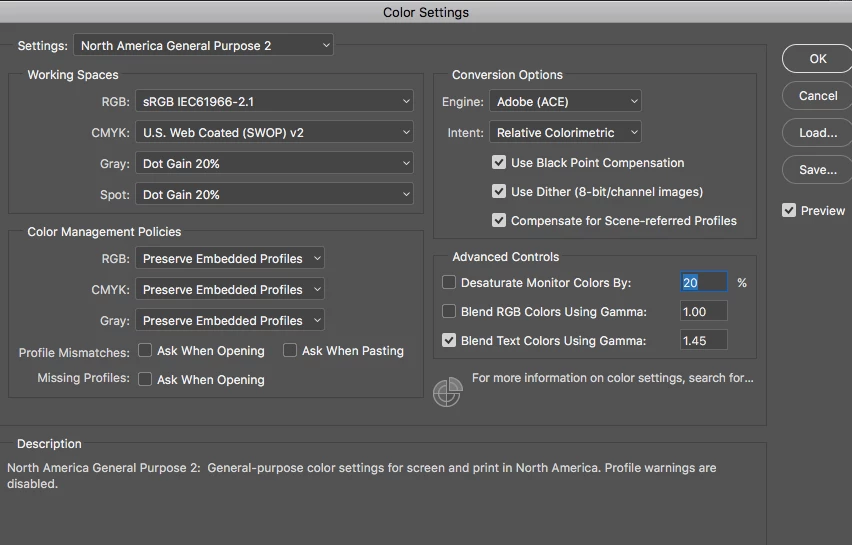

My previous printer was an Epson consumer level printer, although the print quality was poor, the colors always looked correct. Can anyone help me? I called Adobe a week ago and I knew more than the person on the line, in fact he didn't understand my problem at all (I believe it was a language barrier) he promised a call back from an expert but it never happened. My monitor is calibrated to the degree I can calibrate it without expensive tools.
Thanks,
River
 AdChoices