
Color overlay issue
I'm trying to create the halftone effect and then being able to change each channel's color instead of the standard 4 color scheme (CMYK).
Now the issue is that when I have the 4 one color halftones and I apply a color overlay and clip mask them, all I get is a full color layer, instead of it filling the black information with the color I selected.
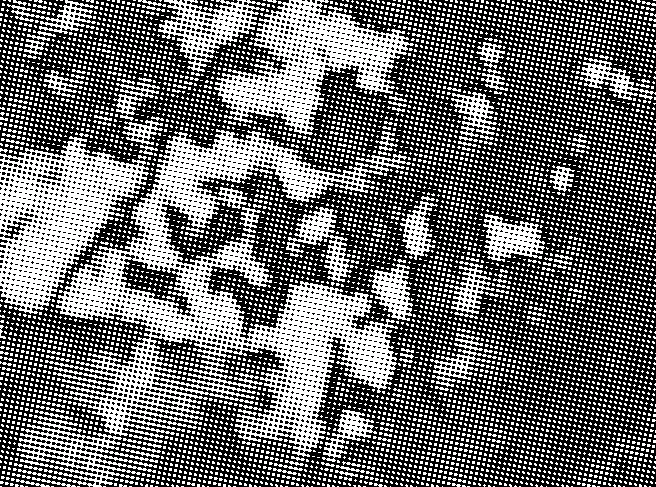
Here's my layer with the black pixels:
And this is what I get when I add a color overlay:

Layer with a brush stroke in red:
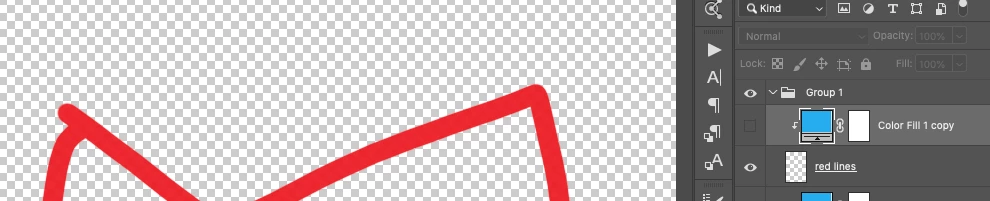
Now applying the color overlay:

Why does it work with the brush, but not the other layer? Am I missing something here?
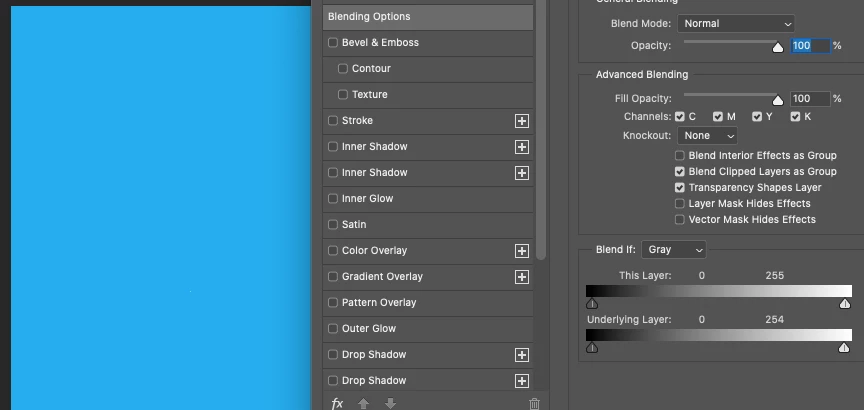
UPDATE: I was able to fix this (I guess), but still not perfect. I went to the blending options on the color overlay layer and changed the underlying layer slider for the whites from 255 to 254. Now here's the tricky part and I'm not understanding what's happening: any value but 255, when the image's zoom is set to 100%, nothing changes, meaning, I get the same results (look at the slider):
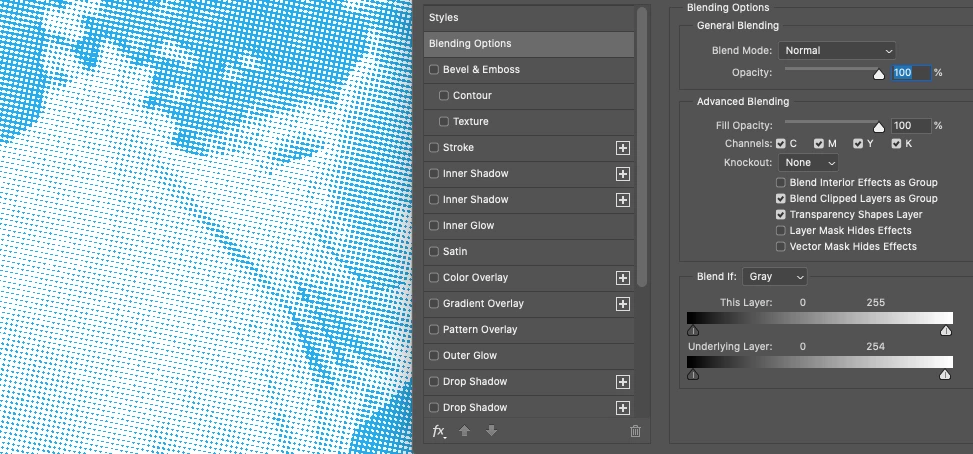
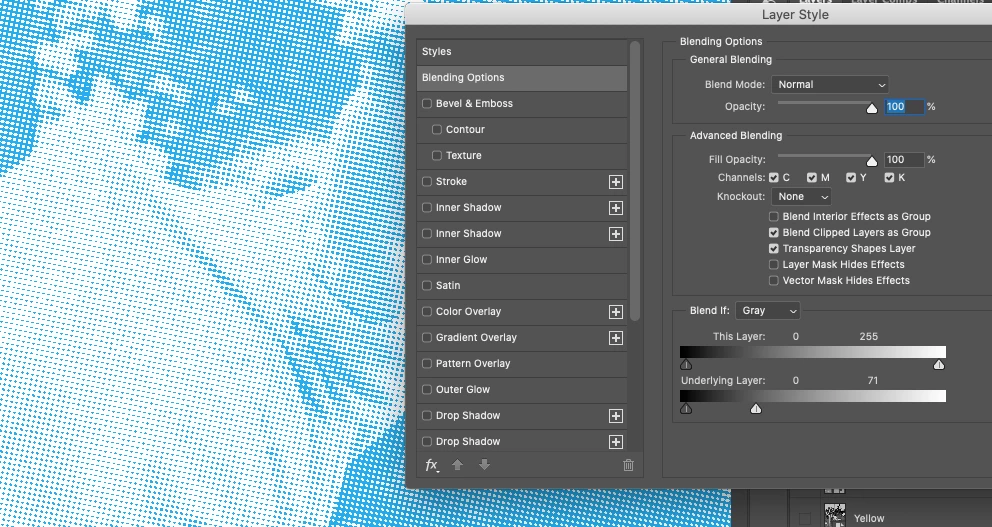
But with the zoom set to fit the page (look at the values of the slider):
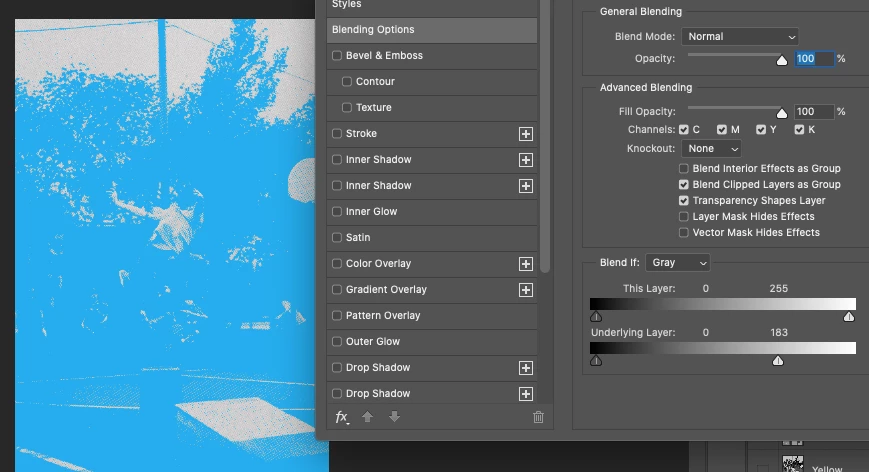
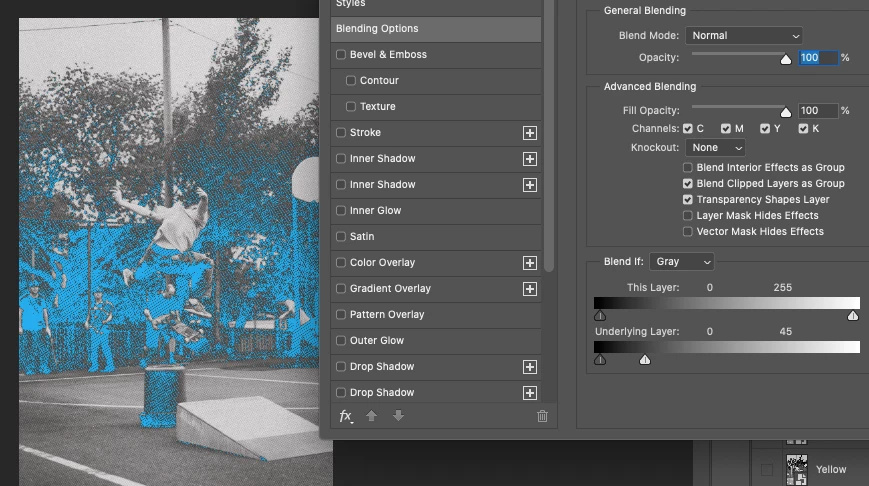
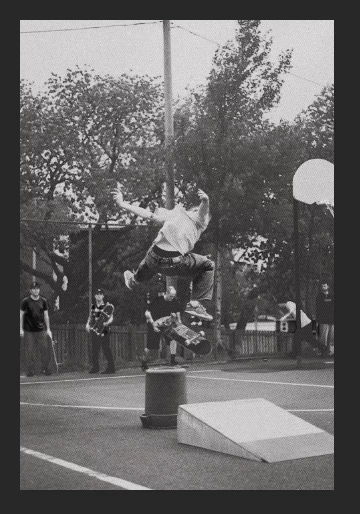
Now when I don't have the color overlay and I zoom to fit, the image doesn't turn black unlike the color overlay with certain values, also at zoom to fit:
 AdChoices