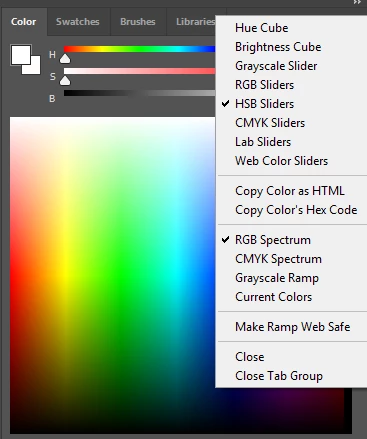
You've hit one of those (legacy?) limitations or workflow decisions of Photoshop, unfortunately. In Photoshop a colour cannot have an inherent alpha or transparency (opacity) assigned to, because opacity and colour are completely separated.
For example, it is not possible to save a colour swatch with an opacity percentage. Or pick up a colour with its opacity/alpa component.
To work with opacity, you must resort to the opacity slider in the tool settings of the brush or pen tool. Or create a new layer, set the opacity lower, and then paint with your colour. Photoshop won't allow for coloured brushes either, so no luck there either for an alternative workaround.
To be fair, most other applications work this way: Gimp, Krita, etc. Not only Photoshop.
There is one exception to this rule, though: PhotoLine, which does combine the alpha channel in all its operations by default, and doesn't treat it separately. In PhotoLine a colour can be picked up WITH its alpha component, and a swatch can be saved including its alpha component as well, if required.
This is actually super-handy, and it is a real shame most other image editors won't allow for this workflow. I always miss it in Photoshop or Krita.

 AdChoices