
Color Picker Choosing Wildly Wrong Color
When I eyedrop a color on my page, it chooses the right color as long as I have the button held down, but then when I release the button it switches to something completely different.
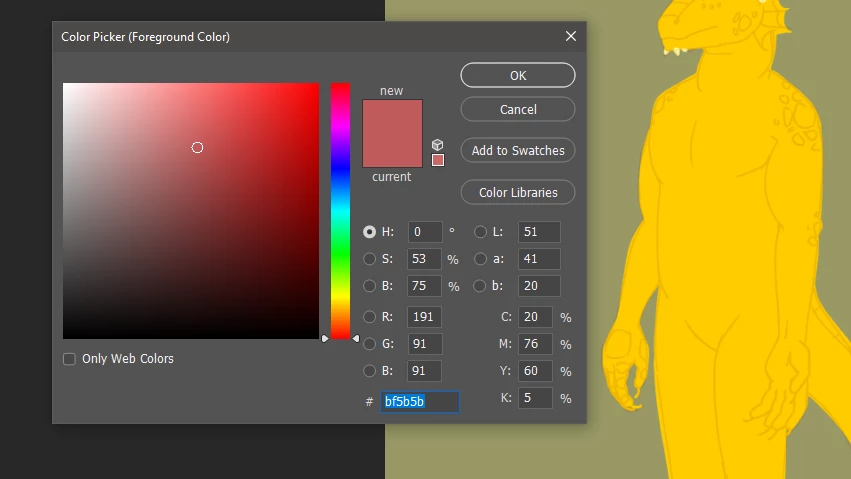
In this first image, I have the color set to something random (not anything on the page) so that you can see it's not just reverting to the color that was already selected.
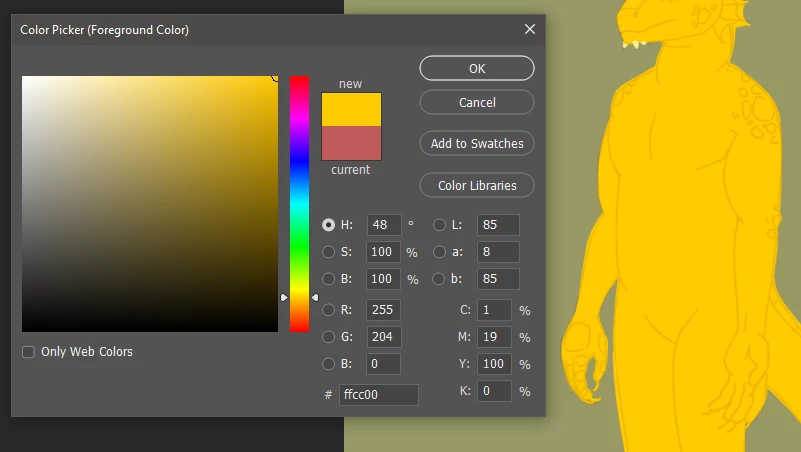
Here, I'm holding down the button (sorry you can't see my cursor, it didn't capture, but it's right in the middle of the yellow, not near an edge at all). You can see it has the correct color chosen.
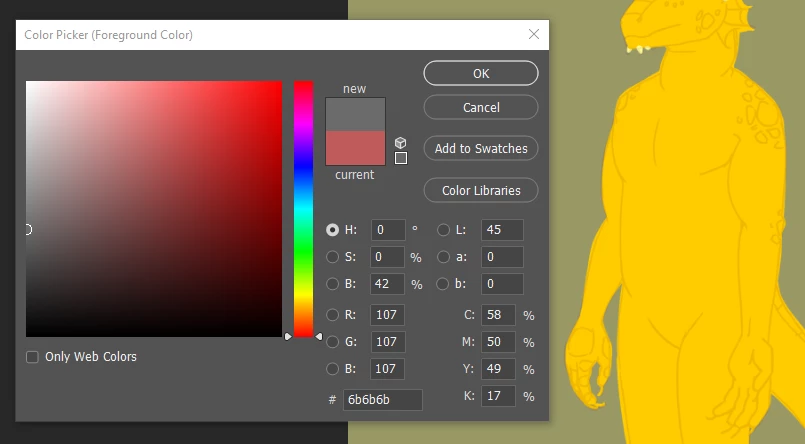
In the third image, I've released the button. Now the color it's chosen is... gray? That's not even in my image.
This happens regardless of whether I eyedrop while I have the color picker open, or if I just use the eyedropper tool.
My eyedropper is set to Point Sample already. It's also set to sample all layers. Is this to do with a setting or something that I'm missing? A bug? Help is very much appreciated because not being able to eyedrop properly is quite annoying... Thank you in advance.
 AdChoices