
Answered
color profile does not match the RGB working space
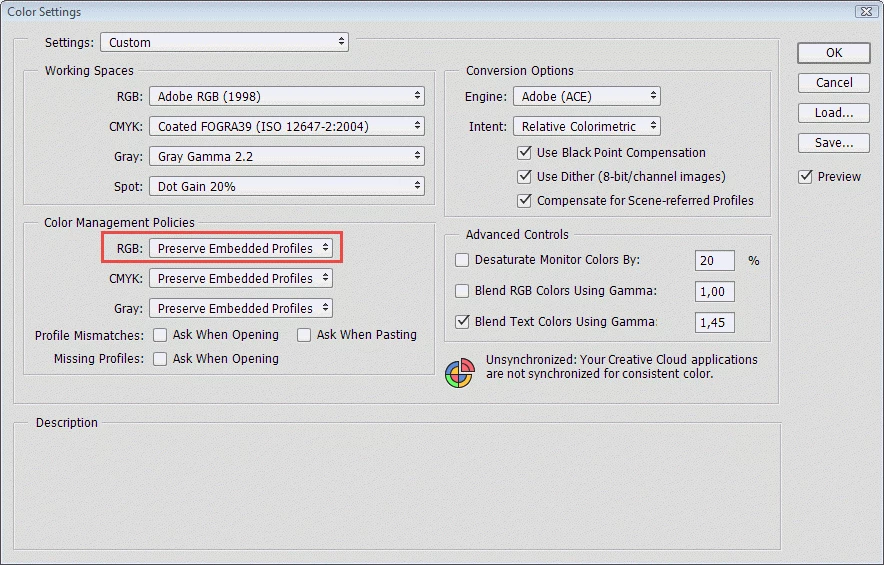
When I tell LightRoom to edit my photograph in Photoshop CC2015 I get a message saying the document.........has an embedded color profile that does not match the current RGB working space"
It gives me choice of three options, and I usually choose the middle one "convert document's colors to the working space"
Is this mismatch between Lightroom and Photoshop intentional, or is there some option or other that I haven't set correctly?
 AdChoices