

Répondu
Color Range Box Is Too Large When Selected.
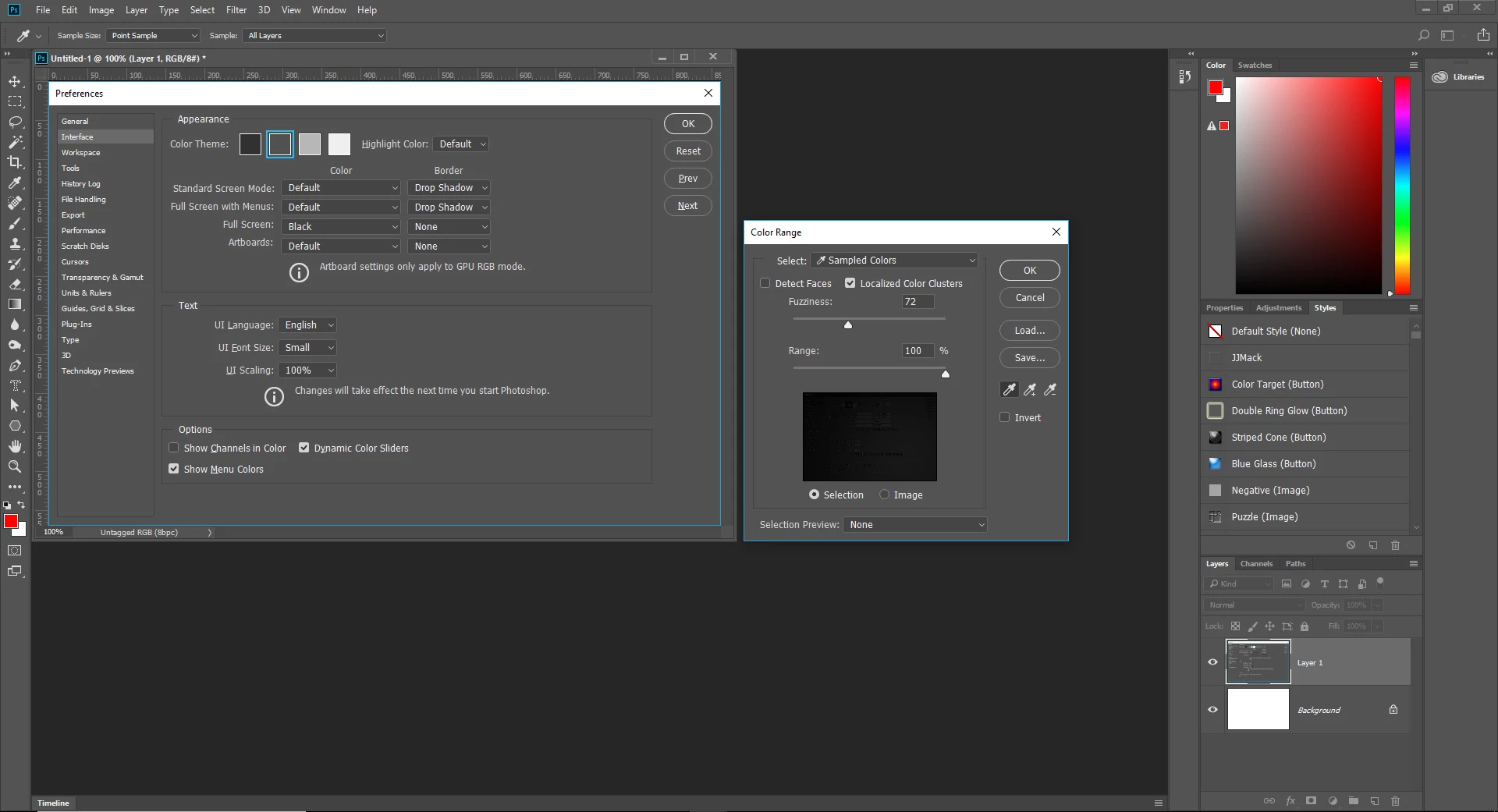
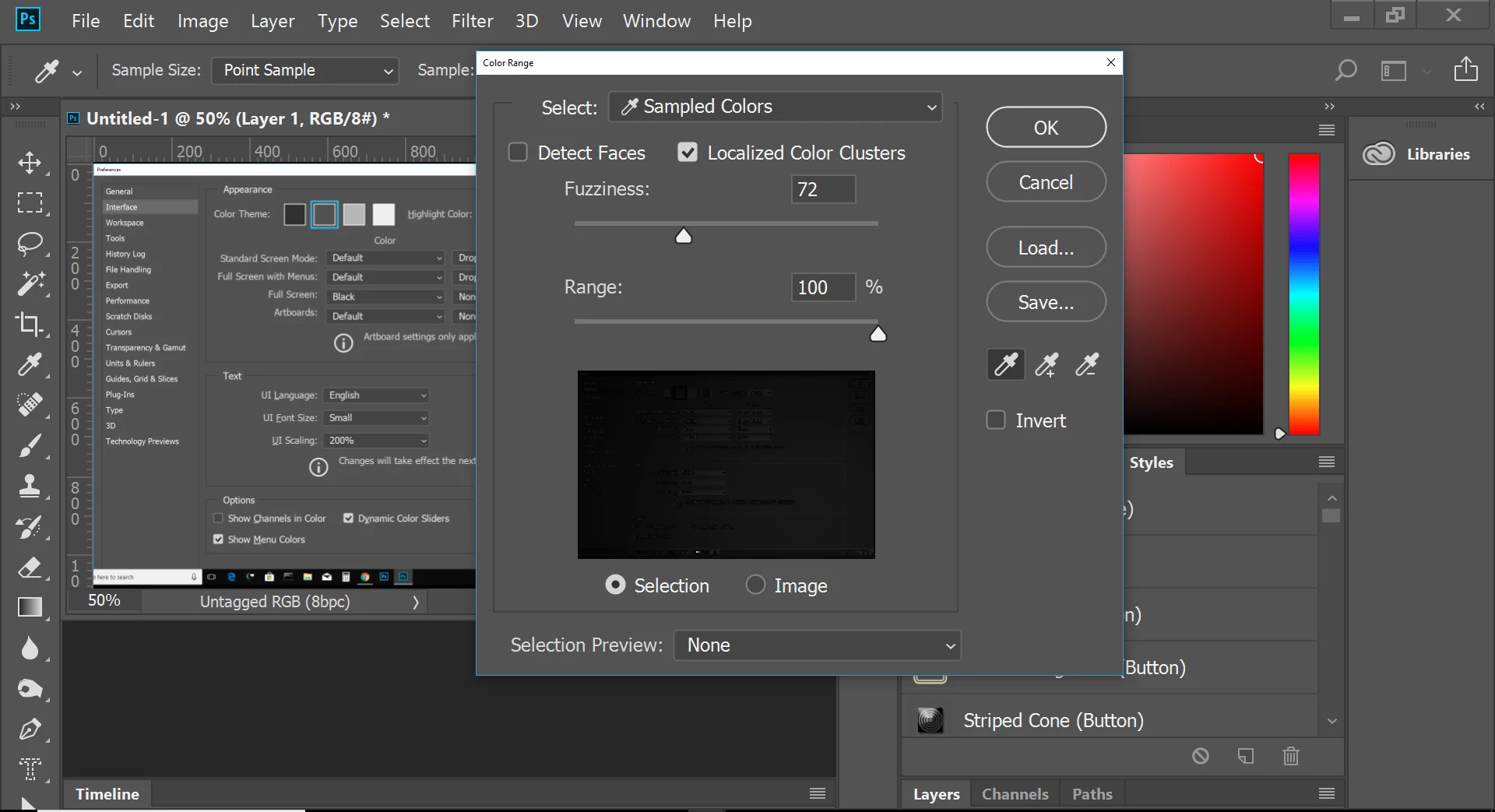
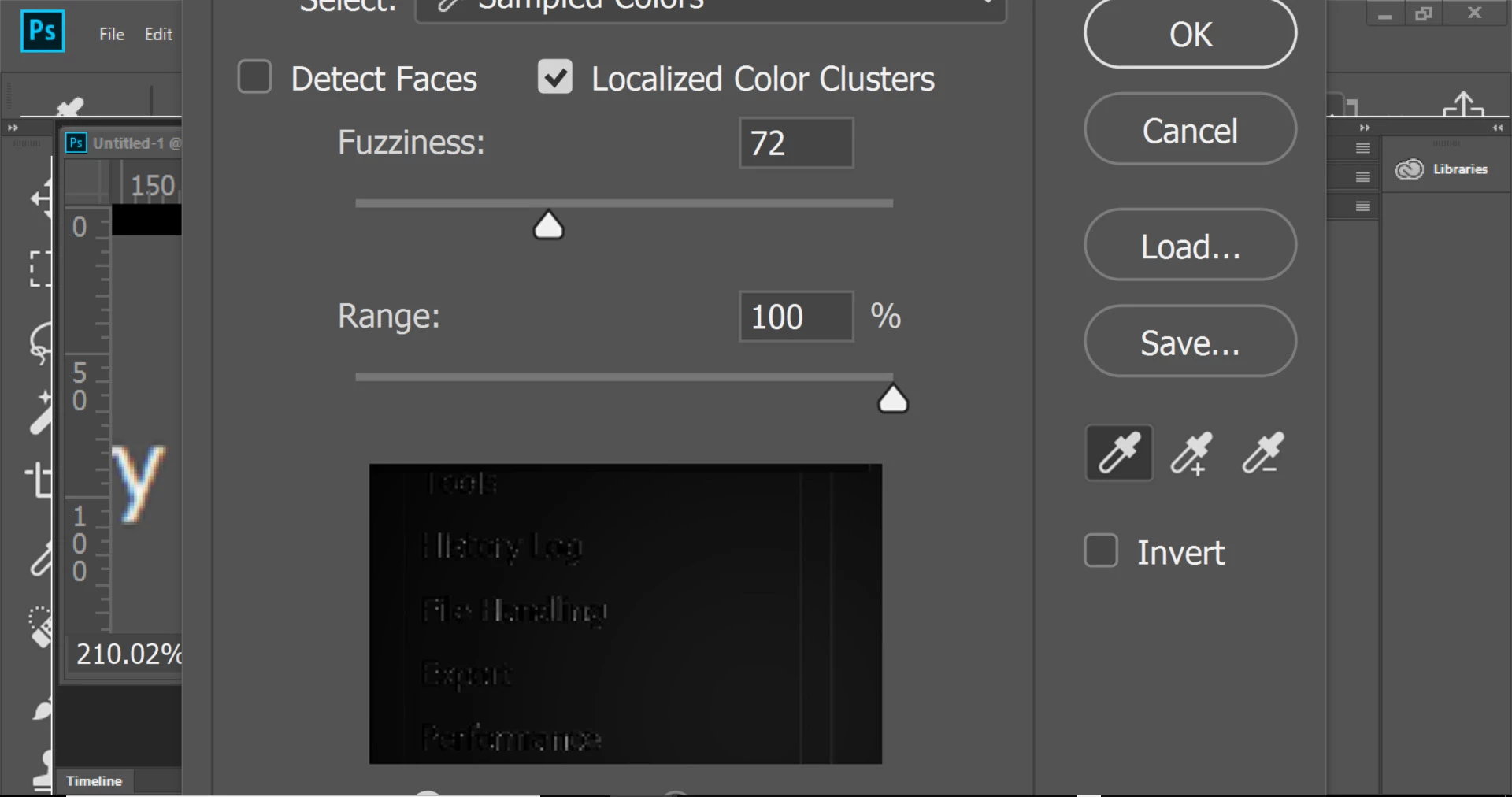
I have a rather strange issue when I select the color range tool (select>color range). What happens is this: the dialog appears and is taller than the Photoshop screen, and covers roughly 30% of my screen width. Due to the box size, I cannot see the top or bottom border. I have all of the latest updates and work on a Windows 10 machine with all of the latest updates. I have not used the color range tool in quite awhile. This issue appeared for the first time last week. I have uninstalled and reinstalled Photoshop which has not resolved this issue. Any helpful suggestions would be appreciated. Thank you.
Bernie
 AdChoices