

Answered
Color Range "Sample: Current Layer" doesn't work - all layers are selected
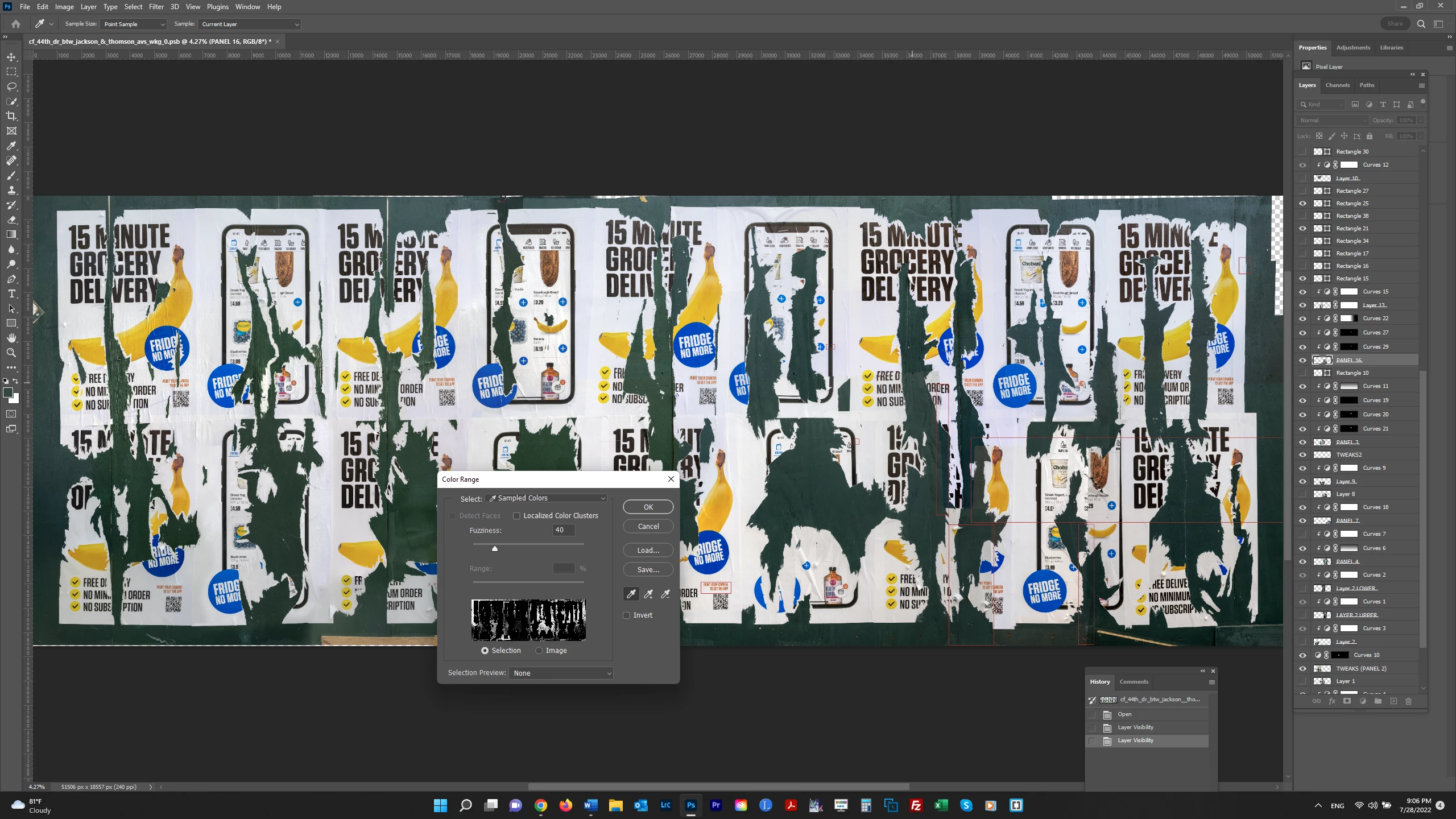
I am trying to use Select>Color Range to select the dark green color on Panel 16 in the screenshot below. I have "Sample: Current Layer" selected. But as can be seen in the Color Range dialog box, the dark greens in the entire file are being selected. Why aren't they restricted to the Panel 16 which is selected in the Layers panel?
 AdChoices