
Answered
Color Replace Gray instead of Black
Hello All,
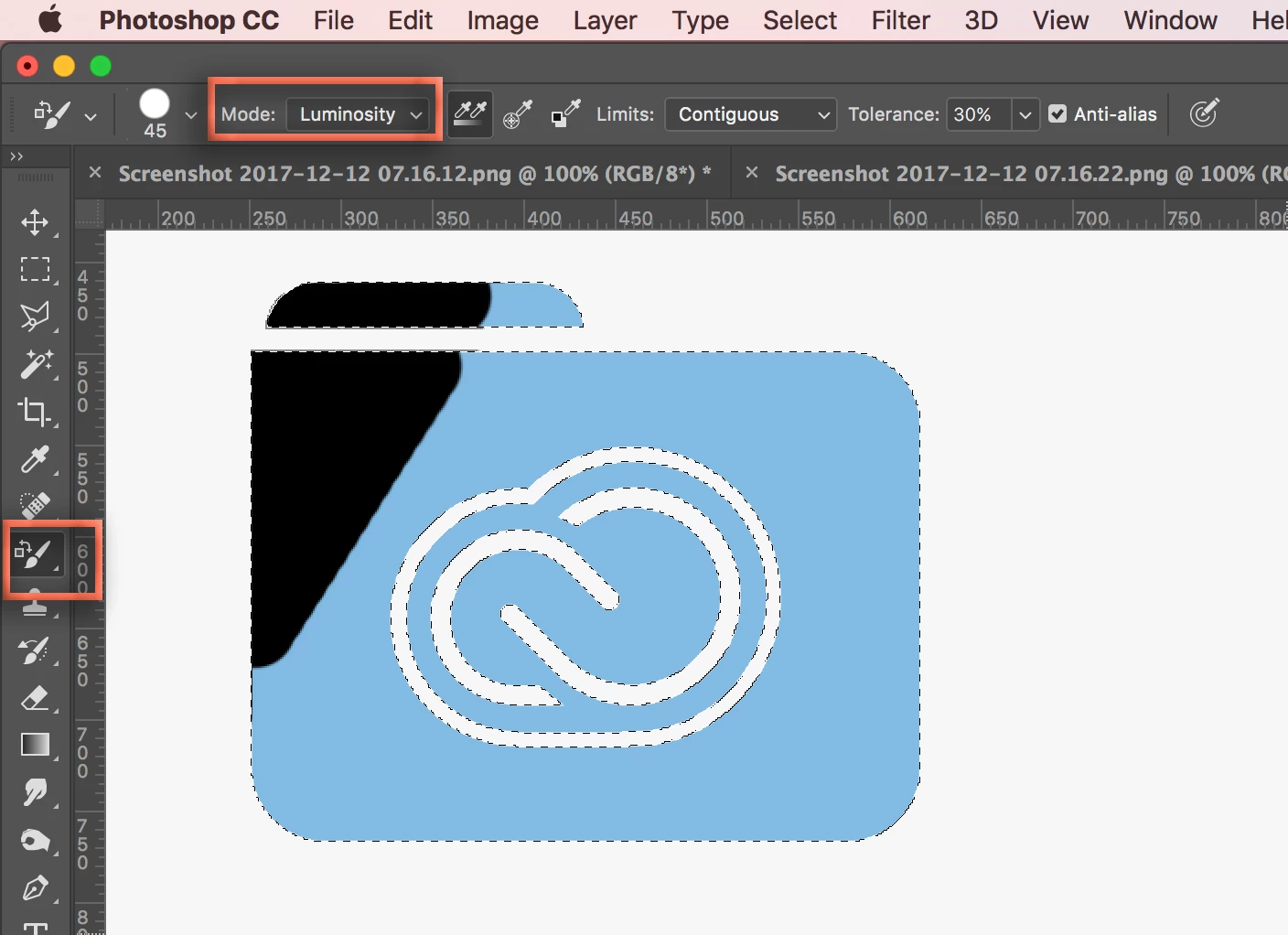
Im using PS CC and am trying to change the color of an icon from blue to black.
I tried using the color replacement tool and even though black is selected, the area changed to gray. When I use the selection tool and the "fill"command both "fill black" and "fill foreground color" they both change to gray instead of black.
If I try another color-- (I tried Red) the color replacement tool and the fill tool turned them to a salmon color.
I thought maybe I was in RGB settings instead of CMYK but I checked color mode and I'm in CMYK
Any thoughts on how to fix this?
Thank you!
 AdChoices