

Daniel_s_Design
Known Participant
June 25, 2019
Question

'Color Table' defects at 'SAVE WEB LEGACY'

  • June 25, 2019
  • 2 replies
  • 7285 views

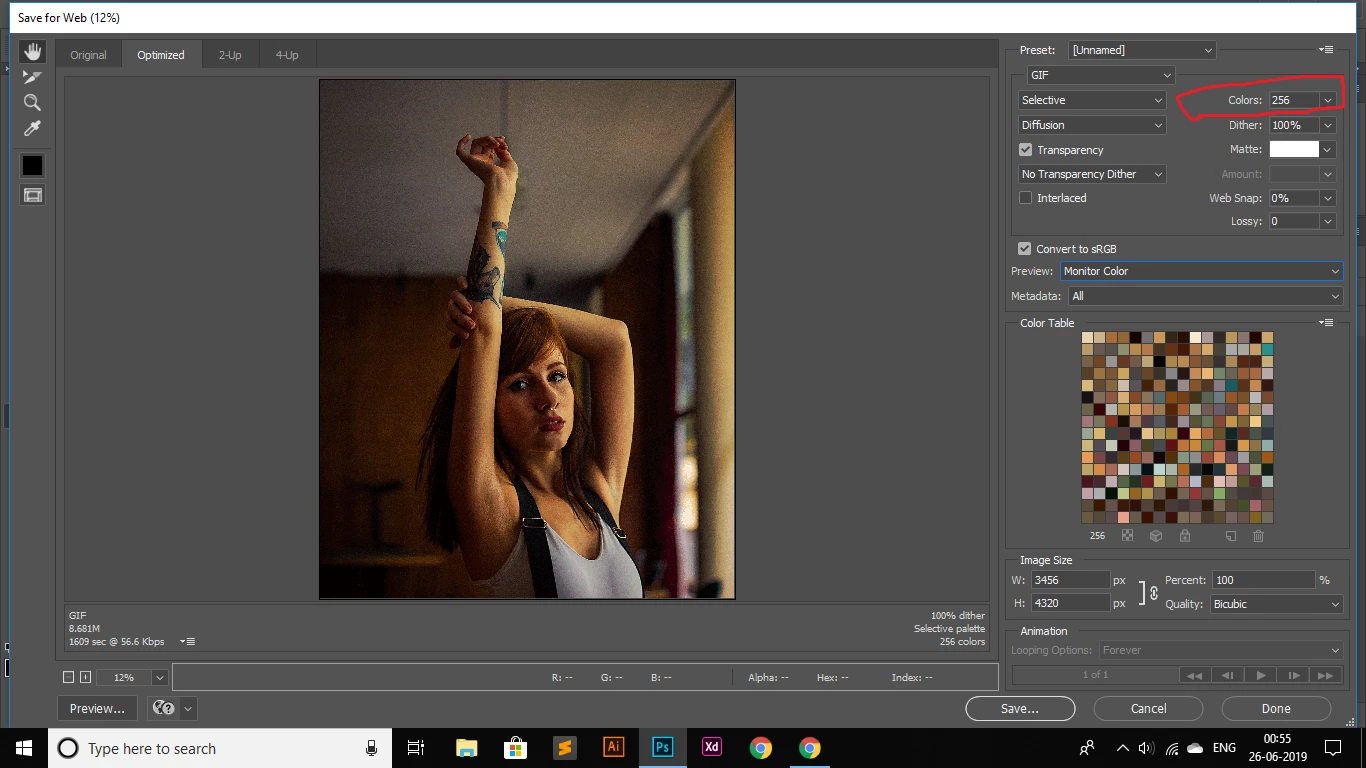
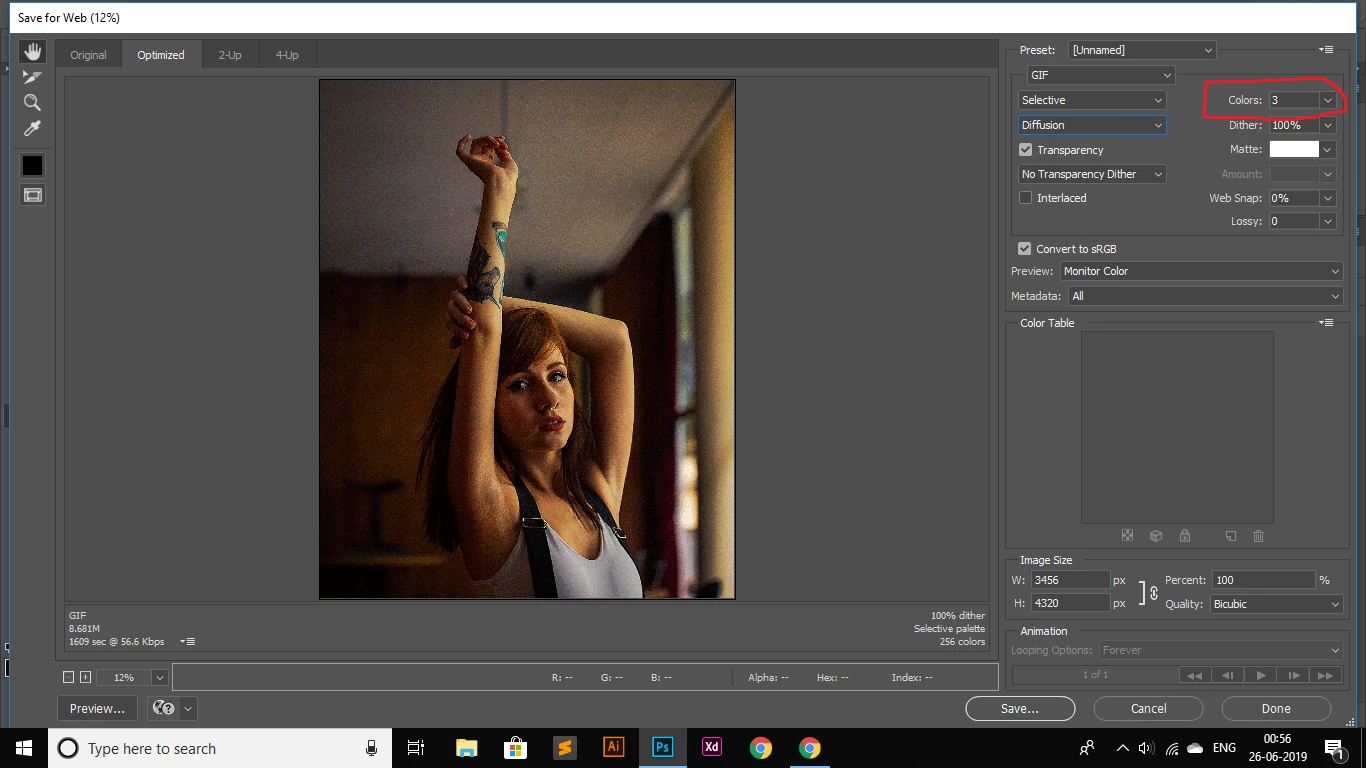
Hi, I'm stuck with a problem at photoshop cc, the time I open 'SAVE WEB LEGACY' > Presets: GIF > COLORS: 256 (when I change it to NUMBER 3) > COLOR TABLE goes blank(Doesn't show me the required 3 colors as directed), what will be the best solution for it? A helping hand will be appreciated

The first image shows the 256 colors with the Colors in COLOR TABLE
THE SECOND IMAGE SHOWS "COLORS: 3" but no sign of the 3 colors at the COLOR TABLE
Daniel

This topic has been closed for replies.

2 replies

D Fosse
Community Expert
Community Expert
June 21, 2020

Daniel, why are you making a GIF at more than 4000 x 3000 pixels?

Participant
August 20, 2020

He's not. As he stated it is part of a color conversion in the video he linked. I too am having the same problem. 

davescm
Community Expert
Community Expert
June 25, 2019

Hi

I can't replicate it - what happens when you change the colour reduction algorithm from Selective to one of the others?

Dave

Daniel_s_Design
Known Participant
June 25, 2019

Have a look...COLORS: 3 ​but on the detail list it's still showing up ​256 colors...Did you notice that?

Cheers,

Dave

Participant
June 21, 2020

Still didn't work. I really don' know what's going on...The time I change the 'COLORS: 3' the 'COLOR TABLE' SHOWS NOTHING(NOT A SINGLE COLOR INSIDE THE BOX). Hope, you're getting me.

Thanks


Hi,

I found the solution to get back the color table, hope this will help you if you haven't get it back.

Try to save for web, then "preset= unnamed" > change it as "GIF restrictive", you will get back your color pallet, then you can change the number as you want, you will get those color. 🙂