
Participant
October 16, 2021
Answered
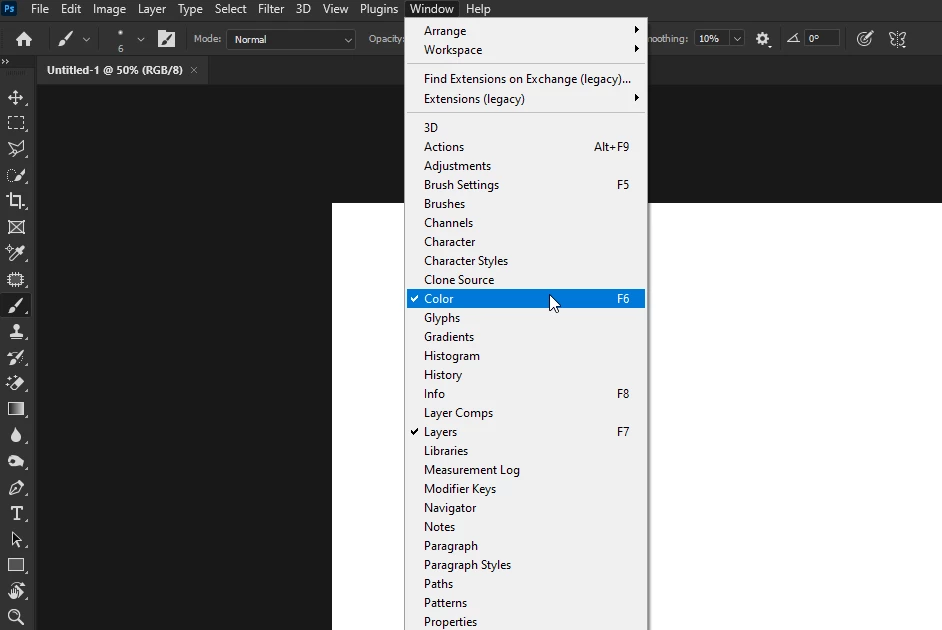
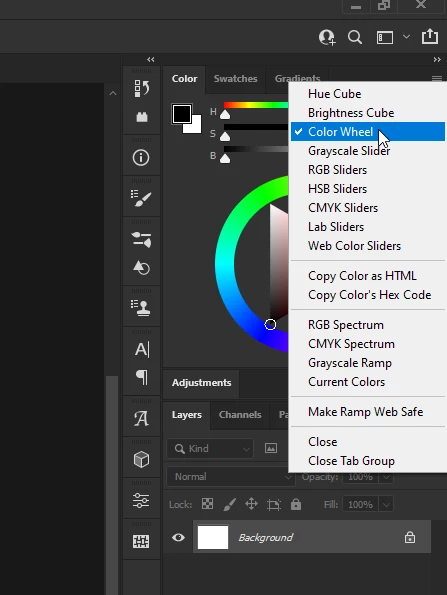
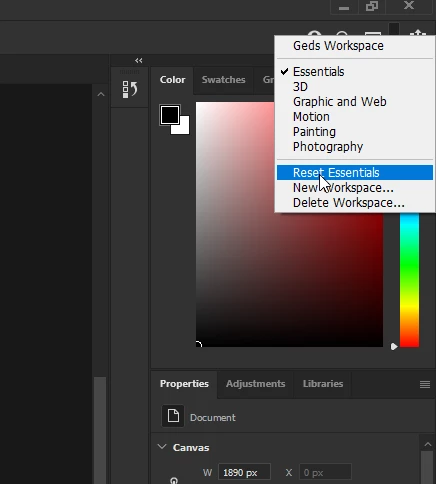
Color Wheel Disappeared on side of screen
- October 16, 2021
- 1 reply
- 11731 views
I have adobe photoshop 2021 on my school laptop, which is a Dell. I have no idea why/what is happening, but more often than not, when I'm using photoshop there is no option to use the color wheel that I'd grown accustomed to using on the app. I've only been using photoshop since September, so I know it's not a strange update I'm not used to yet. Help! I've yet to find an online totrorial if it's a basic issue.
 AdChoices