

Answered
Color white showing incorrectly
Hi!
The color white in photoshop cc 2018 is showing up as a light tealish/blue color for some reason. Here's some troubleshooting stuff I've tried to no avail yet:
- I double checked in color picker to make sure I was actually looking at white. #FFFFFF looks teal
- I closed the first file that showed up weird and made a new document — white still weird
- Uninstalled and reinstalled photoshop
- Restarted my computer
- I didn't make any changes to my color profile/setting
- "Proof colors" is unchecked
- White appears white on everything else — web browser and other adobe cc apps are displaying correctly
Here's some screenshots that are hopefully helpful:
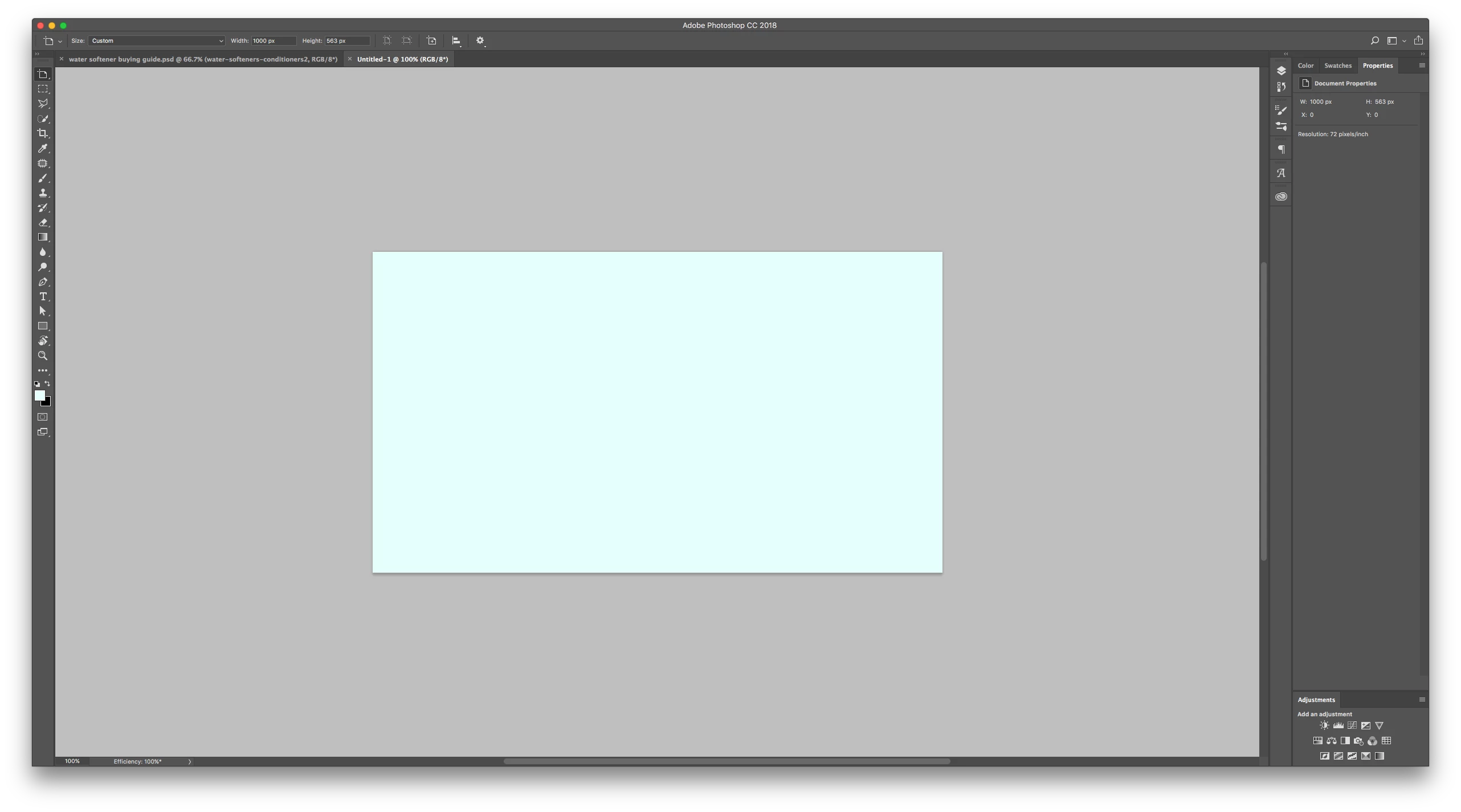
Here's how white appears. The canvas is supposed to be white, not light tealish/blue
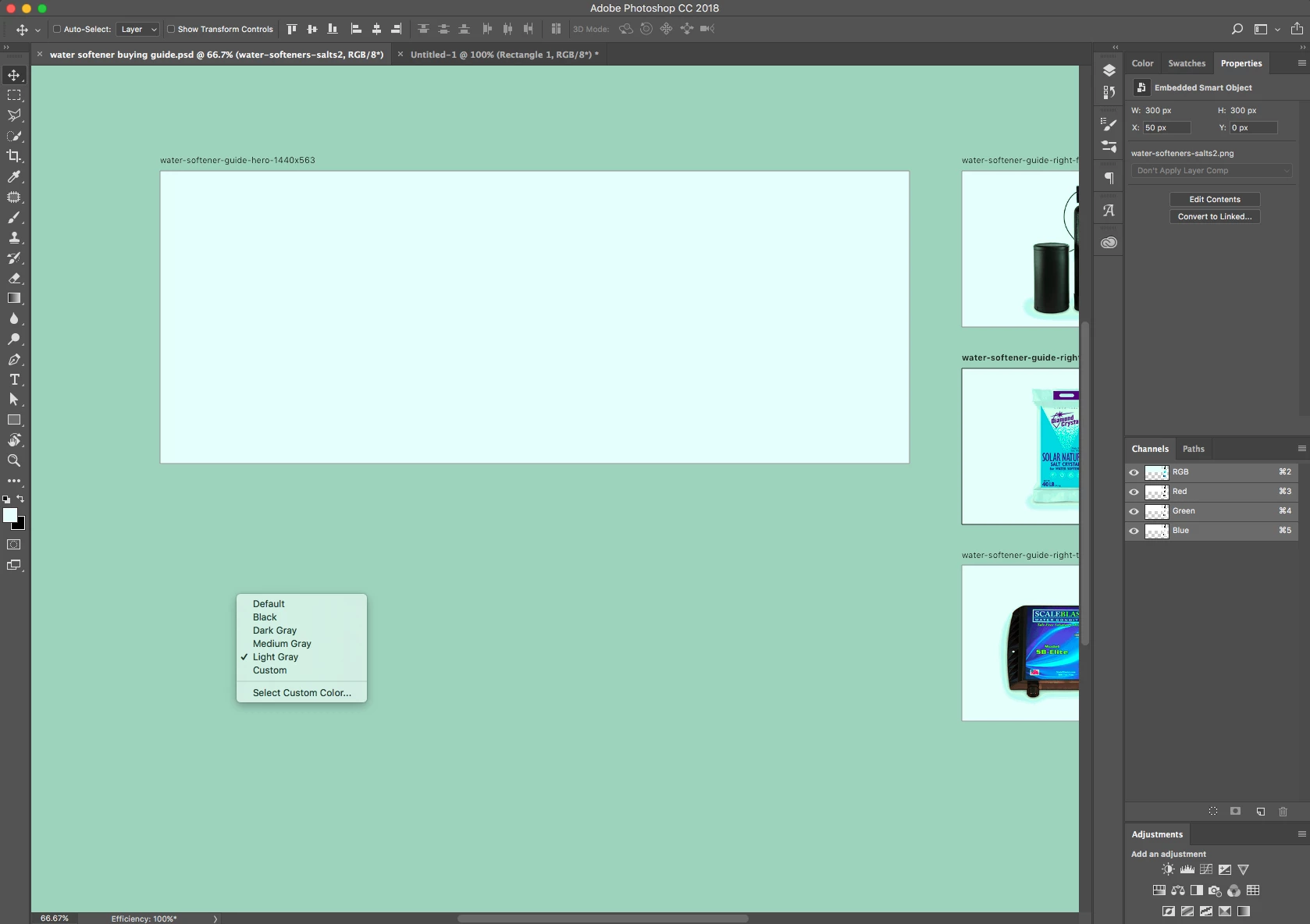
Same thing with artboard... but the background's teal instead of light gray now!
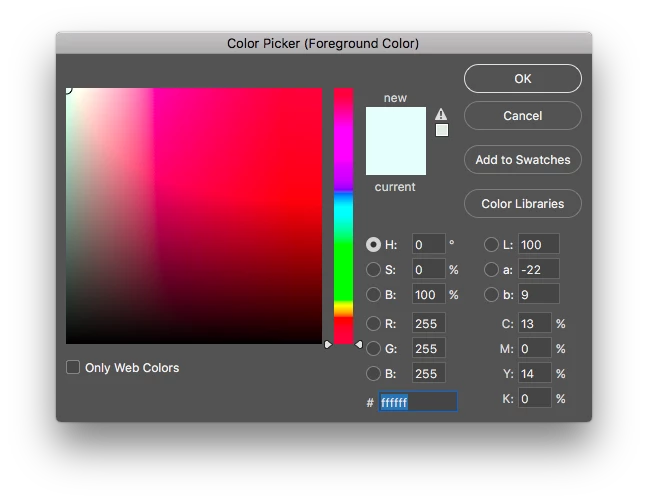
Screen shot of the color picker

Here's two recent files side by side, the left corrupt one and the right looking right.
Any help will be greatly appreciated! Thanks!
 AdChoices