
Colour calibration between iMac and Canon Pro-1000
Hi all,
I recently purchased a Canon Pro-1000 to print posters for my sidegig business [link removed by moderator] I have previously had another company do my printing and drop ship the prints but I want to get a bit more control to the whole service (nicer packaging, custom prints etc.).
So to cut a long story short. The Pro-1000 is ace. I've just about finished off my first set of inks (pleasantly suprised with how many posters I've done with it) but I have recently stumbled onto a colour issue.
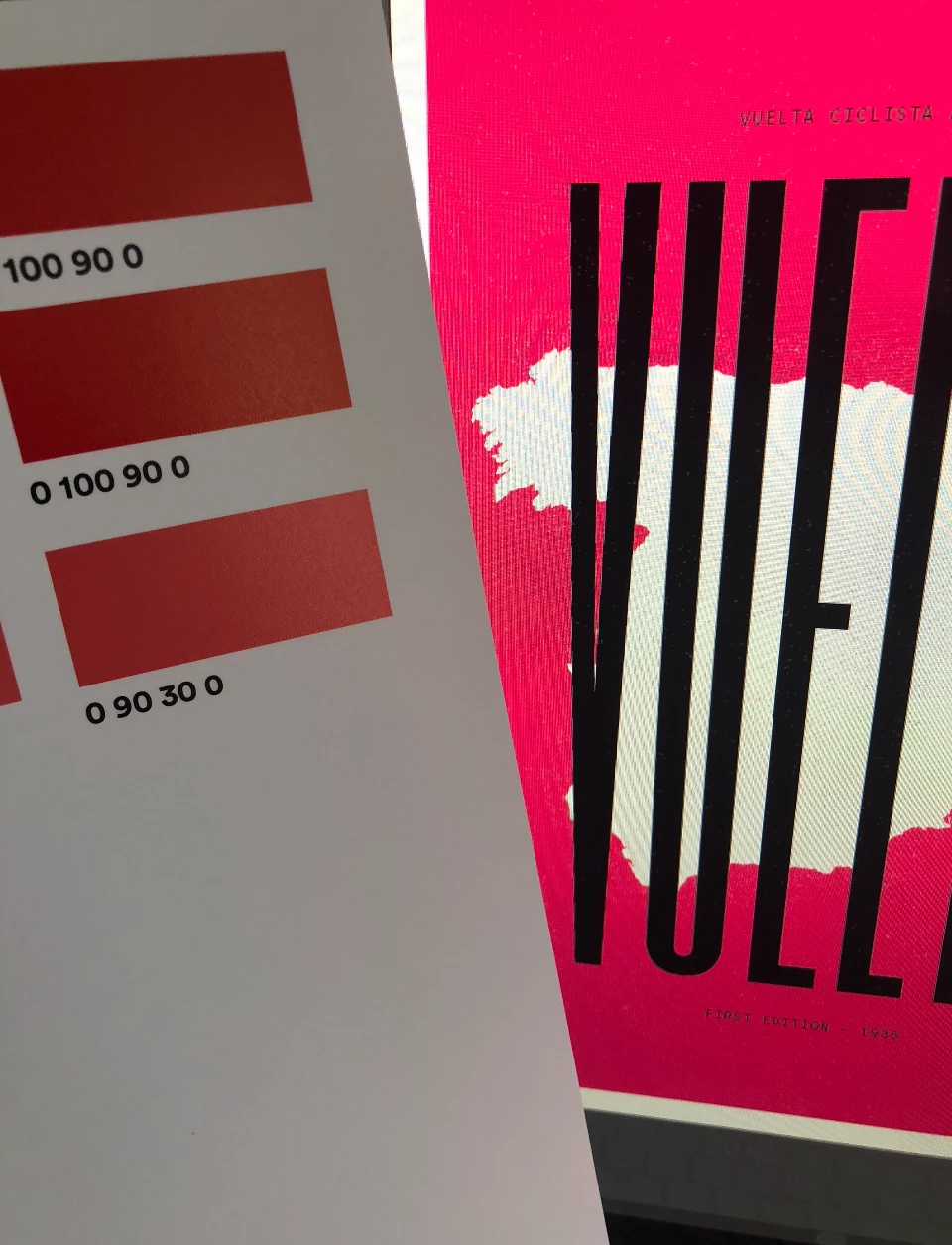
One poster I sell is a light red [Link removed by moderator] and each time I print this colour its coming out orange. The background colour is C0 M75 Y60 K0)

I've tried a colour calibration via the printer which didn't do anything that I could see to the results. And I've now spent a few hours printing out various swatches of red/pink combos and final found one that prints similar to how it looks on screen. However it's bright pink when on screen. (C0 M90 Y30 0k).
It won't render well at all but this is the colour I am using vs the screen colour...
I have the a generic ICC profile for the paper (provided by the paper manufacturer Fototspeed) and its installed / being used by the printer.
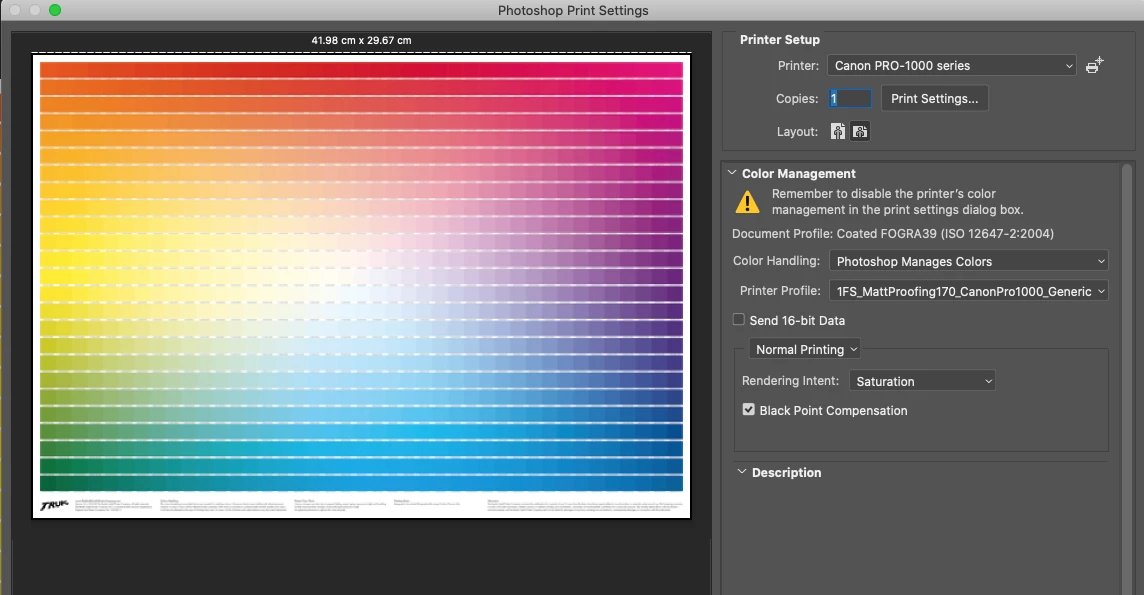
Working space is CMYK and using the same ICC profile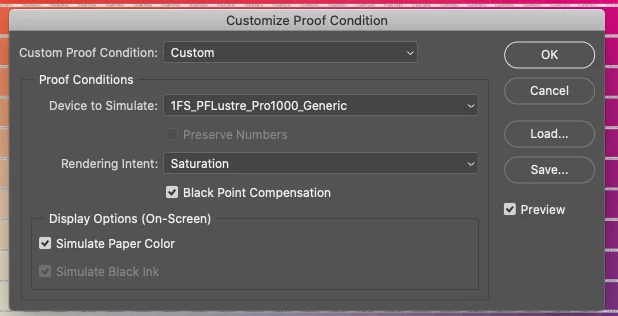
So I am wondering if I need to invest more time in calibrating my screen... I am currently using the built in calibration.
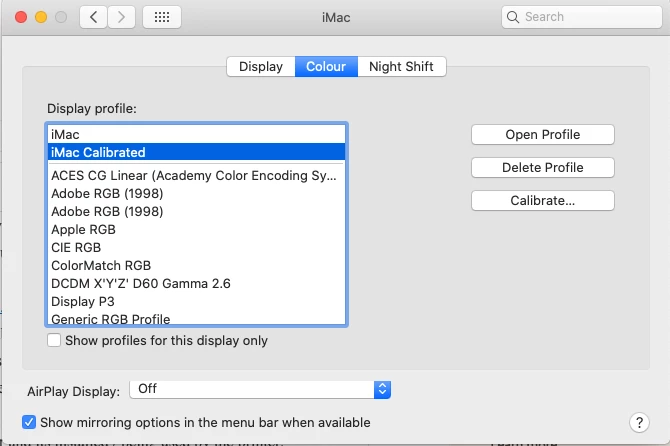
Any thoughts on things to try out? Happy to invest in a colour calibration tool if thats the best shout!
And yes I searched the forum but to be honest, being a bit of a print noob, I am unsure exactly the problem I am searching 🙂
Cheers,
Rob
 AdChoices