
Answered
Colour of everything is different when opening in Photoshop
- August 22, 2020
- 4 replies
- 3667 views
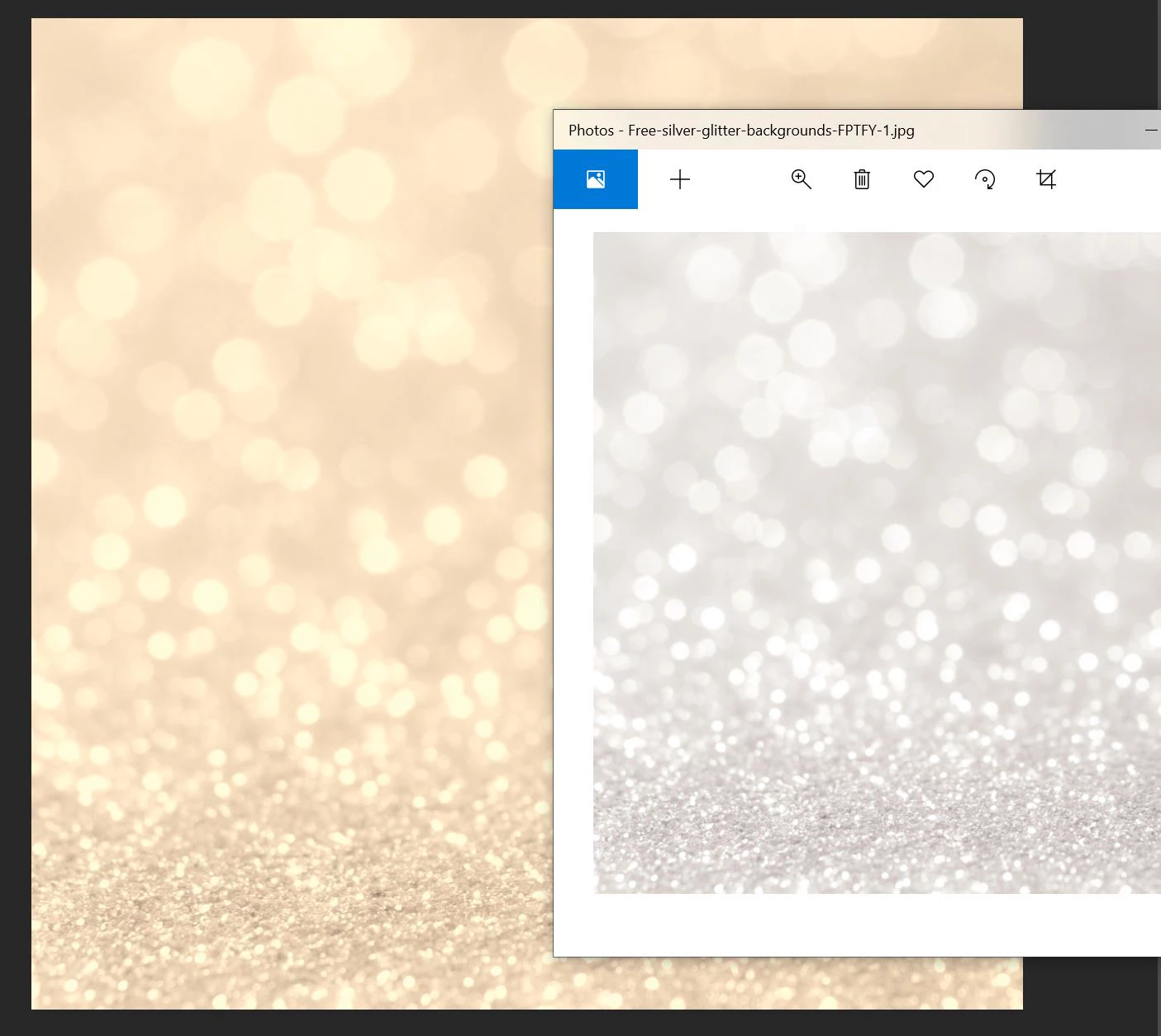
Whenever I create a new blank project in Photoshop, the background colour is always a sepia sort of colour. I updated Photoshop and it went back to being white once, but the next time I opened Photoshop, the sepia colour returned. It also happens when I open anything in Photoshop - there's some sort of sepia overlay over the image. But if I ignore it and export the file, the colours are normal.
Attached - the actual image is silver in colour, but when opened in Photoshop, it's a peachy/sepia sort of colour.
 AdChoices