Colours displaying differently in Photoshop from InDesign, Illustrator and Acrobat.
Hi there!
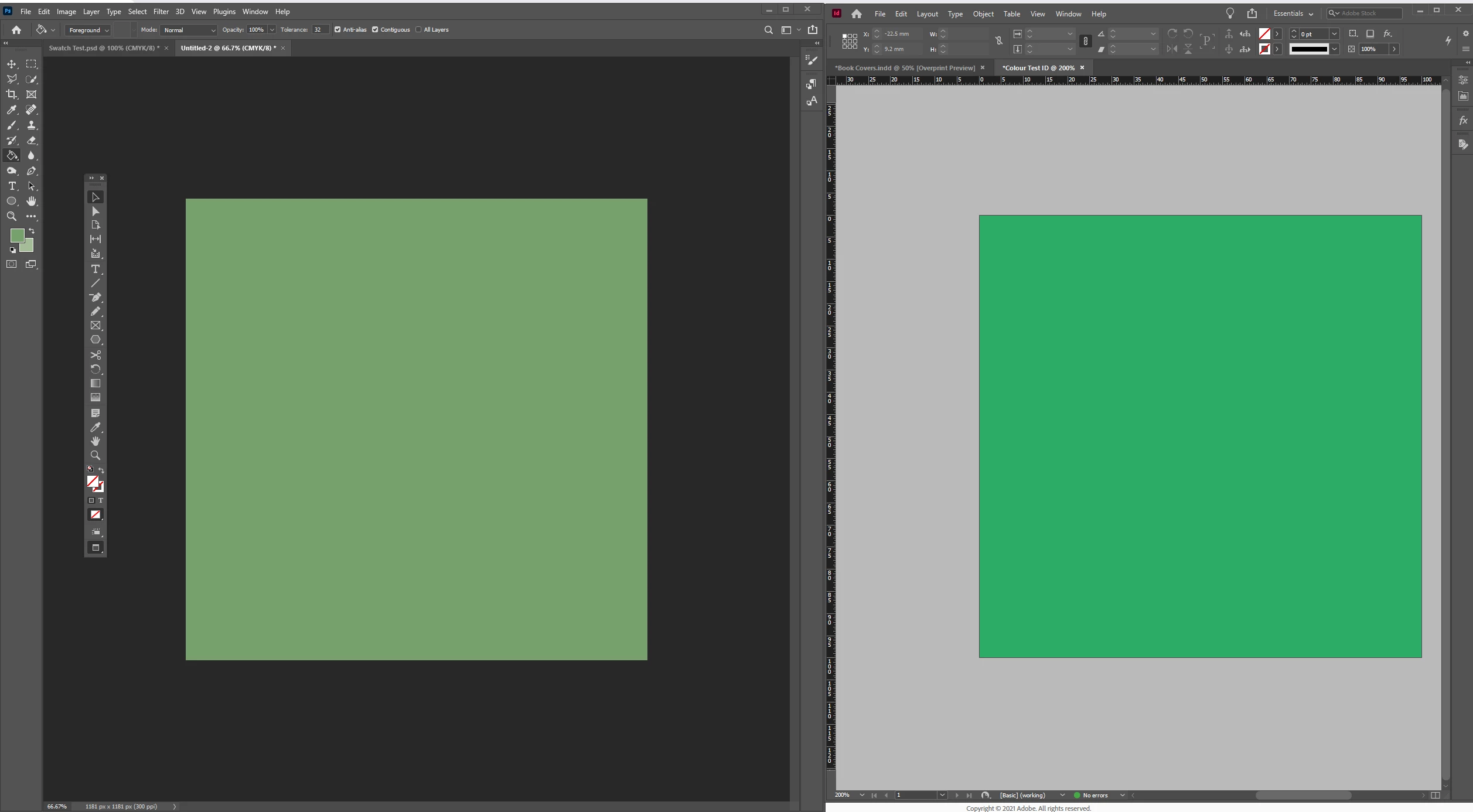
Ok so I've been struggling with this for a while now. Despite having synchronised colour settings across all of my Adobe apps (InDesign, Illustrator, Acrobat etc), Photoshop is the only one that does not display colours consistently. Colours are always less saturated when opened in Photoshop, which is particularly noticeable when viewing on a colour accurate screen!
Here is a screengrab from my BenQ PD2700Q monitor. This is the same CMYK swatch (C=75, M=0, Y=75, K=0) open in PS and ID:
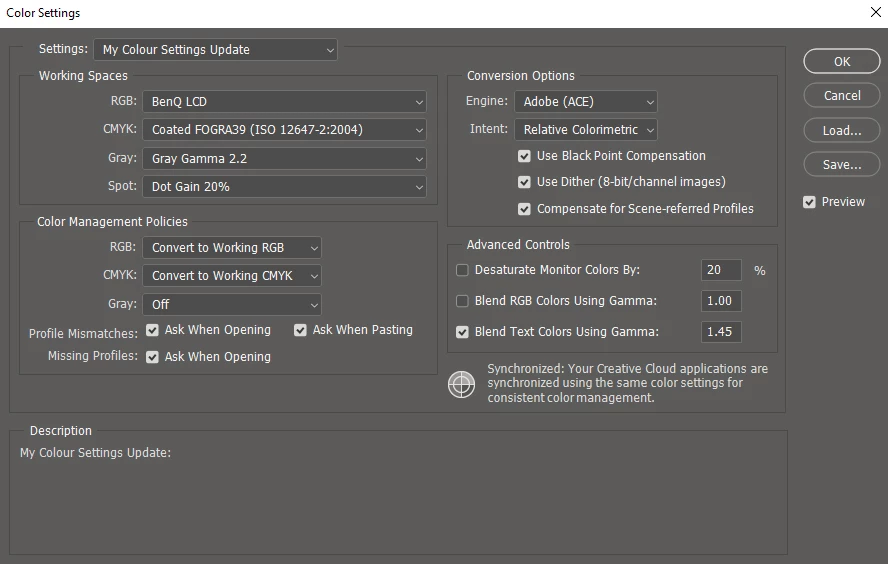
These are my current colour settings in Photoshop (which are applied across all apps):
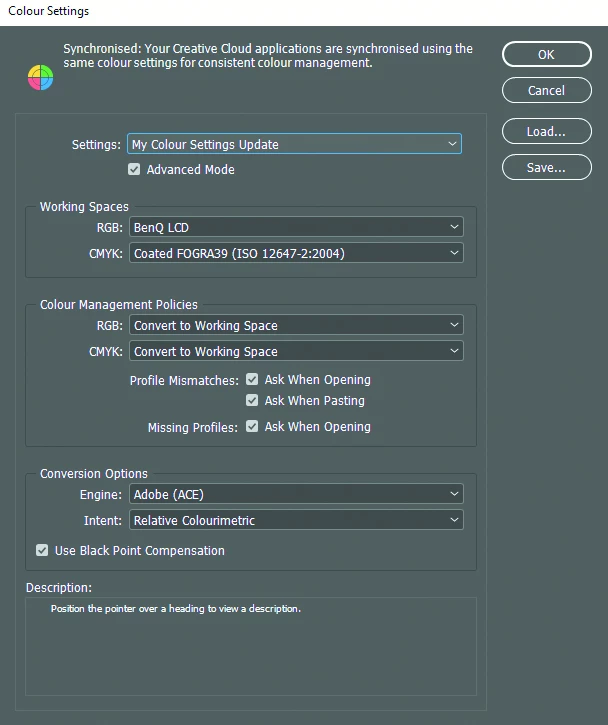
And just for the record, here are my settings in InDesign:
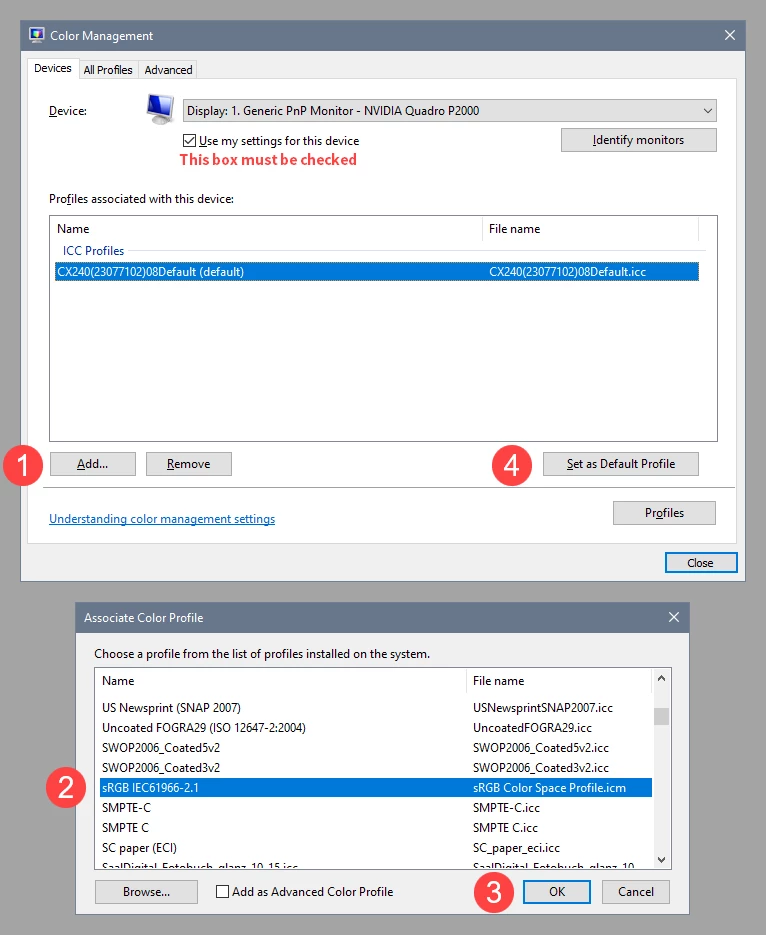
I've tried experimenting with a few different profiles and also tried resetting to default, but I keep having the same problem. Can anyone help? I have a feeling the answer is embarassingly simple haha...
 AdChoices